Opening a blank slide deck and just filling it in is seemingly the most logical way to approach presentations. People add what feels relevant, try to make it look presentable, and hope the audience follows along. The result is usually a presentation that half-works, because it was never built with a clear purpose in mind.
The single best thing you can do before you touch a single slide is decide what types of presentations will suit you. That one decision tells you how many slides to aim for, how much text each slide should carry, whether to lead with data or story, and what the audience should walk away thinking or doing.
This guide covers six presentation types that together cover the vast majority of what working professionals actually need to build. For each one, you will find when it is used, what makes it structurally different from the others, the ideal slide count backed by real data, and quick tips to get it right. The six below are the ones most likely to be on your near-term calendar.
TL;DR
- Pitch decks, sales decks, executive or board decks, keynote speeches, project updates, and training decks cover the vast majority of presentations that most working professionals ever need to build.
- Each type has a different goal, structure, and ideal length, and mixing up the structure is one of the fastest ways to lose an audience, even when the content is solid.
- With Presentations.ai, you describe the type of presentation you are building, and the AI automatically generates the right structure, layout, and tone
Quick Overview: The Six Types of Presentations at a Glance
1. Pitch Decks
A pitch deck is what you build when you are trying to raise money from investors, grant committees, accelerator programs, or bank lenders.
When is a pitch deck used?
- Seed and early-stage fundraising with angel investors or venture capital firms
- Accelerator and incubator applications
- Competition pitches, such as startup events or business plan contests
- Partnership conversations where you need to demonstrate your vision and traction
What makes a pitch deck different?
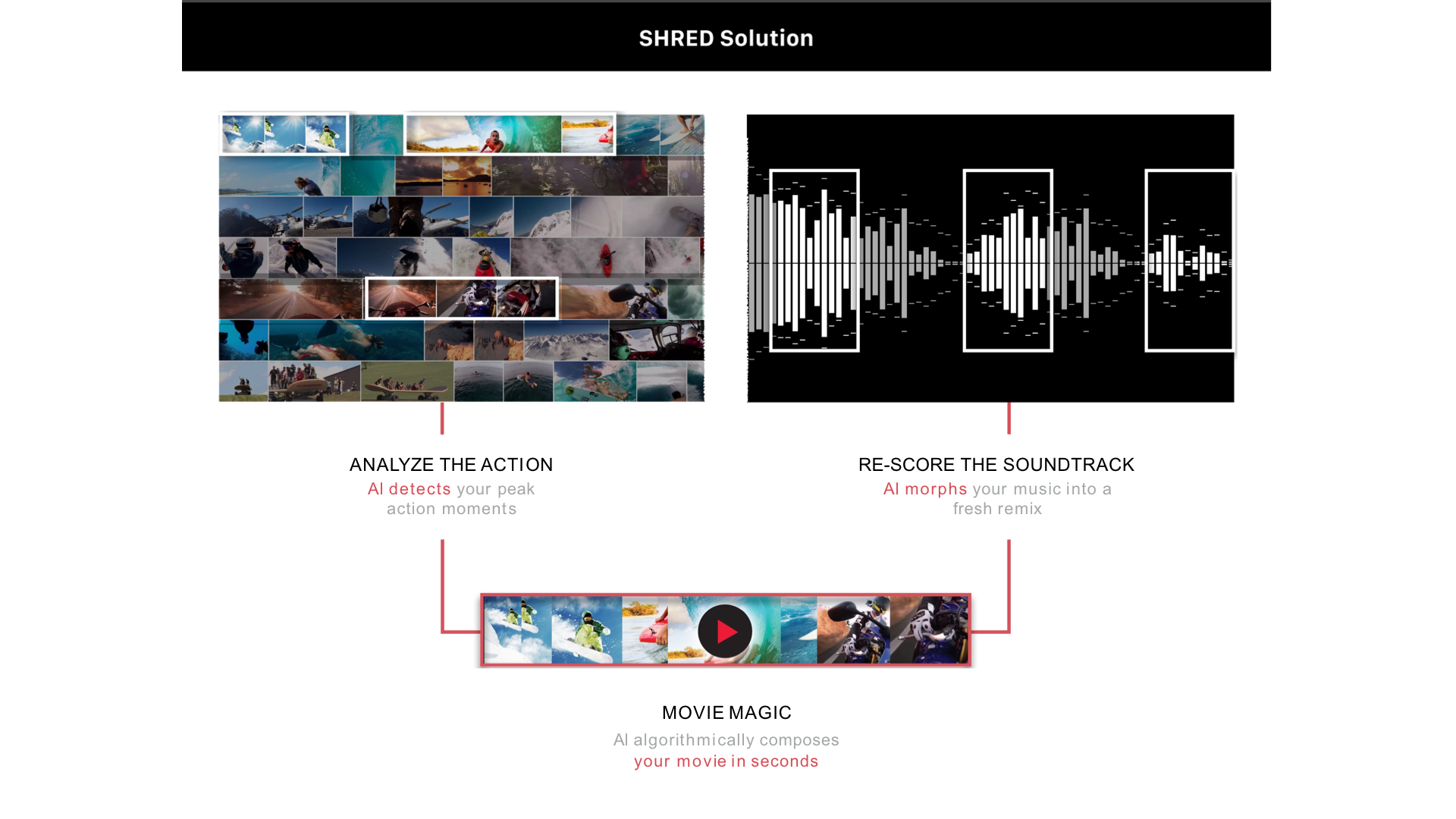
Pitch decks follow a story arc that typically runs through the problem, the solution, the market size, how the product works, the business model, proof of traction, the team, and the ask. Every slide in that sequence exists to answer an investor question before the investor asks it out loud.
Ideal slide count
12 slides. Data from Visible VC, which analyzed thousands of pitch decks shared with investors, found that decks with a 100% completion rate averaged 12.2 slides.
Quick tips for getting a pitch deck right
- Lead with the problem, not your product.
- Keep it to 12 slides for first meetings. A tight deck forces you to lead with the essentials: problem, solution, market, traction, and the ask.
- Put your ask early. On slide two or three. State clearly how much you are raising and what you plan to do with it.
- Use Presentations.ai's slide creator to generate a first-draft pitch deck from a short prompt.
- Presentations.AI has a dedicated workflow for founders and early-stage teams that automatically builds pitch decks around the standard investor narrative.
2. Sales Decks
A sales deck is what you use when you are presenting to a potential customer. The goal is to move a prospect from curious to convinced, and ideally from convinced to committed.
When is a sales deck used?
- Initial discovery or demo calls with new prospects
- Formal proposals are presented to buying committees or procurement teams
- Product walkthroughs for prospects who need to see the solution in detail
- Competitive displacement presentations, where you are making a case for switching from a competitor
- Renewal and upsell conversations with existing customers
What makes a sales deck different?
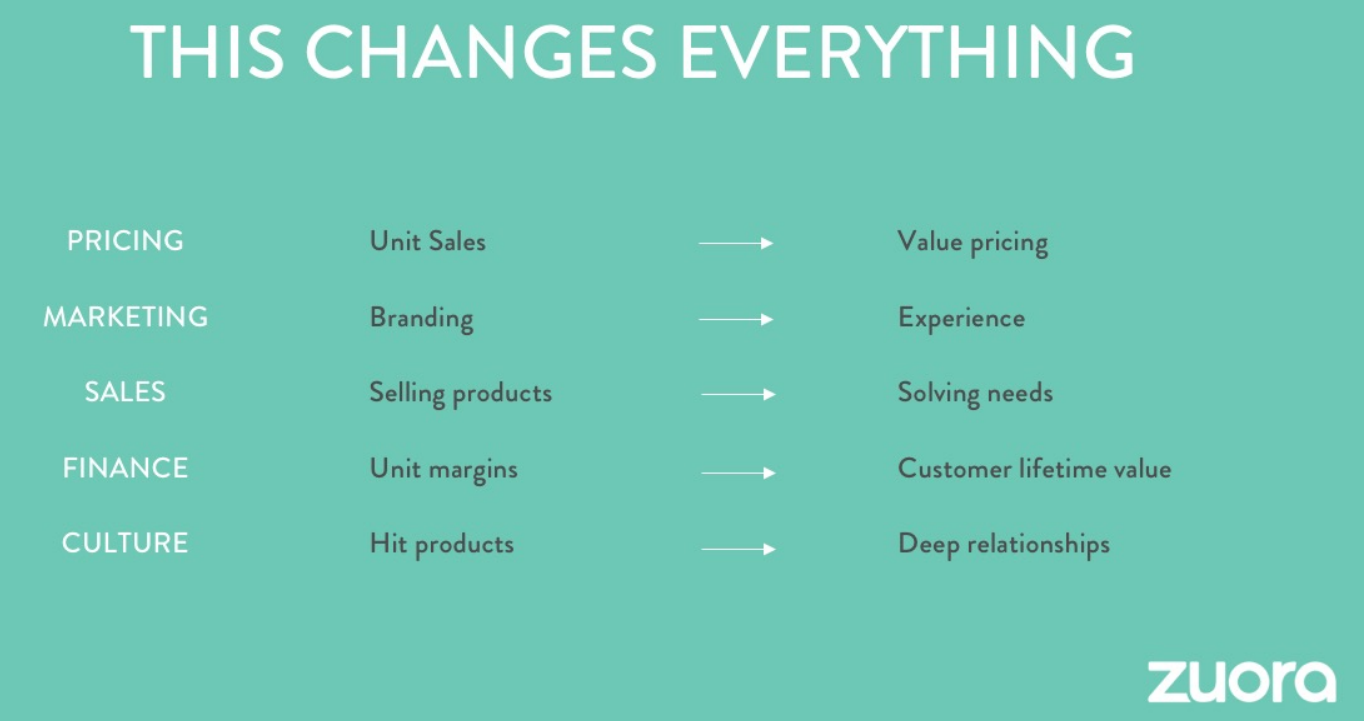
A sales deck speaks to buyers evaluating your product as the answer to a specific problem they have right now. The decks that work are the ones where the prospect sees their own situation, their own language, and their own pain points reflected to them.
Ideal slide count
10 to 15 slides. Research from Cirrus Insight puts the sweet spot at 10 to 15 slides. Data from Vibe is more specific: decks of 10 to 11 slides average 22% more engagement and better retention than longer formats. Decks with more than 18 slides see a significant drop in both engagement and completion.
Quick tips for getting a sales deck right
- Use real customer outcomes over feature lists. A specific result your customers achieved will almost always land harder than a bullet list of capabilities.
- Include a slide that addresses the two or three objections you hear most often.
- End with a specific, low-friction next step.
- Check out how to build presentation slides that convert for more on slide structure and visual hierarchy in sales contexts.
3. Executive and Board Presentations
The audience is time-constrained, highly informed, and not interested in being walked through details they can read themselves. What they need is the right information in the right structure to make a call.
When is an executive or board deck used?
- Quarterly board meetings and investor briefings
- Strategic planning sessions and annual reviews
- Budget approval requests across departments
- Go or no-go decision reviews for major projects or market moves
- M&A and major investment evaluations
What makes an executive deck different?
Executive decks are built for people who will scan, skip around, and come in with opinions already formed. A slide that takes three minutes to parse will not get three minutes. It will get a glance and a question.
Data density in board presentations is expected and welcome, unlike in keynotes or training sessions. Comparison tables, scorecards, and side-by-side option layouts are standard. But the data needs to be selective: include only the metrics that matter for the decision being made, not everything you track.
Ideal slide count
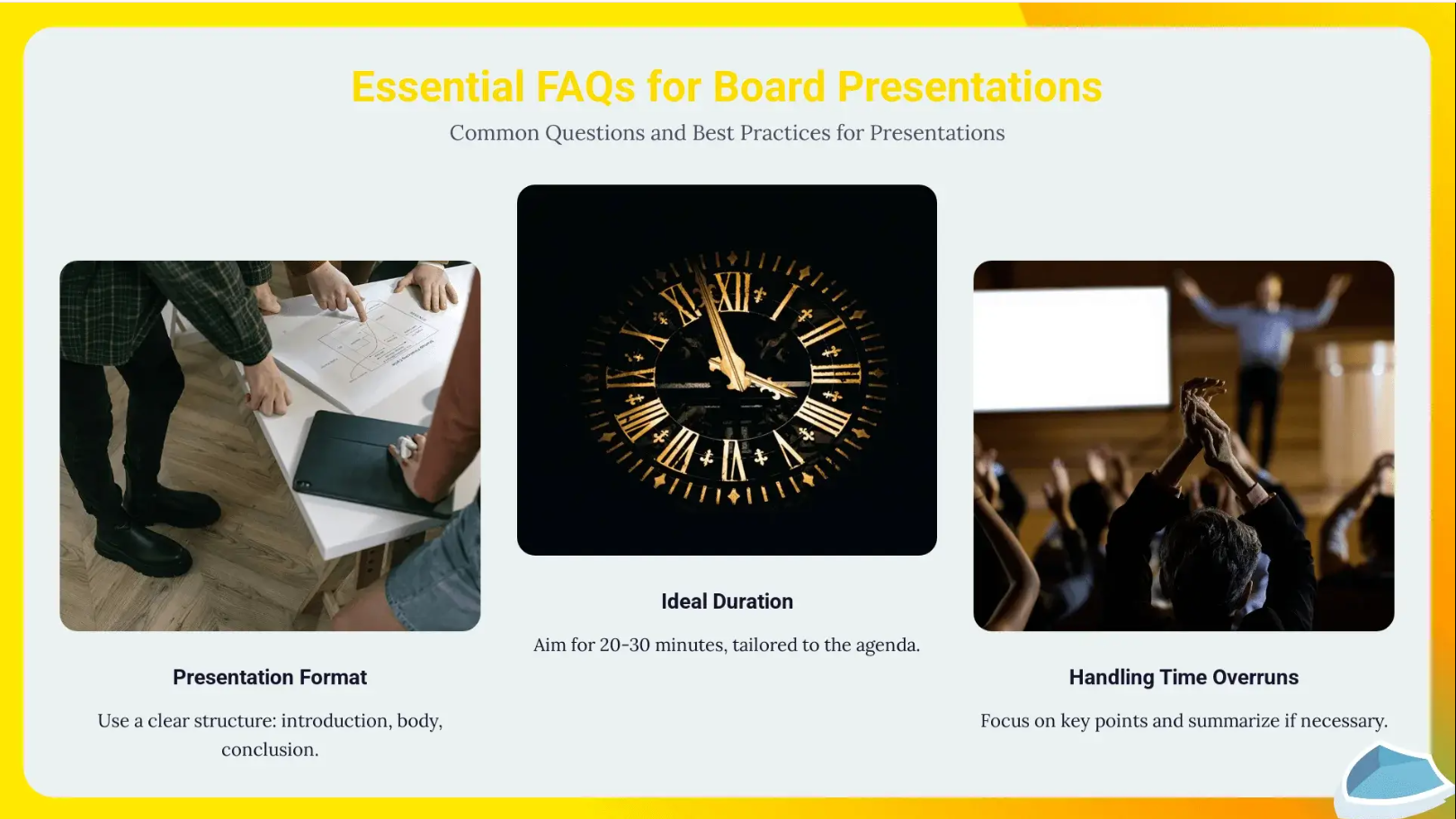
10 to 15 slides, with 12 slides cited as the practical maximum for the main deck by multiple sources, including Winning Presentations and A1 Slides. Anything beyond 15 slides and board members either disengage or start skipping ahead.
Quick tips for getting an executive deck right
- Put the recommendation on slide two. Every subsequent slide becomes evidence supporting a decision the audience already knows you are proposing.
- State your recommendation clearly and explain why.
- Send a pre-read 48 to 72 hours before the meeting
- Learn more about presentation design principles for executive audiences to sharpen your structure before you build.
4. Keynote Speeches and Conference Presentations
The aim of Keynote speeches is to move people: to leave them seeing a problem, an opportunity, or their own role in something differently than they did before.

When is a keynote used?
- Opening or closing sessions at conferences and industry events
- Company all-hands and annual kickoff meetings
- Product launches aimed at creating excitement and momentum
- Awards ceremonies and milestone celebrations
- Thought leadership talks
What makes a keynote different?
Keynotes are story-first presentations. The slides exist to support the spoken words.
Visually, keynotes are sparse by design. A single image, a short quote, or a bold statement on a full-bleed background will land harder than a slide packed with data. The audience's attention should be on the speaker. An analysis of the top TED speakers found that the most-watched talks used as few as 8 to 25 slides total, and two of the top seven used no slides at all.
Ideal length
18 minutes is the ceiling, backed by the TED framework established by Chris Anderson.
Research on cognitive load supports the same conclusion: sustained listening at an emotional level is more taxing than passive reading, and most audiences meaningfully disengage beyond the 20-minute mark.
Quick tips for getting a keynote right
- Find one specific story that anchors the whole talk.
- Strip your slides back. If you can say it, you probably do not need it on the slide.
- Rehearse more than for any other type. Delivery carries the majority of the impact in a keynote.
- Respect the 18-minute ceiling even when you have a 30 or 45-minute slot.
5. Project Update Presentations
The job of this type of presentation is simple: tell stakeholders where things stand and flag anything that needs attention.
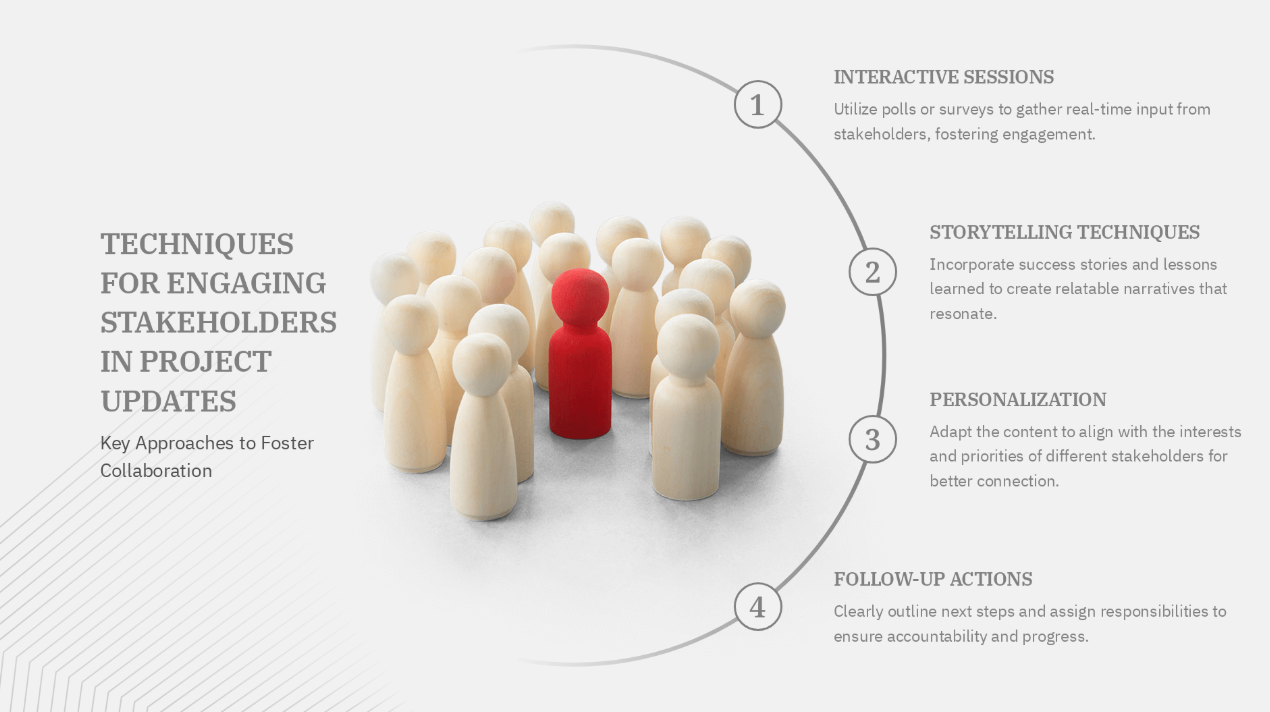
When is a project update used?
- Weekly or biweekly project status meetings for non-technical stakeholders
- Client check-ins and quarterly business reviews
- Board and investor updates on company performance
- Sprint reviews and retrospectives for agile teams
- Cross-functional syncs where one team reports progress to another
What makes a project update different?
The audience needs to know what has changed since the last update, what is at risk, and whether anything requires their decision.
The most common mistake with project updates is building them from scratch every week. That one habit wastes more collective hours than any other in this category. Build one strong template, then refresh the data each cycle.
Ideal slide count
Under 10 slides. The McKinsey standard for status reporting uses focused decks, often under 10 slides, with a separate appendix for supporting detail, a structure that many project management practitioners have adopted in corporate settings.
Quick tips for getting a project update right
- Lead with risks, not highlights. Surfacing problems early builds more trust than burying them at the end.
- Build one strong template and reuse it every cycle. Rebuilding from scratch each week is the single biggest time-waster in this format.
- Use traffic-light indicators (red, yellow, green) so the audience can assess status at a glance without reading every line.
- Set up a branded update template in Presentations.ai using Brand Sync. Every update automatically carries your brand's colors and fonts without manual reformatting each cycle.
6. Training Decks
Training decks are built to build capability. The goal is to leave them able to do something they could not do before.
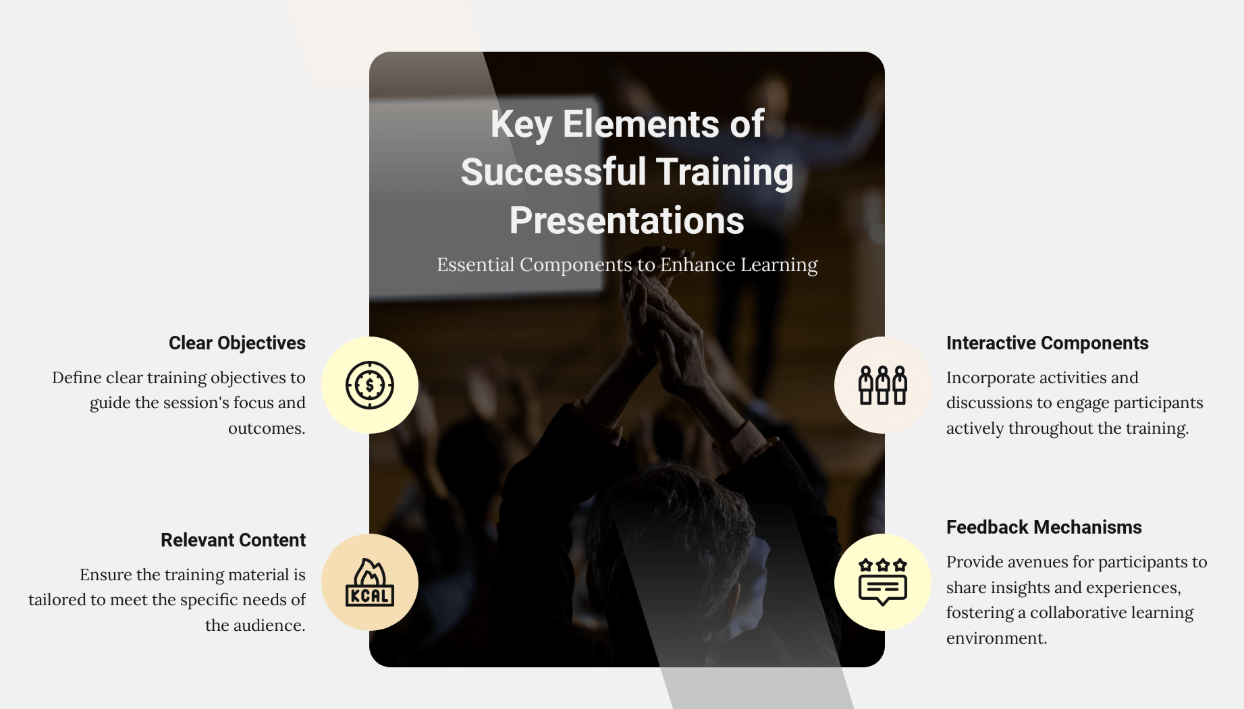
When is a training deck used?
- New employee onboarding: tool walkthroughs, process introductions, policy overviews
- Customer training for new accounts or users after a product is purchased
- Internal process rollouts
- Compliance training that employees must complete
What makes a training deck different?
The key difference from most other types of presentations is sequencing. Training content is about the steps and the process. Every slide in a training deck needs to answer two questions for the learner: what do I do at this stage, and how does this connect to what came before and what comes next?
Ideal slide count
There is no single number that applies across every training topic, but the practical rule is one slide per step or concept, with an overview slide at the start and a summary at the end.
Quick tips for getting a training deck right
- Show the process overview first, then drill into each step. Give learners the map before you take them through the territory.
- Use annotated screenshots and numbered steps over bullet points wherever you can. People learn procedural tasks faster from visuals than from text descriptions of the same steps.
How Presentations.ai Handles All Types of Presentations
One of the most common frustrations with presentation tools is starting from a blank slide and trying to figure out the structure as you go. Different types of presentations need different structures, and finding the right starting point for each one usually takes longer than it should.
With Presentations.ai, the process works the other way around. You tell the AI what kind of presentation you are building, describe your topic, and it generates a structured draft with the right layout, number of slides, and tone for that specific type.
Here is what that looks like in practice:
- Pitch deck: The AI builds the investor narrative. Problem, solution, market size, traction, team, and ask; and keeps the slide count around the 12-slide mark that data shows investors actually finish.
- Sales deck: Describe your product and the problem it solves, and get slides built around the prospect journey, with layouts designed for buyer-centric storytelling rather than feature lists.
- Executive or board deck: The AI structures the recommendation first, placing supporting evidence and options in the slides that follow, matching the decision-first format that senior audiences respond to.
- Keynote: Generate a story-first slide structure with minimal text and full-bleed layouts designed for live presentation to an audience — sparse by default, not by accident.
- Project update: Use a recurring template with Brand Sync applied so every update carries consistent formatting without manual reformatting. Set it up once and refresh the data each cycle.
- Training deck: Drop in your process documentation or workflow description and have the AI structure it into a sequenced module with layouts suited to step-by-step instructional content.
All six types can be exported to PowerPoint, shared with access controls, and tracked for engagement after they are sent. You can try Presentations.ai for free with no credit card required.
How to Choose the Right Type of Presentation Before You Start Building
Before you open any tool and before you type a word into a slide, answer this question:
What should the audience do, think, or feel when this presentation is over?
If your answer spans more than one category, you may be looking at a hybrid. The fix is usually to split your presentation into two clearly labeled sections, each following the structural rules of its type. Do not blend them into a single narrative without signposting the transition. Unlabeled hybrids are where confusion lives.



%20(1).webp)