





The Best AI Presentation Maker!

The Best AI Presentation Maker for Business Leaders

Board meetings, investor updates, all-hands presentations, strategic planning. Presentations AI helps you turn complex information into clear narratives that drive alignment and action.

Try for Free

No credit card required

Leadership

Trusted by over 10 million professional teams

TRUSTED BY

Google Logo
Adobe Logo
Microsoft Logo
Amazon Logo
Notion Logo
Facebook Logo
Google Logo
Adobe Logo
Microsoft Logo
Amazon Logo
Notion Logo
Facebook Logo
Google Logo
Adobe Logo
Microsoft Logo
Amazon Logo
Notion Logo
Facebook Logo

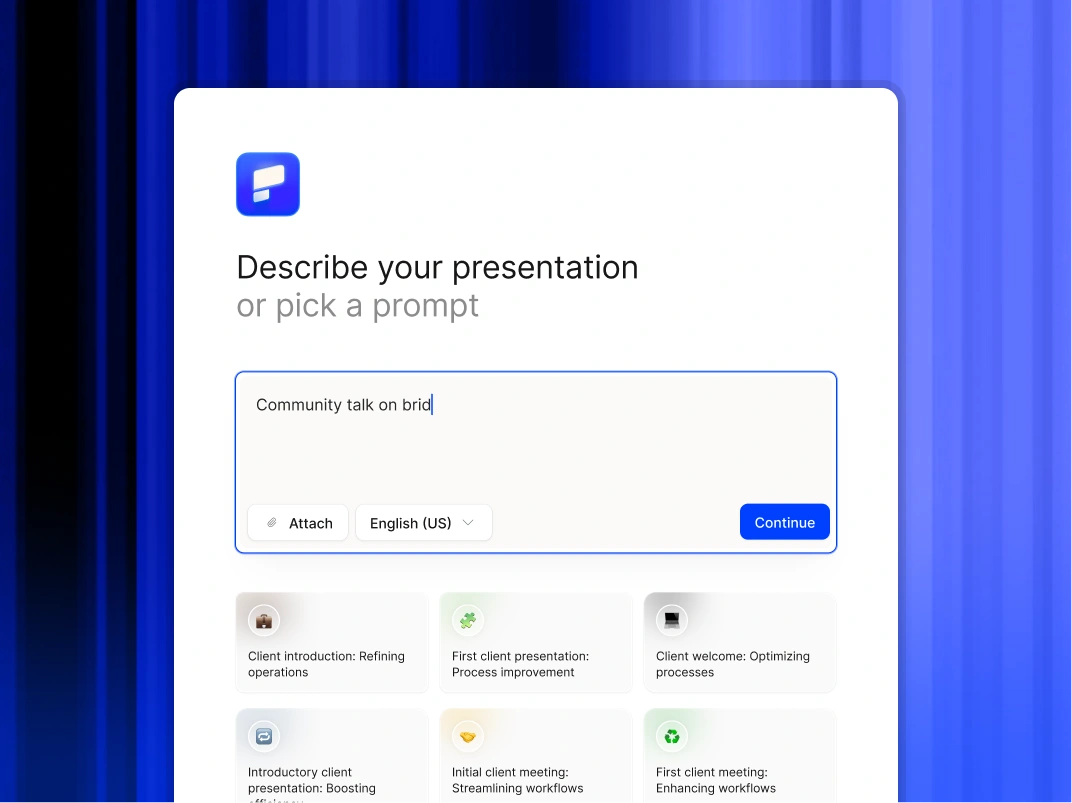
Never start from a blank slide again

Type a topic, paste your notes, or upload a document. In minutes, you get a polished, structured presentation - edit or export directly to PowerPoint or Google Slides.

Try For Free

How Business Leaders Use Presentations AI

Visualize Strategy Instantly

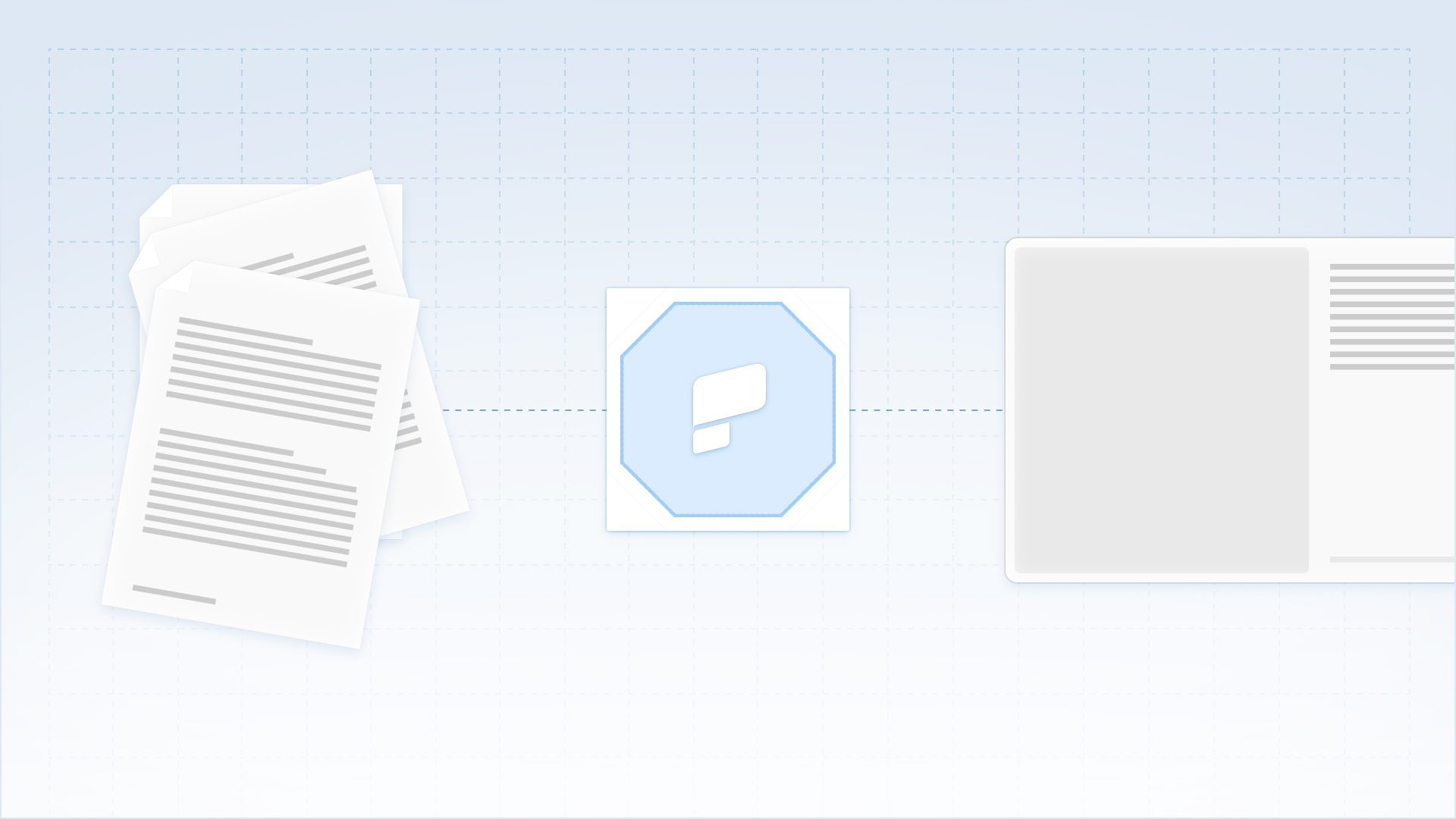
Upload a comprehensive strategy document or white paper and convert it into a visual narrative immediately. Move from written plan to presentable vision without the typical design delay.

Standardize Quarterly Reporting

Establish a consistent, professional format for board decks and business reviews. Connect your data sources to keep charts current and remove variability between department updates.

Drive Organizational Alignment

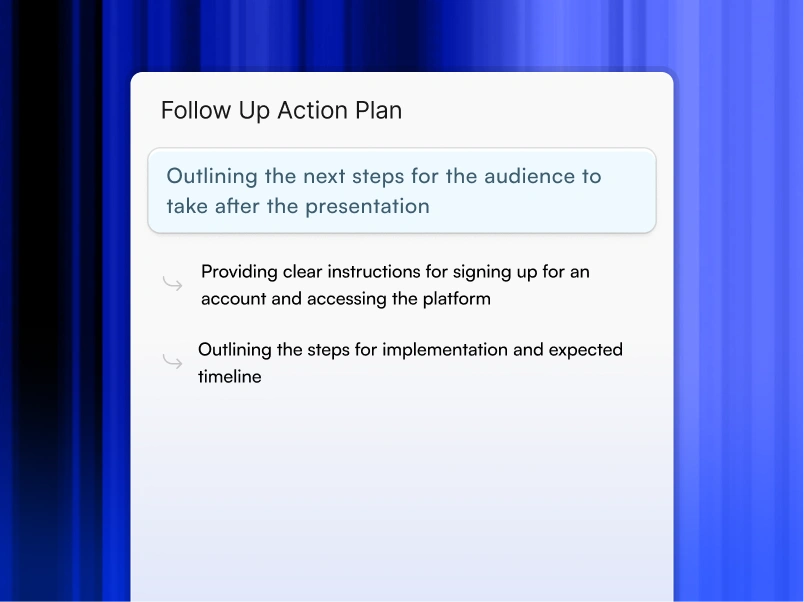
Create clear, engaging all-hands presentations from simple text prompts, ensuring every employee understands the company vision and their specific role in achieving it.

Accelerate External Communication

Generate tailored investor updates or partner presentations in minutes. Respond to market opportunities with speed and maintain a professional cadence with key stakeholders.

Why Business Leaders Choose Presentations AI

Automate Presentation Design

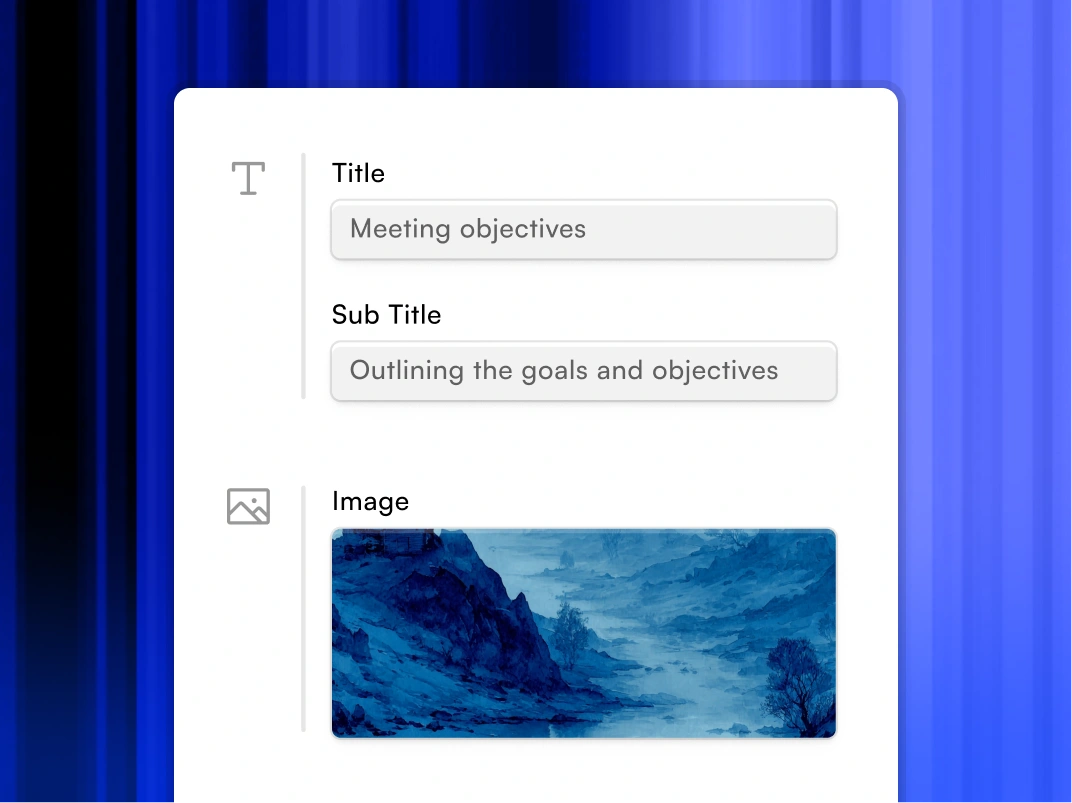
Transform raw ideas, brief notes, or strategy documents into polished presentations instantly. Our AI handles structure, layout, and formatting so you focus entirely on the message.

Enforce Brand Governance

Ensure every deck produced by your organization complies with corporate identity standards. The platform automatically applies your logo, fonts, and colors to every slide without manual oversight.

Preserve Workflow Flexibility

Export fully editable native PowerPoint or Google Slides. Your team can refine content using the Microsoft 365 or Google Workspace.

Secure Sensitive Data

Trust a platform designed for the enterprise. We provide SOC 2 Type II certification and strict privacy controls to ensure your board materials and internal strategies remain confidential.

Divider Lines

EXECUTIVE COMMUNICATIONS

Deliver Board-Ready Decks That Drive Decisions and Command the Room

A collaborative AI partner at your command.

Chat with the app and ask it to do what you want - every user is a power user!

Bring your ideas to life instantly

Turn any idea into a presentation instantly. Simply type and get a beautiful deck.

You bring the story. We bring design.

Focus on your content. Beautiful output with no design work.

Divider Lines

FAQs

Can we edit the files in PowerPoint?

Down IconUp Icon

Yes Unlimited. You can generate 1 presentation or 10,000 presentations per month. No throttling, no limits.

Does this replace our design agency?

Down IconUp Icon

Yes Unlimited. You can generate 1 presentation or 10,000 presentations per month. No throttling, no limits.

Will the designs stay on brand?

Down IconUp Icon

Unlimited. You can generate 1 presentation or 10,000 presentations per month. No throttling, no limits.

Are these tools secure enough for enterprise use?

Down IconUp Icon

Presentations.AI is one of the few tools on this list with SOC 2 Type II certification and a clear policy against using your data to train public AI models. Always check current compliance documentation for any tool before using it with sensitive business content.

Are these tools secure for business use?

Down IconUp Icon

Security varies. Presentations.AI has SOC2 Type II certification. Canva offers enterprise plans with advanced security controls. Always check current compliance documentation before using any tool with sensitive business content, policies change.

Can any of these tools connect to my business data?

Down IconUp Icon

Presentations.AI and Plus AI both support live data connections. Presentations.AI connects to Salesforce, HubSpot, and Snowflake so recurring decks update automatically. Plus AI pulls snapshots from Salesforce directly into Google Slides or PowerPoint.

Can I export AI slides to PowerPoint?

Down IconUp Icon

Yes, and it actually works. Every export is a real .pptx file with editable text boxes, native charts, and shapes that open and work normally in PowerPoint and Google Slides. No flat images, no broken formatting, no cleanup required, on any device.

Do I need design skills?

Down IconUp Icon

No. As a founder, your job is the vision, not the font selection. You provide the text and the numbers; the AI handles 100% of the design, alignment, and formatting.

How fast are presentations generated?

Down IconUp Icon

P50 latency: 20-50 seconds. P95 latency: 30-75 seconds. P99 latency: 90 seconds. Average: 45-90 seconds for typical decks. Faster than a human could open PowerPoint and select a template.