





The Best AI Presentation Maker!

ビジネスリーダーに最適なAIプレゼンテーションメーカー

取締役会、投資家向け最新情報、全員参加型プレゼンテーション、戦略的計画。プレゼンテーション AI は、複雑な情報を、意思統一と行動を促す明確な説明に変えるのに役立ちます。

Try for Free

No credit card required

リーダーシップ

Trusted by over 10 million professional teams

TRUSTED BY

Google Logo
Adobe Logo
Microsoft Logo
Amazon Logo
Notion Logo
Facebook Logo
Google Logo
Adobe Logo
Microsoft Logo
Amazon Logo
Notion Logo
Facebook Logo
Google Logo
Adobe Logo
Microsoft Logo
Amazon Logo
Notion Logo
Facebook Logo

Never start from a blank slide again

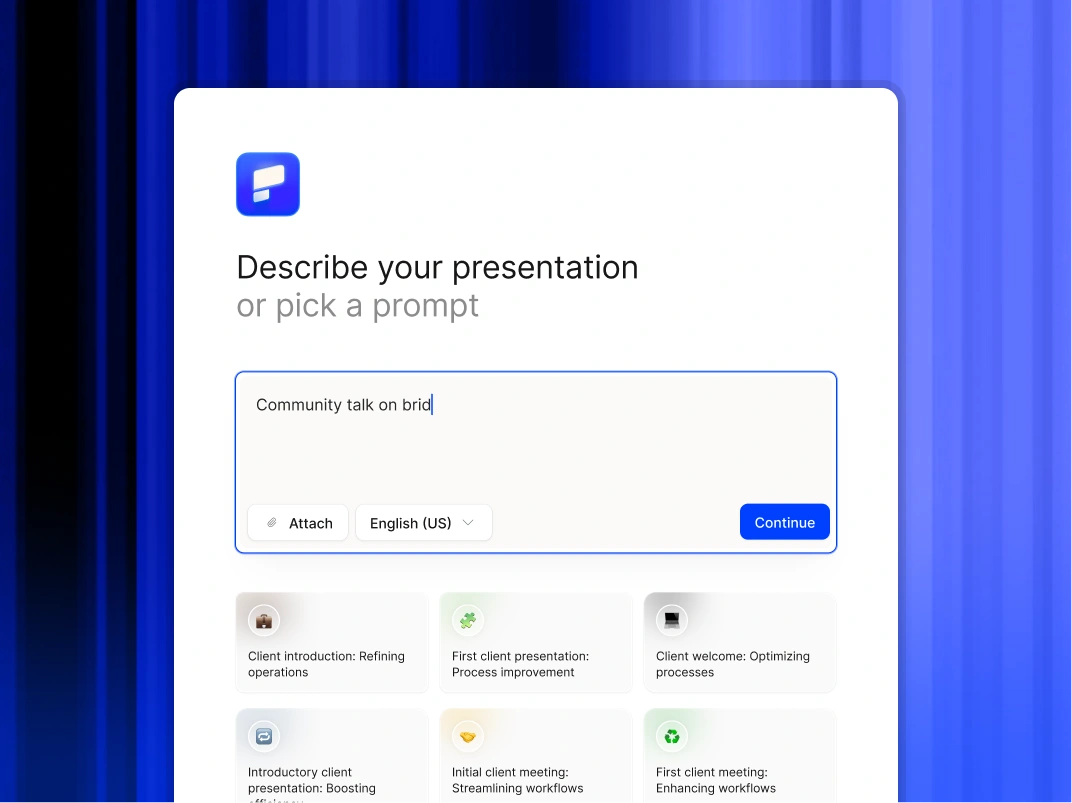
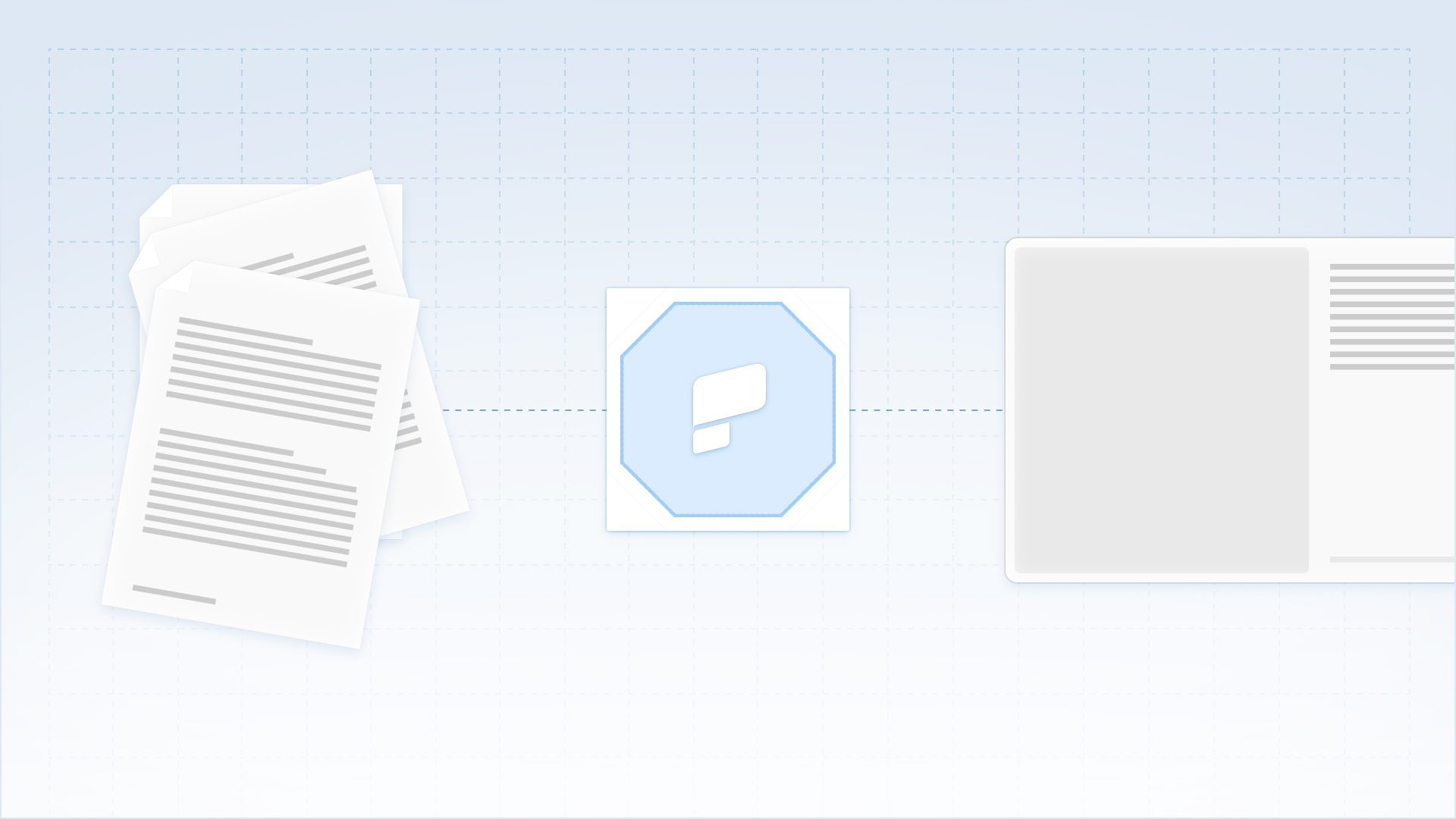
Type a topic, paste your notes, or upload a document. In minutes, you get a polished, structured presentation - edit or export directly to PowerPoint or Google Slides.

Try For Free

ビジネスリーダーがプレゼンテーション AI を使用する方法

戦略を即座に視覚化

包括的な戦略文書またはホワイトペーパーをアップロードして、すぐに視覚的な説明に変換してください。通常の設計遅延なしに、書面による計画から提示可能なビジョンへと移行できます。

四半期報告の標準化

ボードデッキやビジネスレビューには、一貫性のあるプロフェッショナルな形式を確立しましょう。データソースをつなげてグラフを最新の状態に保ち、部門ごとの更新によるばらつきをなくしましょう。

組織の連携を促進

シンプルなテキストプロンプトから、明確で魅力的な全員参加型のプレゼンテーションを作成し、すべての従業員が会社のビジョンとそれを達成するための具体的な役割を理解できるようにします。

外部コミュニケーションを加速

カスタマイズされた投資家の最新情報やパートナー向けプレゼンテーションを数分で生成できます。市場機会に迅速に対応し、主要な利害関係者との専門的なコミュニケーションを維持しましょう。

ビジネスリーダーがプレゼンテーション AI を選ぶ理由

プレゼンテーションデザインの自動化

未加工のアイデア、簡単なメモ、戦略文書を洗練されたプレゼンテーションに瞬時に変換できます。AI が構造、レイアウト、フォーマットを処理するので、ユーザーはメッセージに完全に集中できます。

ブランドガバナンスの強化

組織が作成するすべてのデッキがコーポレートアイデンティティ標準に準拠していることを確認してください。プラットフォームは、手作業による監視なしに、ロゴ、フォント、色をすべてのスライドに自動的に適用します。

ワークフローの柔軟性を維持

完全に編集可能なネイティブパワーポイントまたはGoogleスライドをエクスポートします。チームは Microsoft 365 または Google ワークスペースを使用してコンテンツを絞り込むことができます。

機密データを保護する

エンタープライズ向けに設計されたプラットフォームを信頼してください。当社はSOC 2 Type II認証と厳格なプライバシー管理を提供し、取締役会の資料や内部戦略の機密保持を保証します。

Divider Lines

エグゼクティブコミュニケーション

意思決定を促し、会議室を統制するボード対応デッキを配信

A collaborative AI partner at your command.

Chat with the app and ask it to do what you want - every user is a power user!

Bring your ideas to life instantly

Turn any idea into a presentation instantly. Simply type and get a beautiful deck.

You bring the story. We bring design.

Focus on your content. Beautiful output with no design work.

Divider Lines

よくある質問

Can we edit the files in PowerPoint?

Down IconUp Icon

Yes Unlimited. You can generate 1 presentation or 10,000 presentations per month. No throttling, no limits.

Does this replace our design agency?

Down IconUp Icon

Yes Unlimited. You can generate 1 presentation or 10,000 presentations per month. No throttling, no limits.

Will the designs stay on brand?

Down IconUp Icon

Unlimited. You can generate 1 presentation or 10,000 presentations per month. No throttling, no limits.

Are these tools secure enough for enterprise use?

Down IconUp Icon

Presentations.AI is one of the few tools on this list with SOC 2 Type II certification and a clear policy against using your data to train public AI models. Always check current compliance documentation for any tool before using it with sensitive business content.

Are these tools secure for business use?

Down IconUp Icon

Security varies. Presentations.AI has SOC2 Type II certification. Canva offers enterprise plans with advanced security controls. Always check current compliance documentation before using any tool with sensitive business content, policies change.

Can any of these tools connect to my business data?

Down IconUp Icon

Presentations.AI and Plus AI both support live data connections. Presentations.AI connects to Salesforce, HubSpot, and Snowflake so recurring decks update automatically. Plus AI pulls snapshots from Salesforce directly into Google Slides or PowerPoint.

Can I export AI slides to PowerPoint?

Down IconUp Icon

Yes, and it actually works. Every export is a real .pptx file with editable text boxes, native charts, and shapes that open and work normally in PowerPoint and Google Slides. No flat images, no broken formatting, no cleanup required, on any device.

Do I need design skills?

Down IconUp Icon

No. As a founder, your job is the vision, not the font selection. You provide the text and the numbers; the AI handles 100% of the design, alignment, and formatting.

How fast are presentations generated?

Down IconUp Icon

P50 latency: 20-50 seconds. P95 latency: 30-75 seconds. P99 latency: 90 seconds. Average: 45-90 seconds for typical decks. Faster than a human could open PowerPoint and select a template.