





The Best AI Presentation Maker!

カスタマーサクセスマネージャー向けの AI プレゼンテーションソフトウェア

スプレッドシートやスライドに何時間も費やすことなく、ROIを証明して更新を促進するQBRプレゼンテーション、成功レビュー、エグゼクティブアップデートを作成できます。

Try for Free

No credit card required

カスタマーサクセス

Trusted by over 10 million professional teams

TRUSTED BY

Google Logo
Adobe Logo
Microsoft Logo
Amazon Logo
Notion Logo
Facebook Logo
Google Logo
Adobe Logo
Microsoft Logo
Amazon Logo
Notion Logo
Facebook Logo
Google Logo
Adobe Logo
Microsoft Logo
Amazon Logo
Notion Logo
Facebook Logo

Never start from a blank slide again

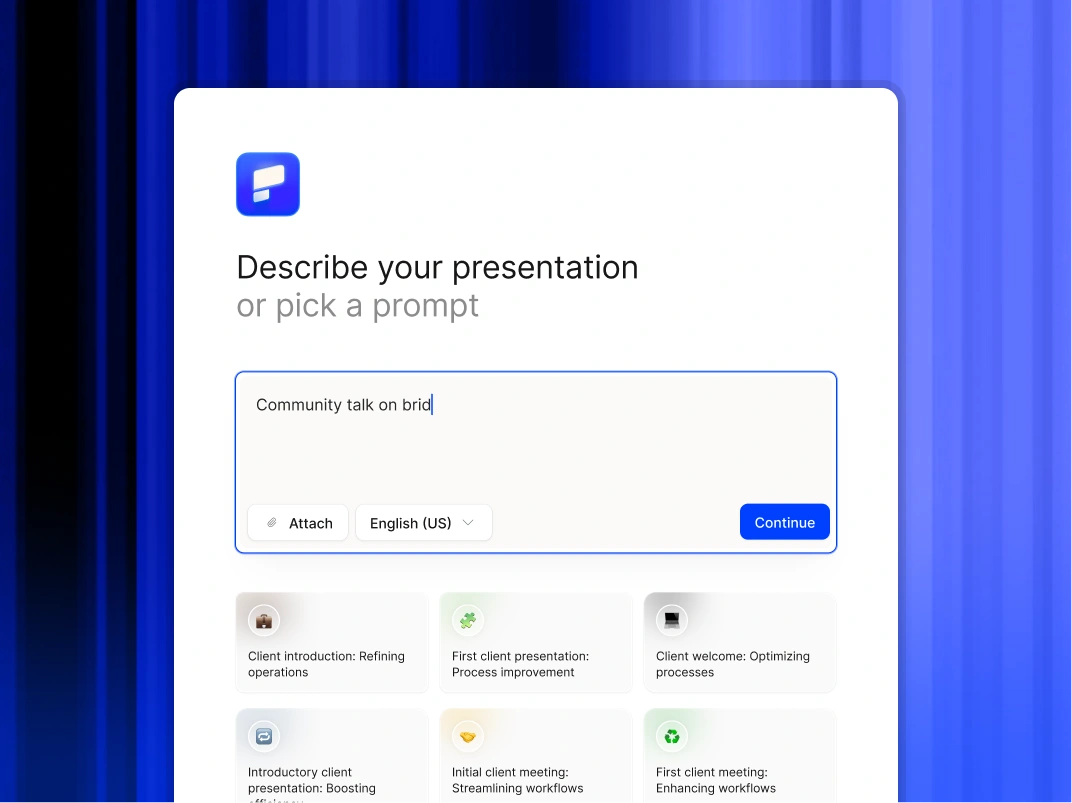
Type a topic, paste your notes, or upload a document. In minutes, you get a polished, structured presentation - edit or export directly to PowerPoint or Google Slides.

Try For Free

カスタマーサクセスチームがプレゼンテーション AI を使用する方法

価値を即座に視覚化

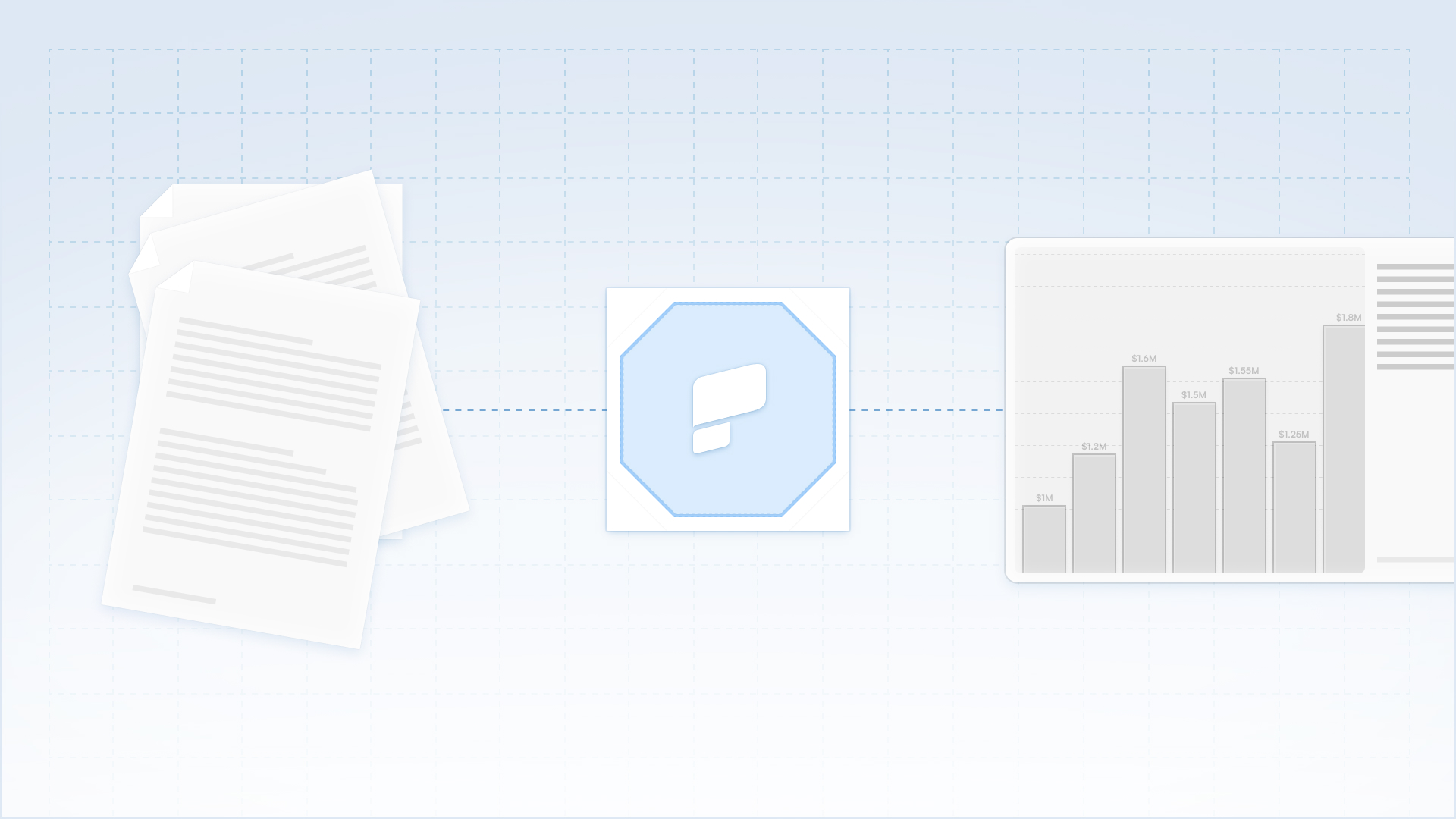
未加工の製品使用データやパフォーマンス指標を、わかりやすい説明付きのスライドに変換します。Excel や PowerPoint に何時間も費やすことなく、経営幹部の利害関係者に ROI を実証できます。

ハイタッチ通信を拡大

トップクラスのビジネスブックだけでなく、ビジネスブック全体で質の高いビジネスレビューサイクルを維持しましょう。ミッドマーケットやロングテールのアカウント向けに、パーソナライズされたレビュー資料を即座に生成できます。

シームレスなワークフロー互換性

完全に編集可能なネイティブ PowerPoint ファイルをエクスポートして、アカウントエグゼクティブと共同作業したり、クライアントと直接共有したりできます。成果物が顧客の社内共有習慣に完全に適合していることを確認してください。

顧客オンボーディングを加速

実装チェックリストと技術文書を視覚的なキックオフ資料に変えましょう。初日から明確な期待事項とプロジェクトロードマップを視覚的に設定することで、価値創出までの時間を短縮できます。

CSM チームがプレゼンテーション AI を選ぶ理由

プレゼンテーションデザインの自動化

未加工のアイデア、簡単なメモ、戦略文書を洗練されたプレゼンテーションに瞬時に変換できます。AI が構造、レイアウト、フォーマットを処理するので、ユーザーはメッセージに完全に集中できます。

ワークフローの柔軟性を維持

完全に編集可能なネイティブ PowerPoint ファイルや Google スライドをエクスポートできます。Microsoft 365 と Google Workspace のどちらを使用してコンテンツを絞り込むかを選択できます。

機密データを保護する

エンタープライズ向けに設計されたプラットフォームを信頼してください。当社はSOC 2 Type II認証と厳格なプライバシー管理を提供し、取締役会の資料や内部戦略の機密保持を保証します。

Divider Lines

顧客維持

エンタープライズグレードのプレゼンテーションツールでQBRを拡大し、価値を証明しましょう

A collaborative AI partner at your command.

Chat with the app and ask it to do what you want - every user is a power user!

Bring your ideas to life instantly

Turn any idea into a presentation instantly. Simply type and get a beautiful deck.

You bring the story. We bring design.

Focus on your content. Beautiful output with no design work.

Divider Lines

よくある質問

Can we brand the decks with our client's logo?

Down IconUp Icon

Yes. You can create specific Brand Kits for key accounts or simply input a client's URL. The AI extracts their brand assets and applies them to the presentation, making it look like a custom deliverable from their own team.

What kind of data can I upload?

Down IconUp Icon

You can paste data from CSVs, upload PDF reports, or simply paste notes from your CRM (like Salesforce or HubSpot). The AI synthesizes the information to build the narrative structure.

Is client data secure?

Down IconUp Icon

Yes. We are SOC 2 Type II certified. We process your customer data solely to generate the presentation and do not use it to train our public models. Your client's privacy is protected.

Can I export this to PowerPoint for the client?

Down IconUp Icon

Yes. We export native .pptx files. This allows you to email the deck to your client, where they can open, view, and share it internally using standard Microsoft software.

Does this help with low-touch accounts?

Down IconUp Icon

Absolutely. Because the creation process is instant, you can afford to send high-quality, personalized Mini-QBR decks to your volume accounts; something that would be very taxing to do manually.