





The Best AI Presentation Maker!

고객 성공 관리자를 위한 AI 프레젠테이션 소프트웨어

스프레드시트와 슬라이드에 많은 시간을 소비하지 않고도 ROI를 입증하고 갱신을 촉진하는 QBR 프레젠테이션, 성공 리뷰, 경영진 업데이트를 만들 수 있습니다.

Try for Free

No credit card required

고객 성공

Trusted by over 10 million professional teams

TRUSTED BY

Google Logo
Adobe Logo
Microsoft Logo
Amazon Logo
Notion Logo
Facebook Logo
Google Logo
Adobe Logo
Microsoft Logo
Amazon Logo
Notion Logo
Facebook Logo
Google Logo
Adobe Logo
Microsoft Logo
Amazon Logo
Notion Logo
Facebook Logo

Never start from a blank slide again

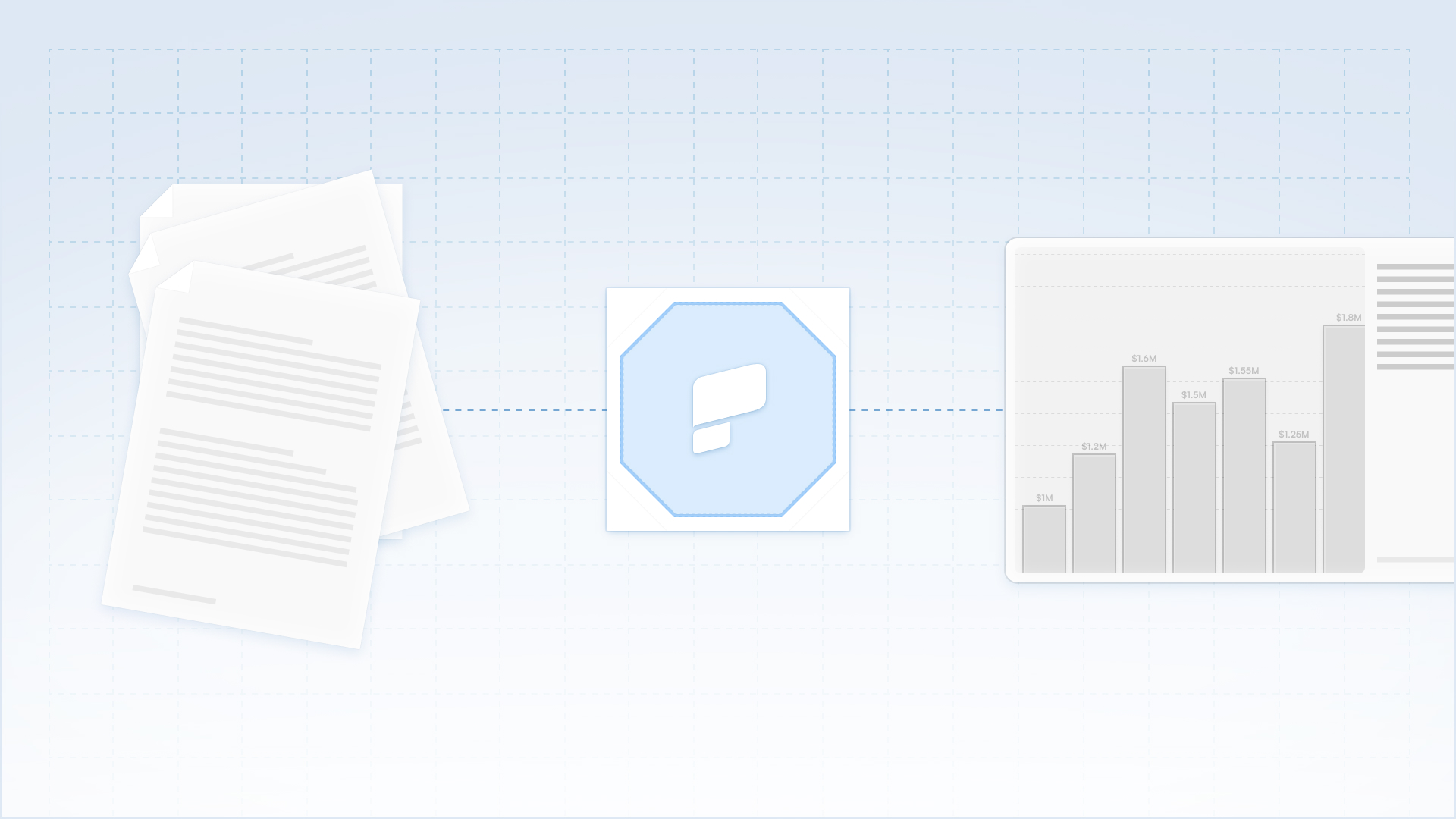
Type a topic, paste your notes, or upload a document. In minutes, you get a polished, structured presentation - edit or export directly to PowerPoint or Google Slides.

Try For Free

고객 성공 팀이 프레젠테이션 AI를 사용하는 방법

가치를 즉시 시각화하세요

원시 제품 사용 데이터와 성능 지표를 명확한 설명 중심의 슬라이드로 변환하세요.Excel이나 PowerPoint에서 시간을 소비하지 않고도 경영진 이해관계자에게 ROI를 입증할 수 있습니다.

하이터치 커뮤니케이션 확장

최상위 계층뿐만 아니라 전체 비즈니스 북에 대해 고품질의 비즈니스 리뷰 빈도를 유지하세요.미드 마켓 및 롱테일 계정을 위한 맞춤형 리뷰 덱을 즉시 생성하세요.

원활한 워크플로우 호환성

완전히 편집 가능한 기본 PowerPoint 파일을 내보내 계정 담당자와 협업하거나 고객과 직접 공유할 수 있습니다.결과물이 고객의 내부 공유 습관에 완벽하게 맞는지 확인하세요.

고객 온보딩 가속화

구현 체크리스트와 기술 문서를 시각적 킥오프 데크로 전환하세요.첫날부터 명확한 기대치와 프로젝트 로드맵을 시각적으로 설정하여 가치 창출 시간을 단축하세요.

CSM 팀이 프레젠테이션 AI를 선택하는 이유

프레젠테이션 디자인 자동화

원시 아이디어, 간단한 메모 또는 전략 문서를 세련된 프레젠테이션으로 즉시 변환할 수 있습니다.AI가 구조, 레이아웃, 서식을 처리하므로 사용자는 메시지에만 집중할 수 있습니다.

워크플로우 유연성 유지

완전히 편집 가능한 네이티브 파워포인트 파일 또는 Google 프레젠테이션을 내보낼 수 있습니다.Microsoft 365 또는 Google Workspace를 사용하여 콘텐츠를 구체화하도록 선택할 수 있습니다.

민감한 데이터 보호

엔터프라이즈용으로 설계된 플랫폼을 신뢰하십시오.당사는 SOC 2 Type II 인증과 엄격한 개인 정보 보호 제어를 제공하여 이사회 자료와 내부 전략의 기밀을 유지합니다.

Divider Lines

고객 유지

엔터프라이즈급 프레젠테이션 도구를 사용하여 QBR을 확장하고 가치를 증명하세요

데이터 소스를 연결하고 일정을 설정합니다.

보고서, QBR 및 보드 덱은 수동으로 재구성할 필요 없이 최신 수치로 자동 업데이트됩니다.

프레젠테이션 생성 기능을 제품에 포함시키세요.

사용자는 세련된 덱을 얻게 되지만 우리 브랜드를 전혀 볼 수 없습니다.완전한 화이트 라벨 지원이 포함되어 있습니다.

완벽해질 때까지 반복합니다.

모든 Studio 참여에는 덱이 제대로 작동할 수 있도록 무제한 수정 라운드가 포함됩니다.

Divider Lines

자주 묻는 질문

Can we brand the decks with our client's logo?

Down IconUp Icon

Yes. You can create specific Brand Kits for key accounts or simply input a client's URL. The AI extracts their brand assets and applies them to the presentation, making it look like a custom deliverable from their own team.

What kind of data can I upload?

Down IconUp Icon

You can paste data from CSVs, upload PDF reports, or simply paste notes from your CRM (like Salesforce or HubSpot). The AI synthesizes the information to build the narrative structure.

Is client data secure?

Down IconUp Icon

Yes. We are SOC 2 Type II certified. We process your customer data solely to generate the presentation and do not use it to train our public models. Your client's privacy is protected.

Can I export this to PowerPoint for the client?

Down IconUp Icon

Yes. We export native .pptx files. This allows you to email the deck to your client, where they can open, view, and share it internally using standard Microsoft software.

Does this help with low-touch accounts?

Down IconUp Icon

Absolutely. Because the creation process is instant, you can afford to send high-quality, personalized Mini-QBR decks to your volume accounts; something that would be very taxing to do manually.