





The Best AI Presentation Maker!

AI Presentation Software for Customer Success Managers

Create QBR presentations, success reviews, and executive updates that prove ROI and drive renewals; without spending hours in spreadsheets and slides.

Try for Free

No credit card required

Customer Success

Trusted by over 10 million professional teams

TRUSTED BY

Google Logo
Adobe Logo
Microsoft Logo
Amazon Logo
Notion Logo
Facebook Logo
Google Logo
Adobe Logo
Microsoft Logo
Amazon Logo
Notion Logo
Facebook Logo
Google Logo
Adobe Logo
Microsoft Logo
Amazon Logo
Notion Logo
Facebook Logo

Never start from a blank slide again

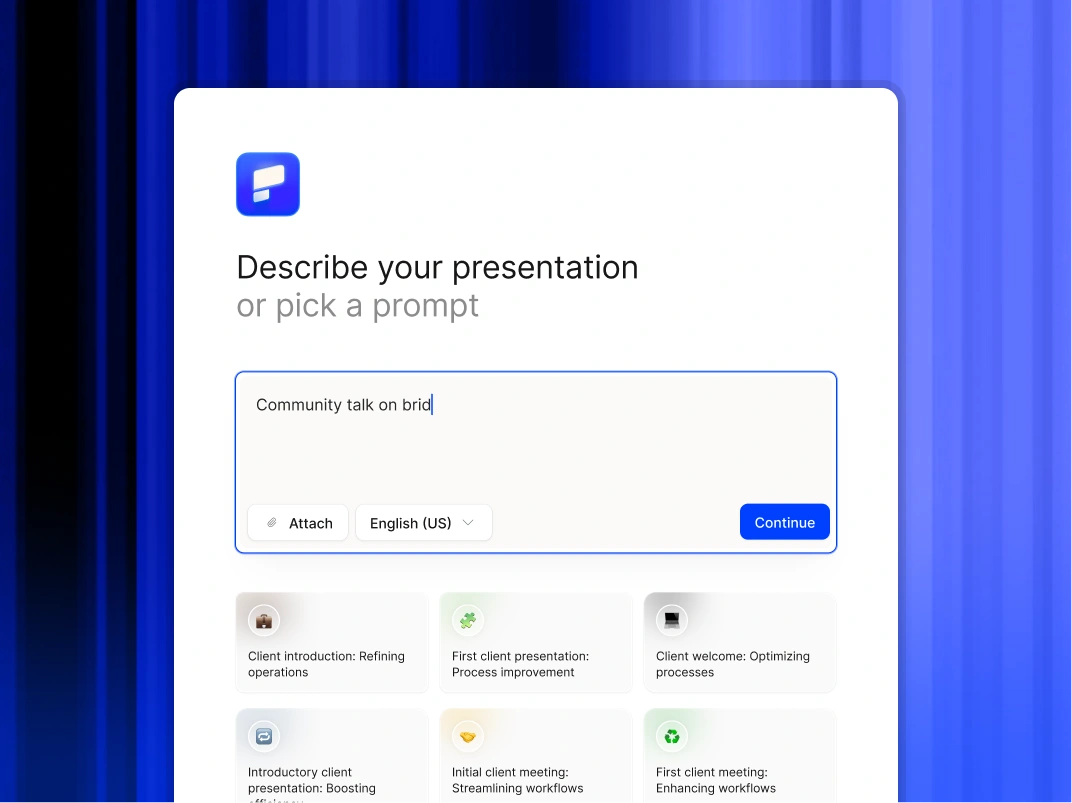
Type a topic, paste your notes, or upload a document. In minutes, you get a polished, structured presentation - edit or export directly to PowerPoint or Google Slides.

Try For Free

How Customer Success Teams Use Presentations AI

Visualize Value Instantly

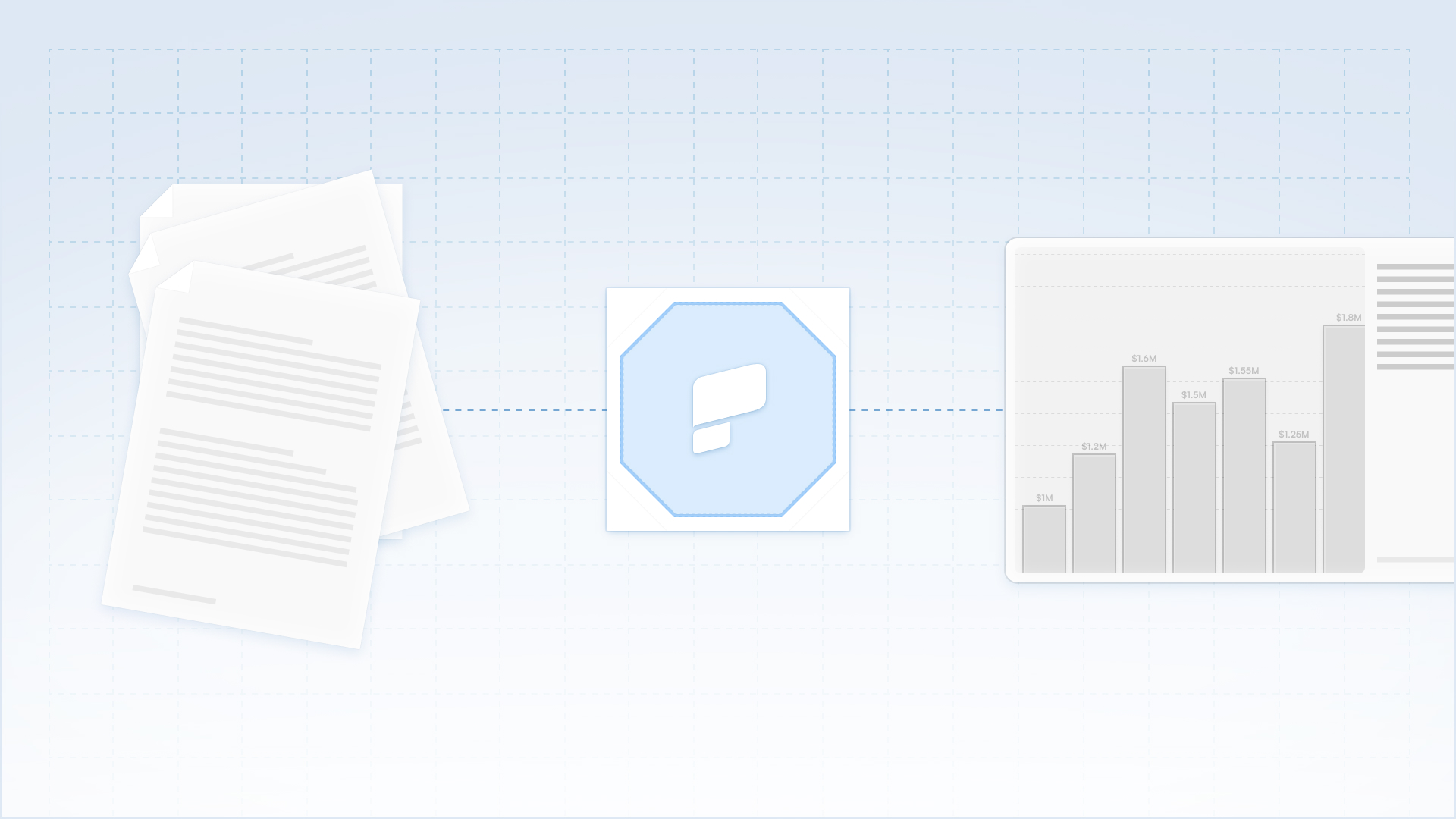
Transform raw product usage data and performance metrics into clear, narrative-driven slides. Demonstrate ROI to executive stakeholders without spending hours in Excel or PowerPoint.

Scale High-Touch Communication

Maintain high-quality business review cadences for your entire book of business, not just the top tier. Generate personalized review decks for mid-market and long-tail accounts instantly.

Seamless Workflow Compatibility

Export fully editable native PowerPoint files to collaborate with Account Executives or share directly with clients. Ensure your deliverables fit perfectly into your customer's internal sharing habits.

Accelerate Customer Onboarding

Turn implementation checklists and technical documentation into visual kickoff decks. Reduce time-to-value by setting clear expectations and project roadmaps visually from day one.

Why CSM Teams Choose Presentations AI

Automate Presentation Design

Transform raw ideas, brief notes, or strategy documents into polished presentations instantly. Our AI handles structure, layout, and formatting so you focus entirely on the message.

Preserve Workflow Flexibility

Export fully editable native PowerPoint files or Google Slides. You can choose to refine content using Microsoft 365 or Google Workspace.

Secure Sensitive Data

Trust a platform designed for the enterprise. We provide SOC 2 Type II certification and strict privacy controls to ensure your board materials and internal strategies remain confidential.

Divider Lines

CUSTOMER RETENTION

Scale Your QBRs and Prove Value With Enterprise-Grade Presentation Tools

A collaborative AI partner at your command.

Chat with the app and ask it to do what you want - every user is a power user!

Bring your ideas to life instantly

Turn any idea into a presentation instantly. Simply type and get a beautiful deck.

You bring the story. We bring design.

Focus on your content. Beautiful output with no design work.

Divider Lines

FAQs

Can we brand the decks with our client's logo?

Down IconUp Icon

Yes. You can create specific Brand Kits for key accounts or simply input a client's URL. The AI extracts their brand assets and applies them to the presentation, making it look like a custom deliverable from their own team.

What kind of data can I upload?

Down IconUp Icon

You can paste data from CSVs, upload PDF reports, or simply paste notes from your CRM (like Salesforce or HubSpot). The AI synthesizes the information to build the narrative structure.

Is client data secure?

Down IconUp Icon

Yes. We are SOC 2 Type II certified. We process your customer data solely to generate the presentation and do not use it to train our public models. Your client's privacy is protected.

Can I export this to PowerPoint for the client?

Down IconUp Icon

Yes. We export native .pptx files. This allows you to email the deck to your client, where they can open, view, and share it internally using standard Microsoft software.

Does this help with low-touch accounts?

Down IconUp Icon

Absolutely. Because the creation process is instant, you can afford to send high-quality, personalized Mini-QBR decks to your volume accounts; something that would be very taxing to do manually.