


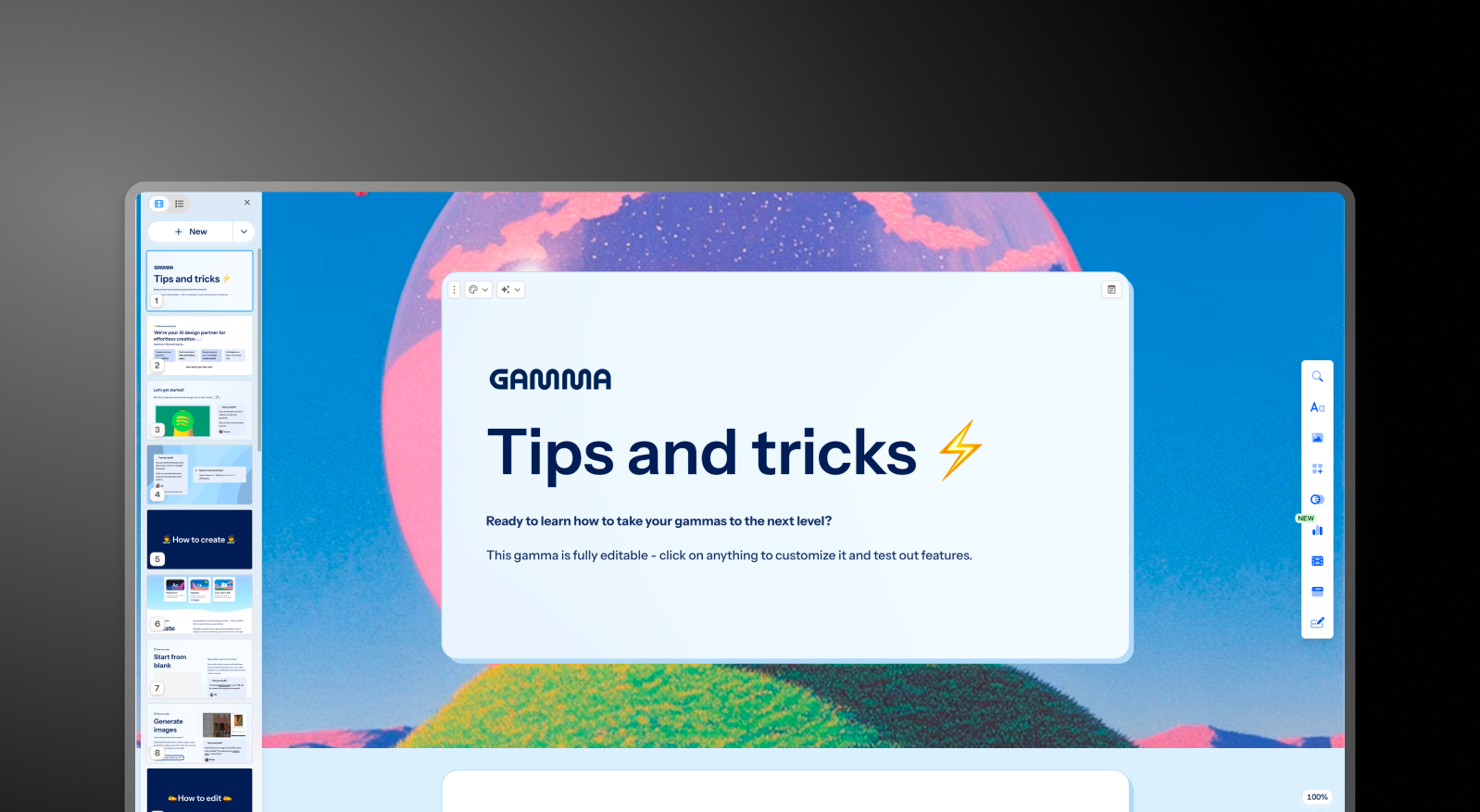

Gamma and Presentations.AI at a Glance
Gamma has 50 million users. Most of them are making Instagram carousels, personal websites, and free-tier experiments — not board decks or investor pitches. The AI isn't learning from business presentations; it's learning from social content. That's why the output feels generic, the exports break, and enterprise IT departments reject it on first review. For a full walkthrough of where Gamma holds up and where it breaks down, see our detailed gamma review.
Presentations AI has a focused user base: consultants, analysts, founders, and Fortune 500 teams creating presentations where failure has a real cost. Every AI interaction trains the system on what works in boardrooms, not what performs on social media. The result is an AI that understands the difference between informing and persuading — and builds decks accordingly.
The legal and security gap is significant. Gamma's terms grant them perpetual, irrevocable rights to use your content for AI training. Their liability cap for any damages — including data breaches — is $100. They have no SOC 2 certification. For any organization with an IT review process, Gamma doesn't pass. Presentations AI is SOC 2 Type II certified, users retain full content ownership, and enterprise contracts are negotiable.
Gamma is a capable tool for content creators who need multiple formats cheaply and don't have compliance requirements.If cost is the deciding factor, our breakdown of gamma pricing shows exactly what each plan includes. For professionals whose presentations determine business outcomes, it's the wrong tool — and the architecture difference explains why.
How Gamma Works
Step 1: Create an account – Sign up via email or Google. Email verification required before accessing the workspace.
Step 2: Start a new document – Choose from presentation, website, or document format — Gamma handles all three, which is part of the problem.
Step 3: Choose a building method – Paste existing text, enter a one-line prompt, or import a file. Limited customization at this stage.
Step 4: Generate an outline – Enter your prompt and generate. Adjust tone, slide count, and language manually — the defaults rarely fit business contexts without editing.
Step 5: Edit and refine the outline – Significant manual adjustment typically required before the content is relevant to your actual use case.
Step 6: Choose a theme – Select from limited preset themes. No automatic brand customization — colors and fonts are applied manually.
Step 7: Edit in the Gamma editor – Manual refinement in their 2020-era slide editor. Export to PowerPoint and budget time for cleanup — overlapping text boxes and missing fonts are commonly reported.
How Presentations AI Works
Step 1: Sign up – Free tier includes 5 complete presentations. No credit card. Thirty seconds to set up.
Step 2: Choose how to build – One click to start. Build from an outline, import a Word or PDF document, convert a prompt, or choose from 10,000+ professional templates — all purpose-built for business use cases.
Step 3: Review the AI-generated outline – A detailed, structured outline with presentation psychology built in. Edit text, reorder slides, then generate with one click.
Step 4: Get a business-ready deck – Corporate brand mapped automatically. Professional animations and transitions applied. High-fidelity PowerPoint export ready immediately — open it in PowerPoint and everything works.
Five Reasons Teams Choose Presentations.AI Over Gamma
AI Built for Business, Not Bolted On: Gamma's AI was added to save a failing product in 2023. As an ai presentation maker, Presentations AI was built from day one around presentation psychology, persuasion structure, and business outcomes. That architectural difference is why one produces generic output and the other produces decks that close deals.
PowerPoint Export That Works: Gamma exports break consistently — overlapping boxes, missing fonts, wrong dimensions. Budget 45 minutes of cleanup before every client meeting. Presentations AI exports high-fidelity .pptx natively. Open it. It works.
Better Content Privacy: Gamma's Section 4.5 grants them perpetual, irrevocable, worldwide rights to use your content for AI training. Presentations AI users retain full ownership. When your deck contains actual strategy, that distinction matters.
Security That Passes IT Review: No SOC 2, $100 liability cap, automatic viewer tracking, public LLM exposure. Gamma fails enterprise IT review for multiple reasons. Presentations AI is SOC 2 Type II certified with full audit trails, privacy-first design, and enterprise contracts your legal team can actually approve.
Focus vs. Feature Creep: Gamma now makes presentations, websites, documents, and social posts — and calls presentations "gammas." Presentations AI does one thing and gets better at it with every update. When your deliverable is a business presentation, use a tool that's deepening its expertise in exactly that.
Case in Point: When a Gamma Export Costs a Deal
A VP of Sales at an enterprise software company switched from Gamma after losing a major pitch. The deck looked fine on screen. In the client's PowerPoint, fonts were missing, boxes overlapped, and two slides were blank. The deal went to a competitor.
That's not a one-off. It's a structural problem — Gamma's export issues are a direct consequence of bolting AI onto a 2020 slide editor rather than building natively. And for a presentation that determines whether a deal closes or a funding round succeeds, "it usually works" isn't good enough.
Presentations AI was built for exactly that standard. SOC 2 certified, export-perfect, AI trained on business outcomes. When failure has a real cost, your ai presentation should be built around that reality, not retrofitted to approximate it.


