


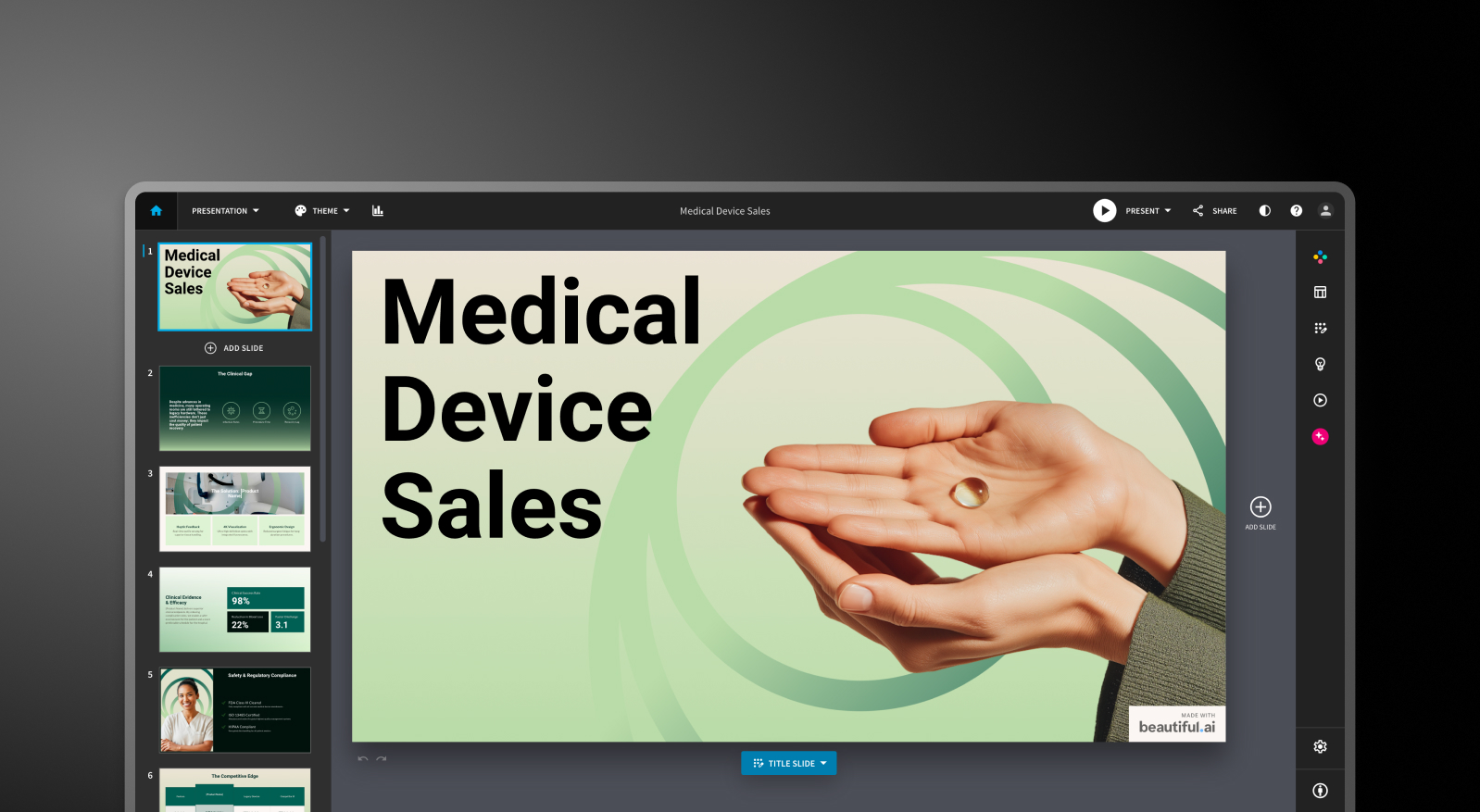

Beautiful.ai and Presentations.AI at a Glance
Beautiful.ai delivers on its core promise: slides that look consistent without design expertise. Smart templates adapt as you type, formatting stays clean, and the output is visually professional. For simple internal presentations, that's enough. But business presentations rarely start from scratch. They start from reports, PDFs, and data — and Beautiful.ai can't touch any of that. Everything requires manual text input. Brand setup is per-presentation. PowerPoint exports have well-documented issues. And there's no SOC 2 certification for enterprise teams that need it. Weighing it on cost too? Our breakdown of beautiful ai pricing shows what each plan actually includes.
As an ai presentation maker, Presentations AI handles the actual workflow. Upload a document, get a structured narrative, have brand applied automatically from your company URL, and export a high-fidelity .pptx that works first time. For teams creating presentations that need to close deals, secure funding, or move decisions — that's the difference between a design tool and a presentation platform.
How Beautiful.ai Works
Step 1: Read your source material and extract key points manually – No document upload. Everything starts with manual text extraction from your reports or data.
Step 2: Open Beautiful.AI and choose a template – Select from a professional but limited template library. Smart templates adapt as content is added.

Step 3: Copy and paste content – Input text manually into template placeholders slide by slide.
Step 4: Apply brand manually – Set colors, fonts, and logos by hand — no automatic brand extraction, no centralized governance.
Step 5: Export to PowerPoint and fix issues – Export the .pptx and address the formatting errors users consistently report — missing fonts, overlapping layouts, broken animations. Budget 45+ minutes for cleanup.
Step 6: Share with your team – Distribute the finished file once manual fixes are complete.
How Presentations AI Works
Step 1: Upload your report or document – PDF, Word doc, or URL — Presentations.AI reads and understands your source material directly.
Step 2: AI extracts and structures content – The AI builds a narrative from your document — not just formatted text, but a presentation with proper story arc and business logic.
Step 3: Brand applied automatically – Colors, fonts, and logos pulled from your company URL and applied across every slide instantly. No manual setup.
Step 4: Export a perfect PowerPoint – High-fidelity .pptx with animations intact. Opens cleanly in PowerPoint — no fixes, no cleanup.
Step 5: Share with your team – Distribute immediately. Real-time collaboration and engagement analytics available from the same platform.
Five Reasons Teams Choose Presentations.AI Over Beautiful.ai
Document Intelligence vs. Template Input: Beautiful.ai requires manual copy-paste from your source material. Presentations AI reads your PDF or Word doc directly and structures it into a presentation automatically.
Brand Governance, Not Brand Setup: Beautiful.ai applies brand manually per presentation. Presentations AI extracts it from your company URL once and enforces it automatically across every deck your organization creates.
Error-free Exports: Beautiful.ai users report exports "riddled with errors." Presentations AI outputs native high-fidelity .pptx — no cleanup, no reformatting, no lost animations. For the full rundown of what Beautiful.ai does well and where it struggles, see our complete beautiful ai review.
Enterprise-Ready: Presentations AI is SOC 2 Type II certified with full audit trails and granular access controls. Beautiful.ai isn't. For Fortune 500 procurement reviews, that's a non-starter.
10,000+ Templates: More business-specific templates — investor pitches, QBRs, board reports, sales decks — designed for how business presentations actually get used.
Where Template Automation Hits its Limits
Beautiful.ai makes slides look professional through template automation. For internal updates or simple presentations, it works. But most business presentations start with existing content — reports, documents, data. Beautiful.ai can't handle that. You're manually copying content into templates, hoping exports work, and still managing brand consistency presentation by presentation.
Presentations AI solves the actual workflow: upload your document, get a structured ai presentation, maintain brand automatically, export to PowerPoint without issues.


