





The Best AI Presentation Maker!

Every Marketing Initiative Starts and Ends in a Presentation

Launch campaigns, enable sales, and report on ROI without ever adjusting a text box, resizing a logo, or fighting with a PPT template again.

Try for Free

No credit card required

Marketing

Trusted by over 10 million professional teams

TRUSTED BY

Google Logo
Adobe Logo
Microsoft Logo
Amazon Logo
Notion Logo
Facebook Logo
Google Logo
Adobe Logo
Microsoft Logo
Amazon Logo
Notion Logo
Facebook Logo
Google Logo
Adobe Logo
Microsoft Logo
Amazon Logo
Notion Logo
Facebook Logo

Never start from a blank slide again

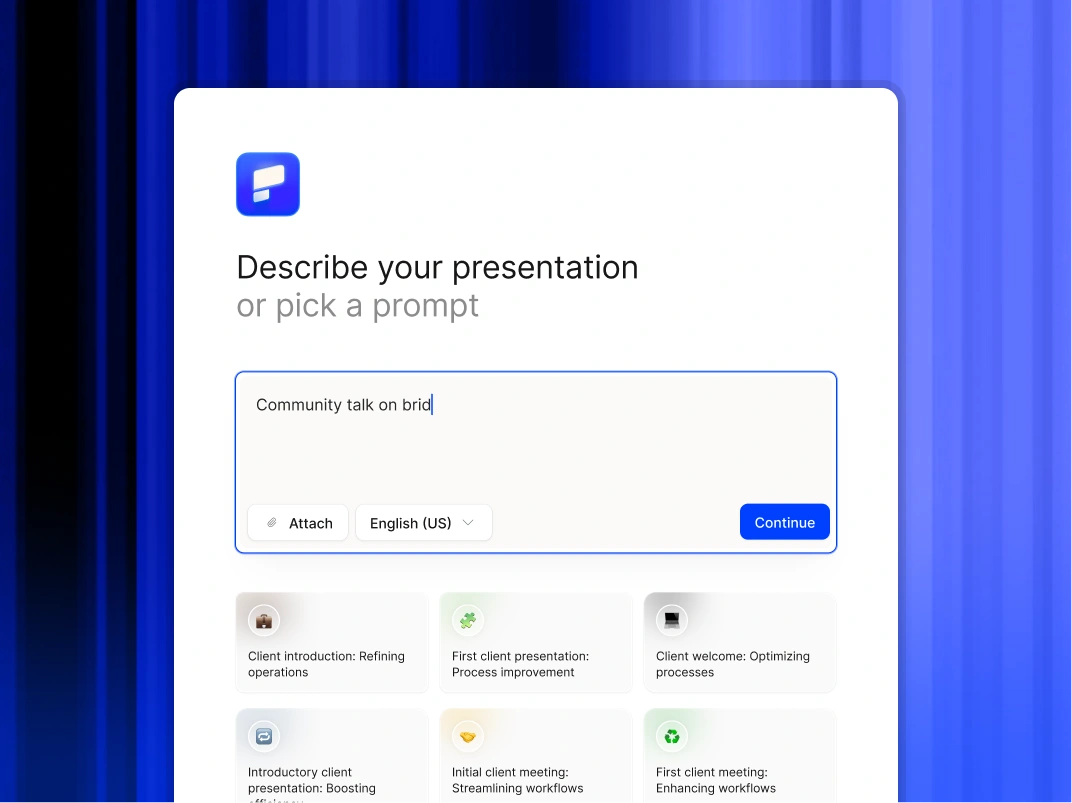
Type a topic, paste your notes, or upload a document. In minutes, you get a polished, structured presentation - edit or export directly to PowerPoint or Google Slides.

Try For Free

How Marketers Use Presentations AI

Multiply Content ROI

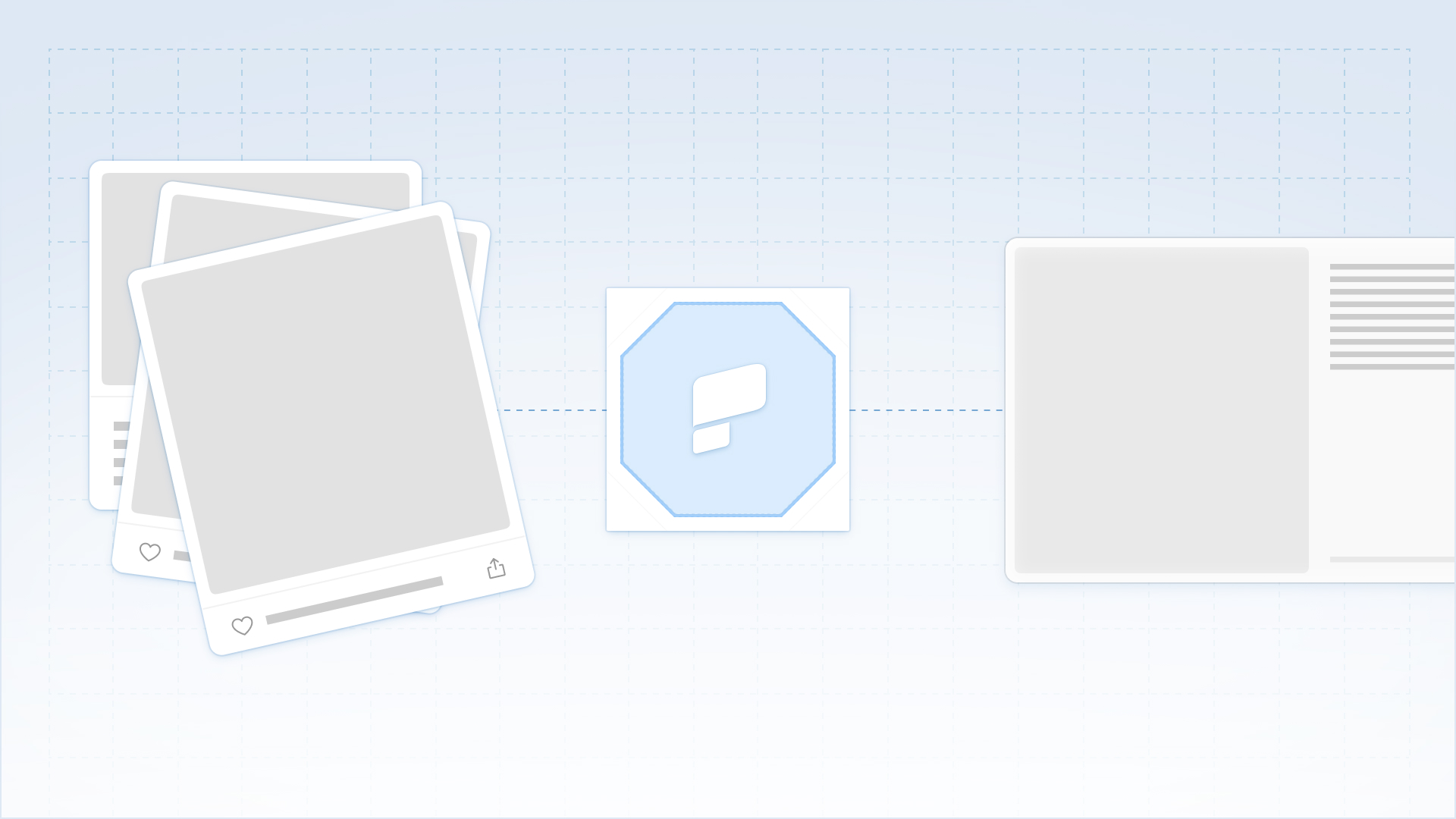
Repurpose your high-value assets instantly. Upload a whitepaper, blog post, or case study, and the AI converts it into a presentation ready for webinars, sales enablement, or social sharing.

Accelerate GTM Execution

Generate sales enablement decks, training materials, and launch presentations in minutes, ensuring the field is ready the moment the product is.

Scale Brand Governance

Stop acting as the brand police. Set your visual identity once, and our AI automatically enforces your fonts, colors, and logos on every single slide created by Sales, Product, or HR.

Visualize Campaign Strategy

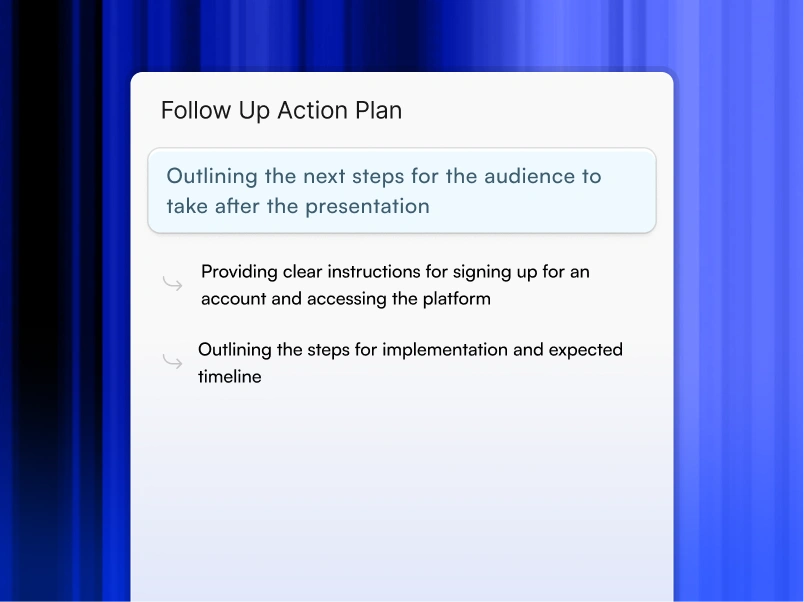
Upload a campaign brief and generate a visual pitch deck for leadership or agency partners instantly.

Standardize Performance Reporting

Turn performance data from your analytics and paid media tools into a clear narrative of impact without getting lost in spreadsheet formatting.

Why Marketing Teams Choose Presentations AI

Automate Presentation Design

Transform raw ideas, brief notes, or strategy documents into polished presentations instantly. Our AI handles structure, layout, and formatting so you focus entirely on the message.

Enforce Brand Governance

Ensure every deck produced by your organization complies with corporate identity standards. The platform automatically applies your logo, fonts, and colors to every slide without manual oversight.

Preserve Workflow Flexibility

Export fully editable native PowerPoint files or Google Slides. You can choose to refine the content using Microsoft 365 or Google Workspace.

Secure Sensitive Data

Trust a platform designed for the enterprise. We provide SOC 2 Type II certification and strict privacy controls to ensure your board materials and internal strategies remain confidential.

Divider Lines

BRAND CONSISTENCY

Keep Every Campaign Presentation On-Brand, On-Time, and Enterprise-Approved

A collaborative AI partner at your command.

Chat with the app and ask it to do what you want - every user is a power user!

Bring your ideas to life instantly

Turn any idea into a presentation instantly. Simply type and get a beautiful deck.

You bring the story. We bring design.

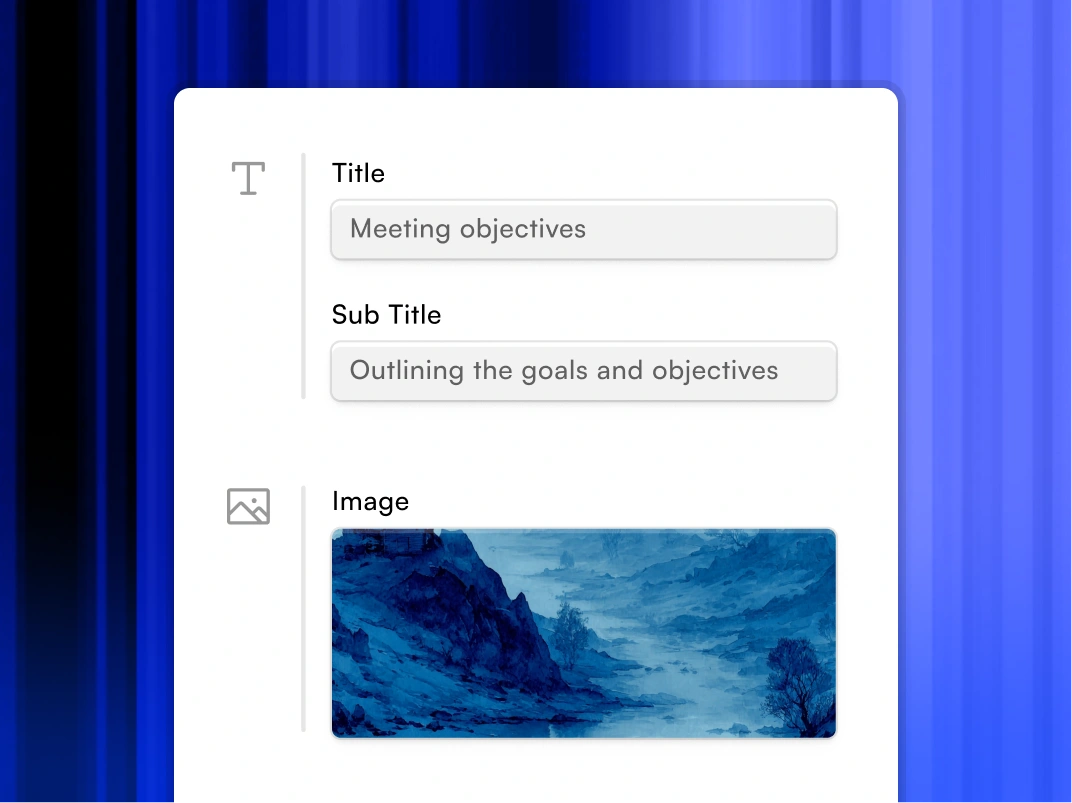
Focus on your content. Beautiful output with no design work.

Divider Lines

FAQs

Will the designs stay on brand?

Down IconUp Icon

Yes. You input your website URL once, and the AI builds a rigid Brand Kit. It applies your exact logo, color palette, and typography to every slide automatically. Only admins get to modify the core themes.

Can we edit the files in PowerPoint?

Down IconUp Icon

Yes. We export native .pptx files. This allows your team or your agency to make final tweaks, adjust animations, or merge slides using the standard workflow you already use.

Does this replace our design agency?

Down IconUp Icon

It optimizes the work you ask them to do. Use Presentations AI for the high-volume day-to-day needs -- sales decks, internal updates, and standard reports. This frees up your agency budget for high-ticket hero assets like TV spots or flagship keynotes.

How fast is the turnaround?

Down IconUp Icon

A typical 15-slide deck takes under 2 minutes to generate from a prompt or uploaded document. This compares to the 3-5 day turnaround typical of internal design requests.

Can I customize the design templates in the AI Slide Maker to fit my brand?

Down IconUp Icon

Yes. Presentations.AI goes beyond manual template customization. Paste your company URL and the AI PowerPoint generator automatically pulls your brand colors, fonts, and logo, then applies them across every slide. You can also adjust any element manually to match specific brand guidelines or client requirements.

Can I use these tools for recurring reports that need to stay current?

Down IconUp Icon

Presentations.AI supports live data connections to tools like Salesforce, HubSpot, and Snowflake, so recurring decks update automatically. This is a feature no other tool on this list matches. For teams running monthly or quarterly reports, this alone makes Presentations.AI the clear choice.

Can I use these tools if my team already works in Google Slides?

Down IconUp Icon

Plus AI is built specifically for this, it's a Google Slides extension that adds AI assistance without changing your workflow. Presentations.AI exports clean .pptx files that import well into Google Slides if needed.

How do I keep recurring presentations up to date automatically?

Down IconUp Icon

Presentations.AI's Refresh Workflows connect your slides to live data sources like Salesforce, HubSpot, or Snowflake. When the numbers change, your charts and summaries update on a schedule you set. Plus AI offers a similar capability inside Google Slides.

Is my organization's data safe?

Down IconUp Icon

Yes, we take data privacy seriously.

  1. Your presentation is not shared with other users/customers
  2. We do not use your presentation to train our AI models