


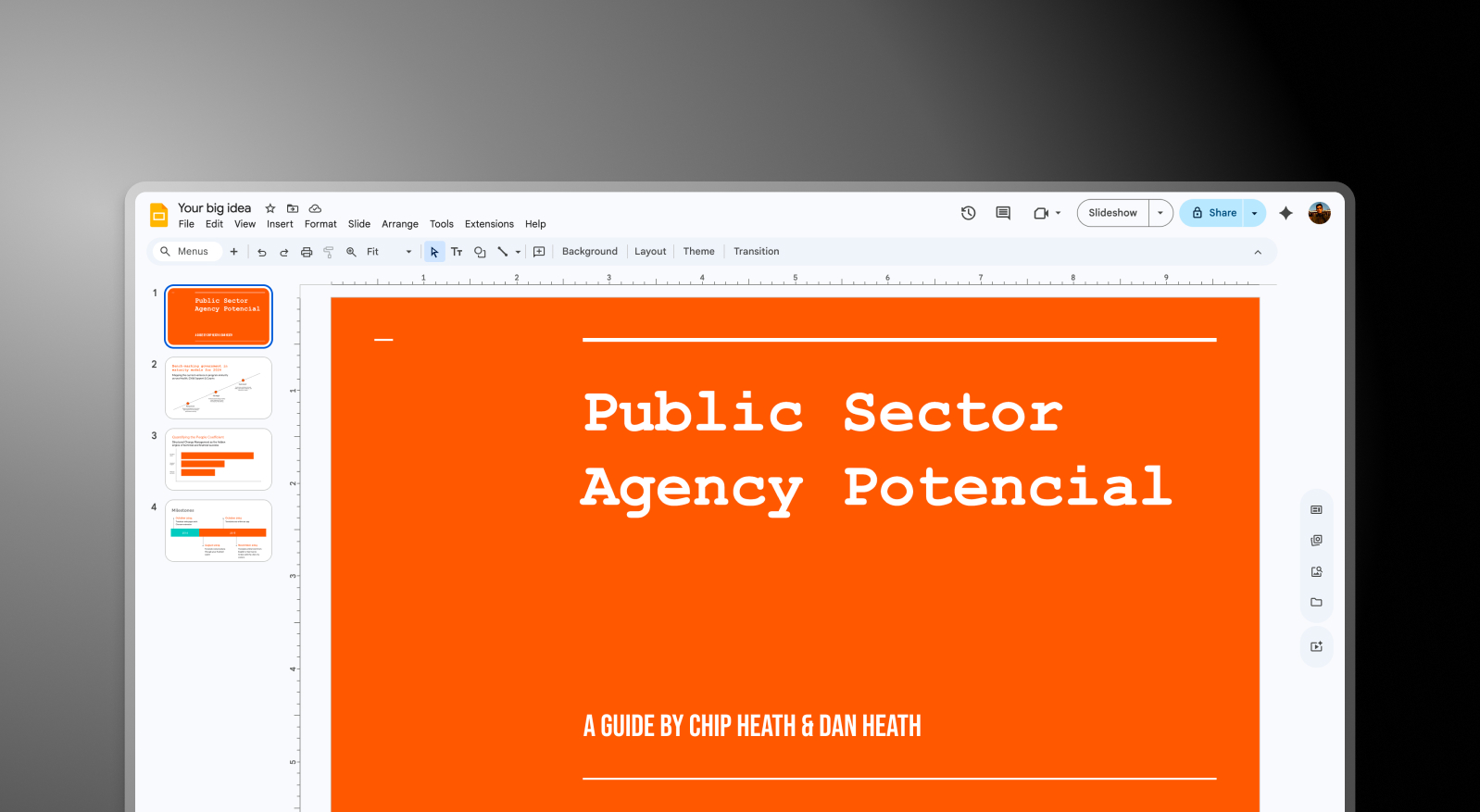

Google Slides and Presentations.AI at a Glance
Google Slides is the default presentation tool for millions of teams running on Google Workspace — free, browser-based, and tightly integrated with Docs, Sheets, and Drive. While Google Slides makes it easy for teams to co-edit presentations in the browser, it relies entirely on users to design each slide manually, apply brand elements by hand, and build structure from scratch with no AI assistance for layout or content generation. Presentations AI bridges this gap by handling the design-heavy lifting automatically, then exporting a .pptx file that imports seamlessly into Google Slides for any final collaborative edits your team prefers. As a dedicated ai presentation maker, it turns a raw document or outline into a structured, on-brand deck in minutes — no manual layout required.
Presentations AI fills that gap without disrupting the Google Slides workflow. Generate a complete, on-brand deck from a document or outline, export as .pptx, and import directly into Google Slides. From that point, teams collaborate exactly as they always do — they just start from a professionally designed, brand-consistent deck instead of a blank slide.
For Google Workspace teams, this combination removes the most time-intensive part of presentation creation while keeping everything downstream exactly the same.
Using Both Tools Together
Step 1: Build in Presentations AI – Upload a document, PDF, or outline. The AI generates a complete deck — brand styling, layout, animations, and content structure handled automatically.

Step 2: Export as .pptx – Download a high-fidelity PowerPoint file with every design element preserved — fonts, layouts, and imagery all intact.
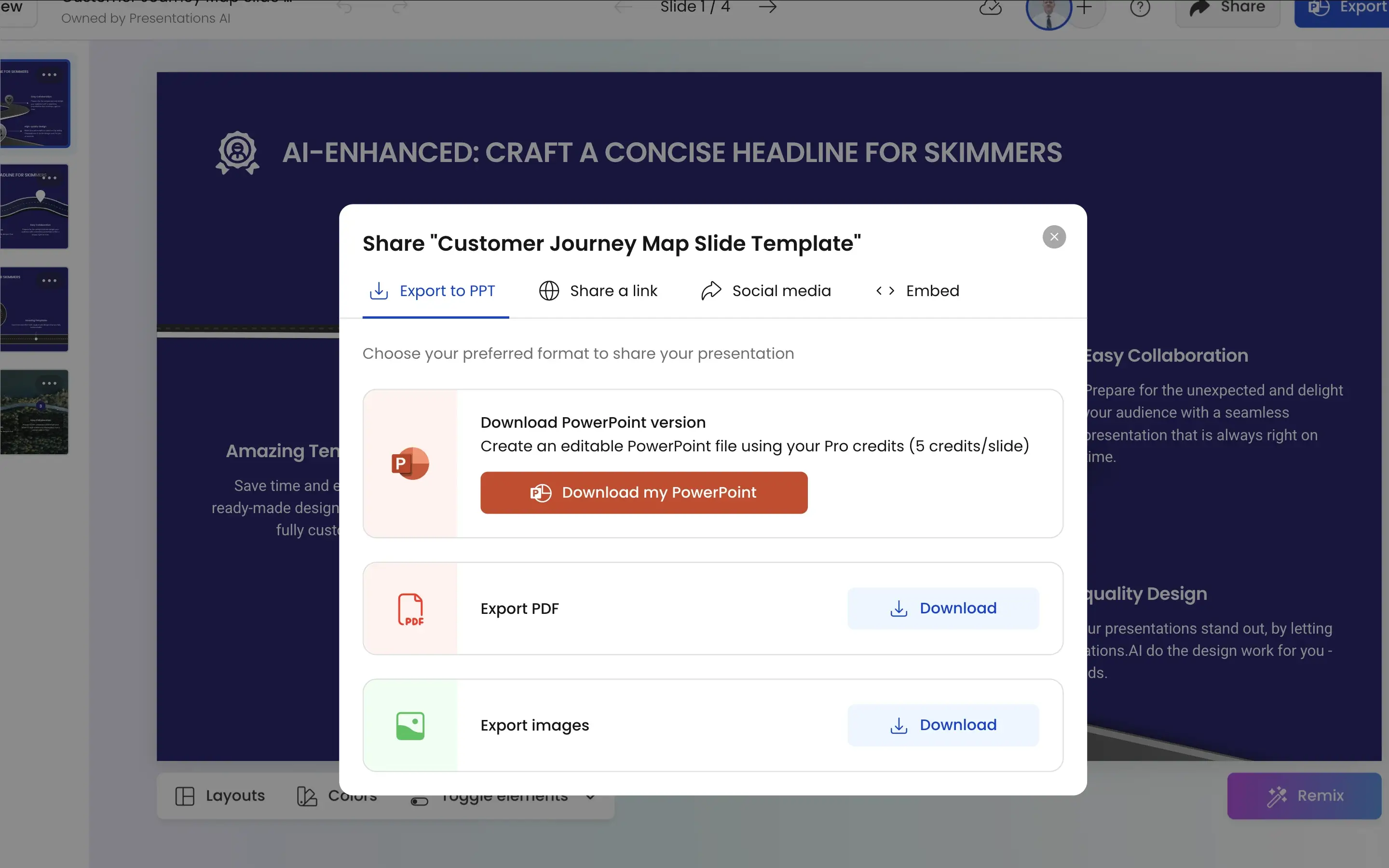
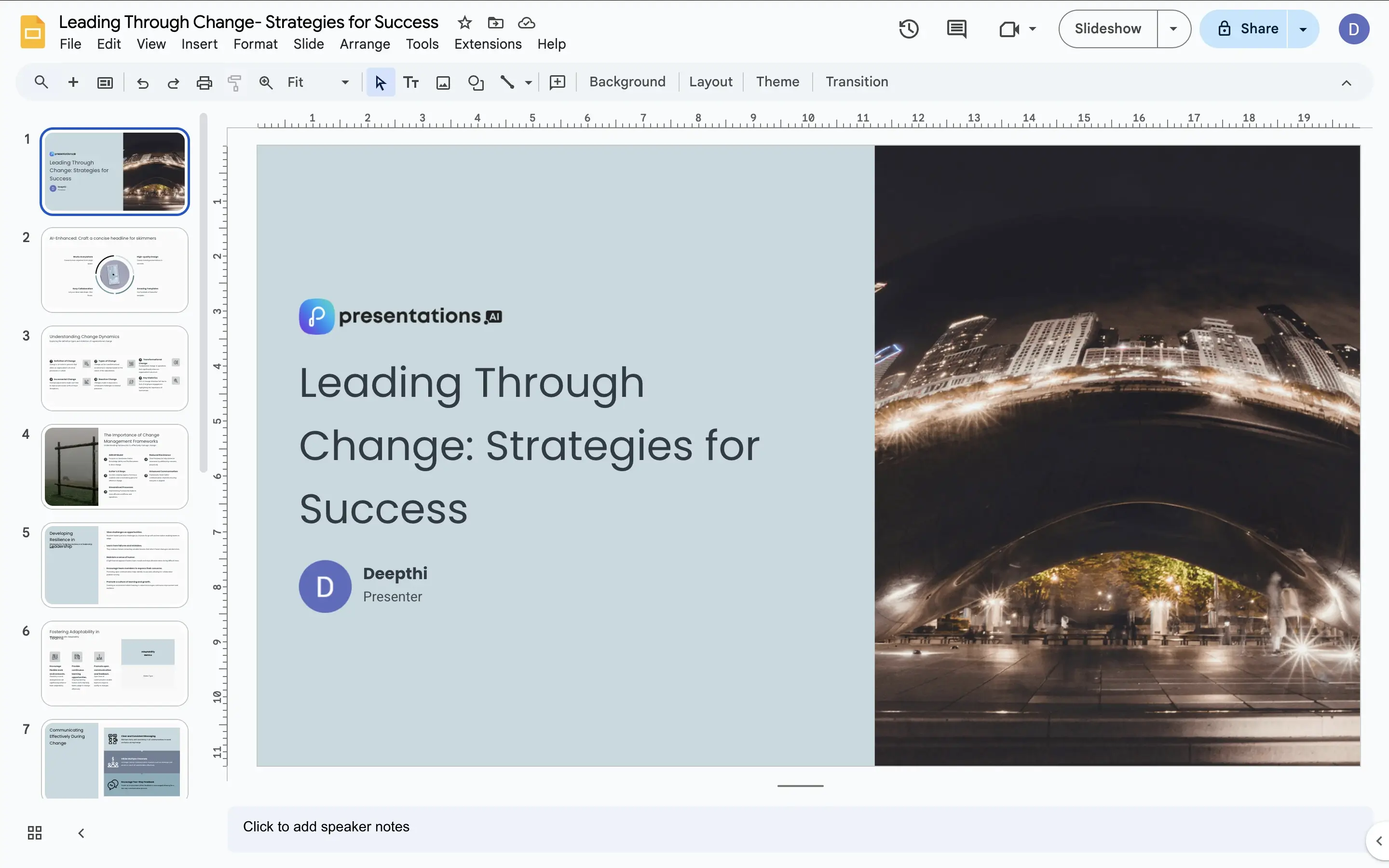
Step 3: Import into Google Slides – Upload the .pptx directly to Google Drive. Google Slides imports it cleanly, and your team picks up from there — editing, commenting, and collaborating in the environment they already use.
Four Ways Presentations.AI Complements Google Slides
Solves the Blank Slide Problem: Google Slides is great once there's something to work with. Presentations AI provides that something — a structured, designed, on-brand starting point generated in minutes from your raw content.
Brand Consistency Before Collaboration Starts: In a typical Google Slides workflow, brand consistency depends on whoever builds the first slide. Presentations AI applies it automatically before the deck ever reaches Google Slides — so the team collaborates on something that's already on-brand.
Minimal Friction on Import: .pptx files import into Google Slides cleanly. What Presentations AI generates is what your team sees when they open it — no reformatting, no layout fixes, no missing fonts to chase down.
AI Speed, Google Collaboration: Presentations AI compresses the creation phase from hours to minutes. Google Slides provides the real-time collaboration, comment threads, and Drive integration that keep team workflows moving. Each tool does what it does best. This is what an ai presentation approach unlocks: design speed up front, and full Google Slides collaboration after.
Where Manual Slide Building Costs Marketing Teams Hours
Imagine a marketing team running on Google Workspace needs a new client deck every week. Currently, someone builds it from scratch in Google Slides — blank slide, manual layout, brand colors applied from memory, stock images sourced separately. Two hours minimum, every time. This is exactly where an ai slide creator earns its place — generating every slide, layout, and brand element automatically instead of building them by hand.
With Presentations AI in the workflow, that two hours becomes ten minutes. The AI generates the deck, the .pptx imports into Google Slides, and the team spends their time refining the narrative and collaborating on content — not building slides. Same Google Slides workflow. Fraction of the time.


