



Summary: Canva vs Presentations AI
Canva is a popular all-purpose design platform known for its drag-and-drop interface and broad library of templates spanning social media graphics, posters, flyers, and presentations. Presentations are part of its offering, but they sit alongside dozens of other content types. The AI is light-touch, brand management is manual, and the workflow is drag-and-drop rather than content-driven.
Presentations AI is purpose-built for exactly one output: a complete, professional slide deck. Feed it a document, prompt, or outline and it generates a structured, branded, animation-ready presentation automatically — no template customization, no manual brand application, no layout adjustments. The output is a high-fidelity .pptx file that opens cleanly in PowerPoint.
For creative teams producing diverse visual content, Canva's breadth is genuinely valuable. For business professionals whose primary deliverable is a presentation — consultants, analysts, sales teams, founders — a purpose-built AI presentation maker consistently outperforms a general design platform on speed, brand consistency, and output quality.
How Canva Works
Step 1: Sign up – Free account available, with premium assets and features behind a paid plan.

Step 2: Choose a presentation template – Browse Canva's library and select a layout as your starting point. Template variety is broad but not presentation-specific.
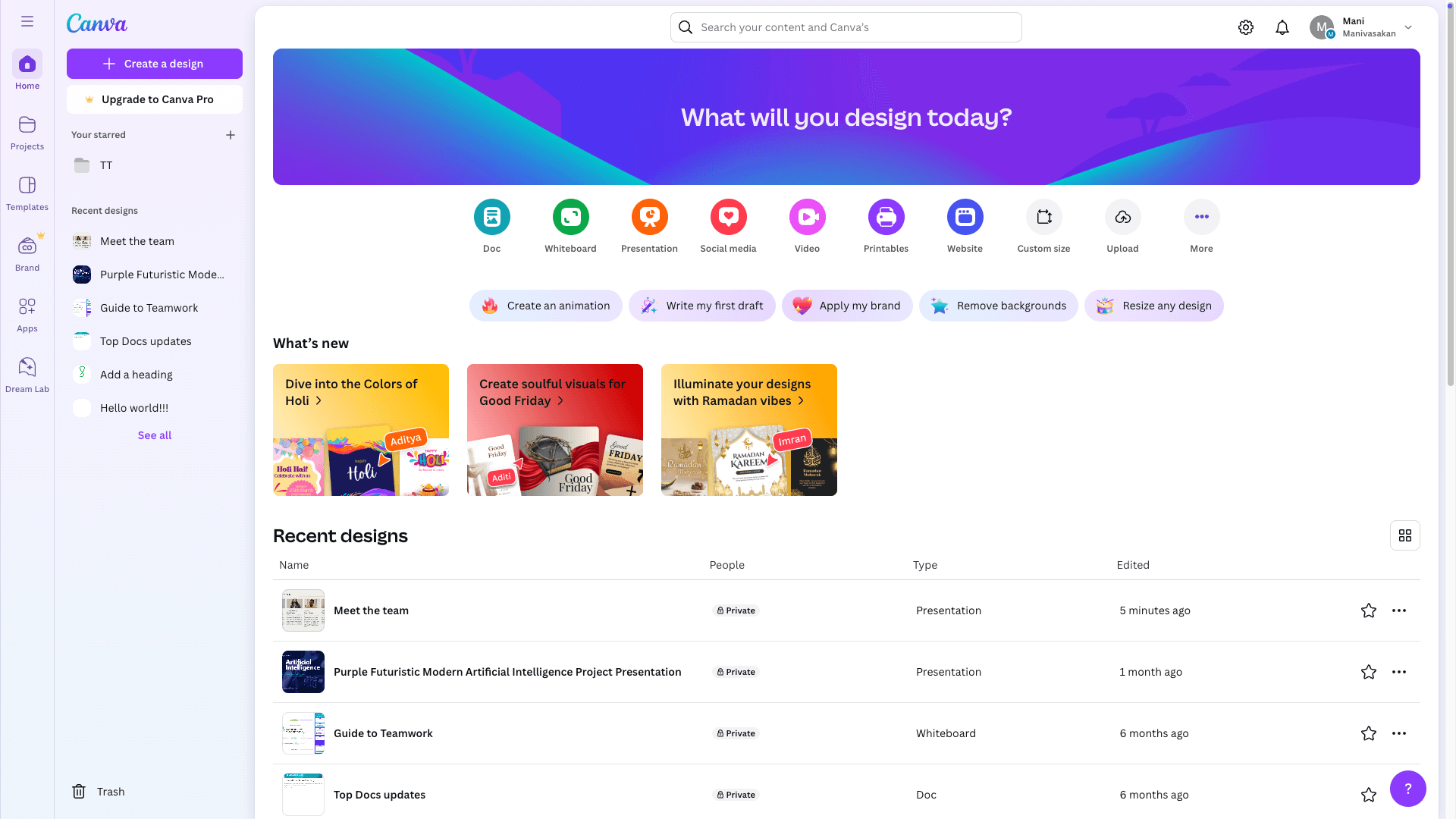
Step 3: Customize manually – Drag and drop text, images, and design elements. Brand colors and logos are applied manually per project — there's no automated brand sync.

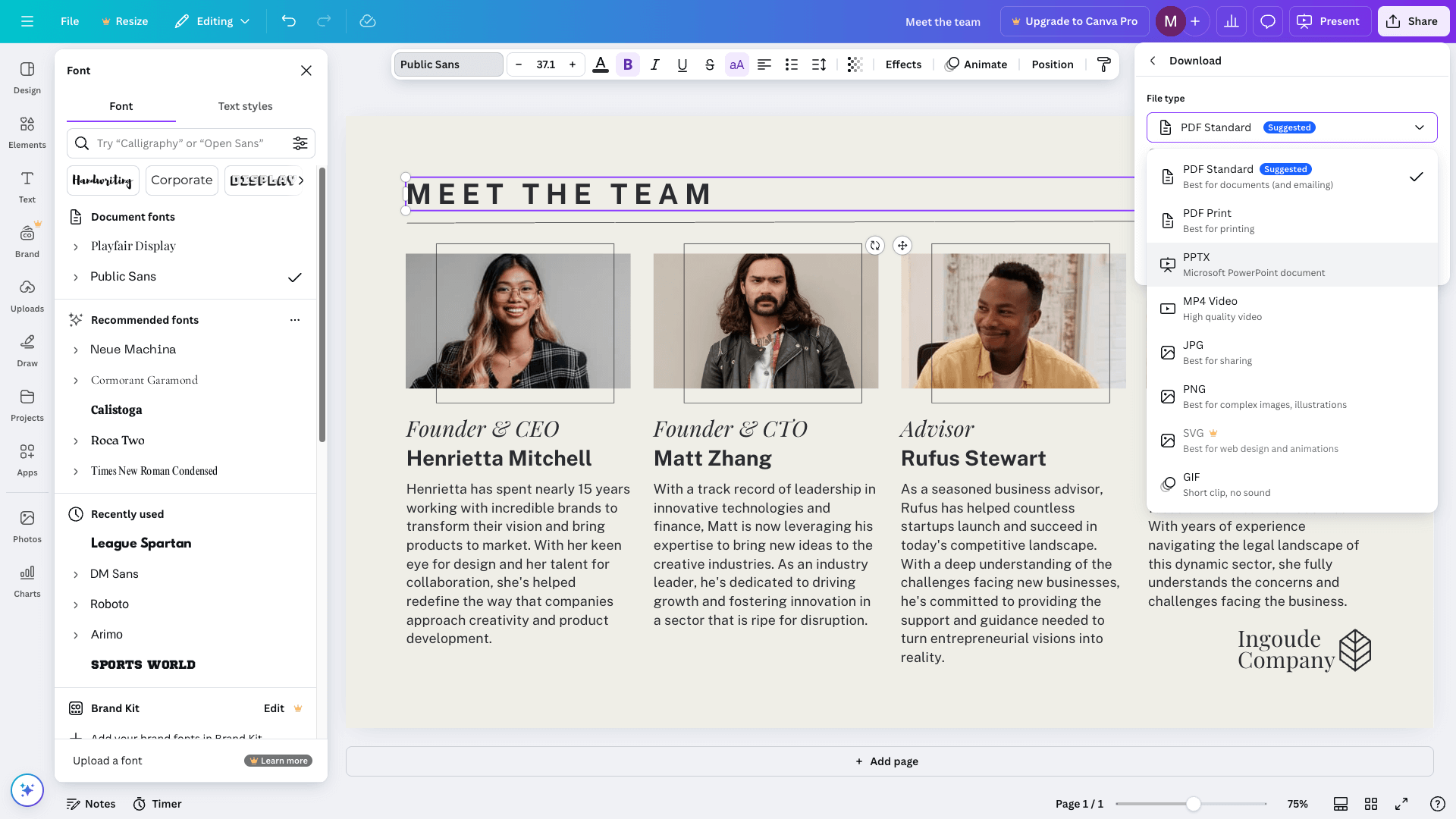
Step 4: Export – Download as PDF, PNG, or PPT. PowerPoint export is available but not optimized for design fidelity — animations and complex layouts may not transfer cleanly.
How Presentations AI Works
Step 1: Sign up – Free plan includes 5 full AI presentations. No credit card required.
Step 2: Input your content –Type a prompt, upload a document, or paste an outline. Presentations AI reads your material and structures it intelligently — not just visually, but narratively.
Step 3: AI generates a complete deck – Layouts, brand colors, fonts, animations, and imagery applied automatically in a single pass. No template selection, no manual customization.
Step 4: Collaborate and export – Invite teammates to co-edit in real time, then download a high-fidelity .pptx with every element preserved. Opens cleanly in PowerPoint — no fixes needed.
Why Presentations AI is the Better Alternative to Canva
Built only for Decks: Canva's feature set spans dozens of content formats. Presentations AI does one thing — and the focus shows. Faster workflow, smarter structure, and output that's designed specifically for how business presentations work.
AI That Structures: Canva's AI offers light-touch design suggestions. Presentations AI generates the entire deck from your content — narrative arc, slide structure, visual hierarchy, and brand all handled automatically. Working as an ai slide generator, it produces each slide's layout, visuals, and hierarchy in one pass — not template tweaks bolted onto your text.
No Manual Brand Application: Canva requires brand kit setup and manual application per project. Enter your company URL in Presentations AI once and every deck — for every team member — is automatically on-brand from the first slide.
PowerPoint Export That Holds: Canva's PPT export can drop animations and shift layouts. Presentations AI outputs native .pptx with full design fidelity — what you build is exactly what opens in PowerPoint.
Presentation Intelligence: Canva gives you tools to design anything. Presentations AI gives you a system that understands how presentations persuade, inform, and drive decisions — and builds accordingly.
The Business Reality
Imagine a founder preparing a Series A pitch deck opens Canva, picks a template, and spends three hours customizing slides, sourcing images, applying brand colors, and restructuring the narrative. The deck looks good — but it took most of the day.
The same founder opens Presentations AI, uploads their one-pager, and has a structured, branded, investor-ready deck in fifteen minutes. The remaining time goes into refining the story, not building the container for it.
For occasional design projects, Canva's generalist toolkit earns its place. For teams creating presentations regularly under real time pressure, a purpose-built platform like Presentations AI is an essential need.