


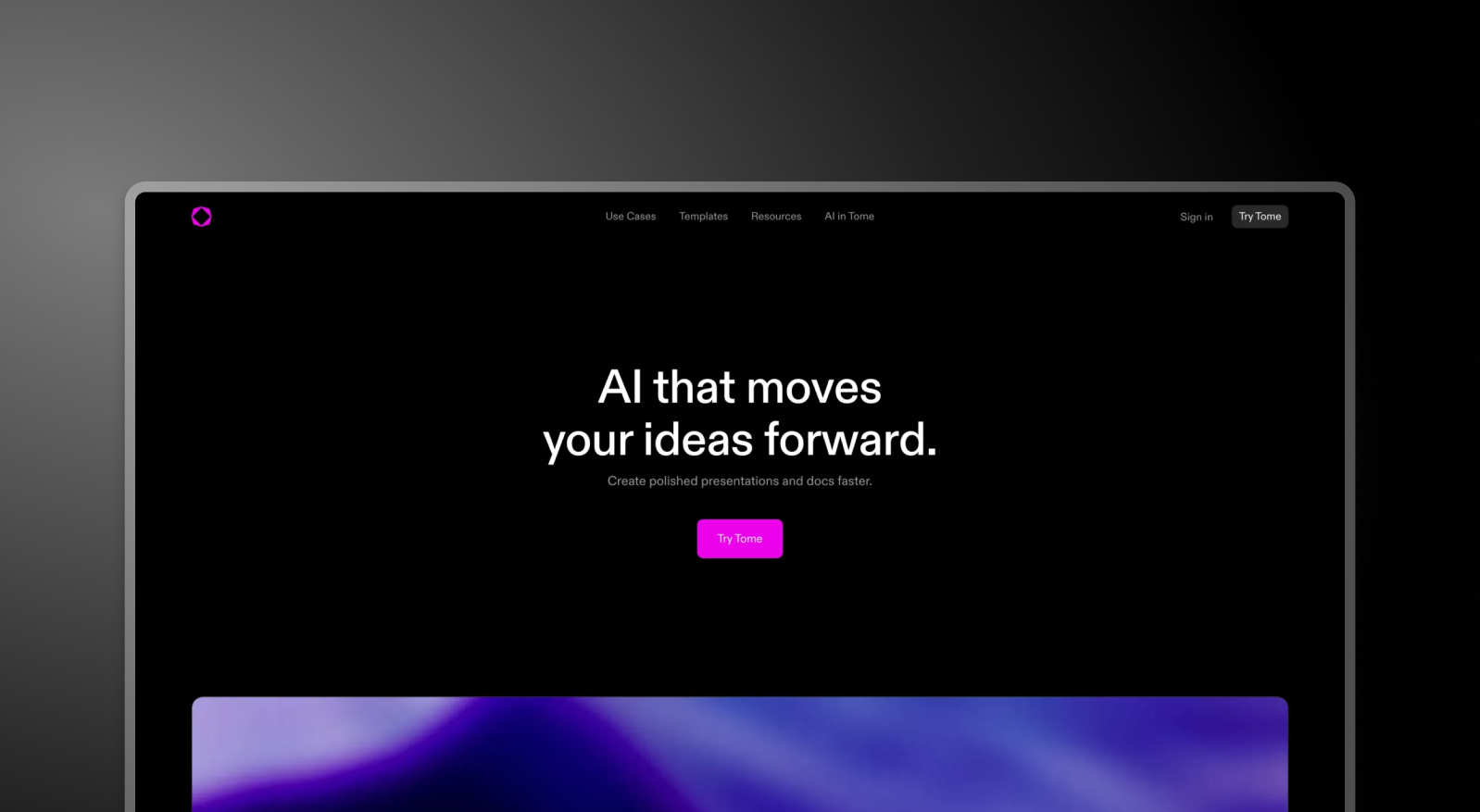

Tome and Presentations.AI at a Glance
Tome is an AI-powered platform that positions itself as a modern alternative to PowerPoint, emphasizing a more fluid, document-like storytelling format. The underlying architecture is still tile-based pages, not slides. You can't present a Tome document as a slideshow. You publish it as a read-only page, similar to a Notion doc. There's no PowerPoint export, AI features are locked behind paid plans, and the enterprise tier costs $60 per user per month — $7,200 per year for a ten-person team.
Presentations.AI is built around the slide format that business runs on. The ai presentation generator handles structure, brand, animations, and design automatically. The free plan includes five full AI-generated presentations with no credit card required. The paid plan starts at $16 per month — making it 95% more cost-effective than Tome's enterprise tier for comparable team sizes.
For professionals who need presentations that can be exported, presented live, and shared as PowerPoint files, Tome's tile-based, web-only format creates friction at every step. Presentations.AI removes that friction entirely. Unlike a web-document tool, a real presentation.ai is built around slides you can present live and export.
How Tome Works
Step 1: Sign up – Free tier available, but AI features are not included. Meaningful use requires a paid plan starting at $20 per user per month.
Step 2: Go to the dashboard – Click "Create new presentation" and choose between a blank document or a limited set of basic templates.
Step 3: Build using tiles – Drag and drop content tiles — text, media, shapes, tables, charts — into your document manually. There are no traditional slides, no slide layouts, and no presentation-specific structure.
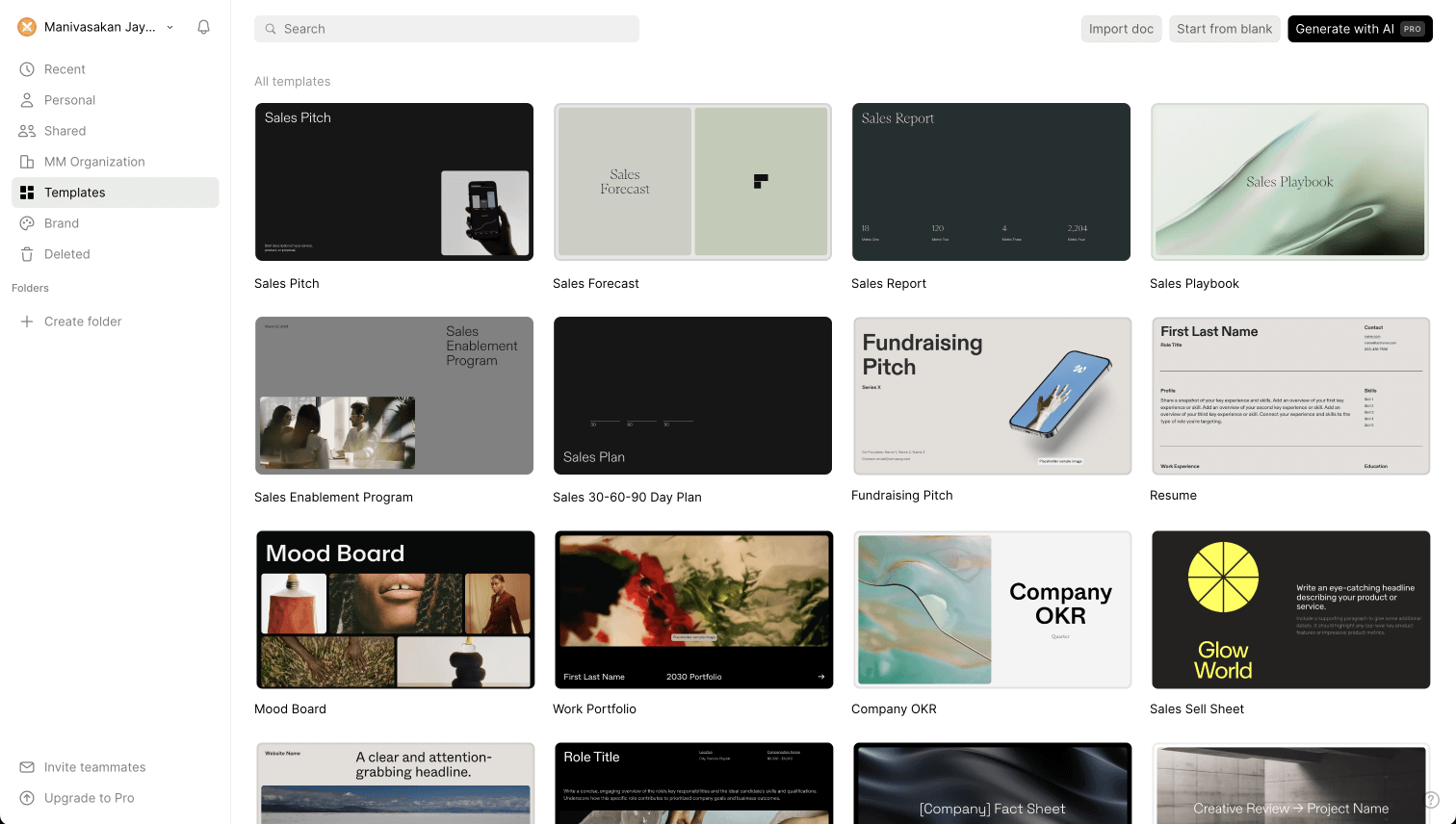
Step 4: Customize fonts and colors – Basic styling options available. No automatic brand sync, no brand extraction from your company URL.


Step 5: Publish and share - Your finished document is shared as a read-only web page. Viewers navigate it like a Google Doc — one page at a time. There is no slideshow mode, no presenter view, and no PowerPoint export at any plan level.
How Presentations.AI Works
Step 1: Sign up – Free plan includes 5 complete AI presentations. No credit card required. Setup takes under 30 seconds.
Step 2: Choose how to build – Build from an outline, import a Word or PDF document, convert a prompt directly, or choose from 10,000+ professional templates — all purpose-built for business presentations.
Step 3: Review the AI-generated outline – A detailed, structured outline generated automatically. Edit text, reorder slides, and generate your deck with one click.
Step 4: Get a business-ready deck – Corporate brand applied automatically. Animations and transitions layered in. A high-fidelity PowerPoint export ready immediately — open in PowerPoint and it works.

Five Reasons Teams Choose Presentations.AI Over Tome
Slides, Not Tiles: Tome's tile-based pages aren't slides — they're web documents. There's no slideshow mode, no presenter view, no live presentation capability. Presentations.AI builds actual slide decks designed to be presented, shared, and exported.
PowerPoint Export That Exists: Tome has no PowerPoint export at any plan level. For any team operating in an environment where .pptx is the standard — which is most of the business world — that's a deal-breaker. Presentations.AI exports high-fidelity PowerPoint natively.
AI That's Actually Included: Tome's free plan has no AI features. Presentations AI's free plan includes five complete AI-generated presentations — brand sync, animations, and full deck creation included before you spend a cent.
95% More Cost-Effective: Tome's enterprise plan costs $7,200 per year for ten users. Presentations AI's equivalent costs around $396. Same team size, same professional output, a fraction of the cost.
Brand Sync Without the Manual Work: Tome has no automatic brand application. Presentations AI extracts your brand from your company URL and applies it across every deck automatically — no manual configuration per presentation. Comparing more than just these two? Our roundup of the Best AI Presentation Makers lines Tome up against every major alternative.
When a Browser Only Tool Stops Working for Boardroom Decks
A Director of Strategy at a growth-stage startup spent three months on Tome before switching. The tile-based format worked well for internal documents — but every time a deck needed to go to an investor or board member, it had to be rebuilt in PowerPoint from scratch. Tome had no export. The presentations lived in a browser, not a boardroom.
Presentations AI solved both problems at once. Decks built in the format business expects, exported as PowerPoint without cleanup, at a fraction of Tome's cost. The switch took one week. The rebuilt workflow saved hours per deck.
When your presentations need to exist outside a browser — in meeting rooms, client inboxes, and investor portals — the tool you use needs to work in those environments. Tome doesn't. Presentations AI does.


