Why Converting Text to PowerPoint Manually Falls Short
Meeting notes that need to become a stakeholder update. A project brief that should be pitch-ready. Research findings buried in paragraphs that deserve a slide. The problem isn't the content — it's the hours it takes to turn readable text into something worth presenting.
Manual text to PPT conversion is painful
Basic text to PPT tools make it worse. They dump paragraphs onto slides, leave all the design decisions to you, and deliver something that still looks like a document. Two hours later, you're still staring at a blank slide wondering where to start.
Our AI text to PowerPoint converter delivers
Presentations AI's text to PowerPoint converter works differently. Paste your text, any format, any length, and the AI understands intent, organizes structure, and generates a complete, professionally designed ai presentation. In 30 seconds.
How Our AI Text to PowerPoint Converter Outperforms
Content intelligence, not just formatting
A 2,000-word report doesn't become 2,000 words on slides. It becomes a focused 15-slide narrative with key insights surfaced, supporting data visualized, and structure that works for a live audience — not a solo reader.
Just need a single slide rather than a full deck? Our ai slide creator builds one polished slide from a short paragraph.
Presentation-native design
Text is for reading. Presentations are for engaging. The AI applies visual hierarchy, strategic white space, and audience-optimized layouts automatically — every slide built for impact, not just information transfer.
Smart content hierarchy
Main themes become section headers. Supporting points become slide content. Details become speaker notes. Nothing gets lost in conversion — it gets placed where it belongs.
Any text format, equal precision
Plain text, bullet lists, formatted documents, mixed content — the AI handles every input type with the same intelligence. No special formatting required before you paste.
How to Convert Text to PowerPoint Presentations
Step 1: Navigate to your dashboard and input your text content
Head to your dashboard and paste your content — meeting notes, project briefs, research summaries, article drafts, training outlines. Any text works.
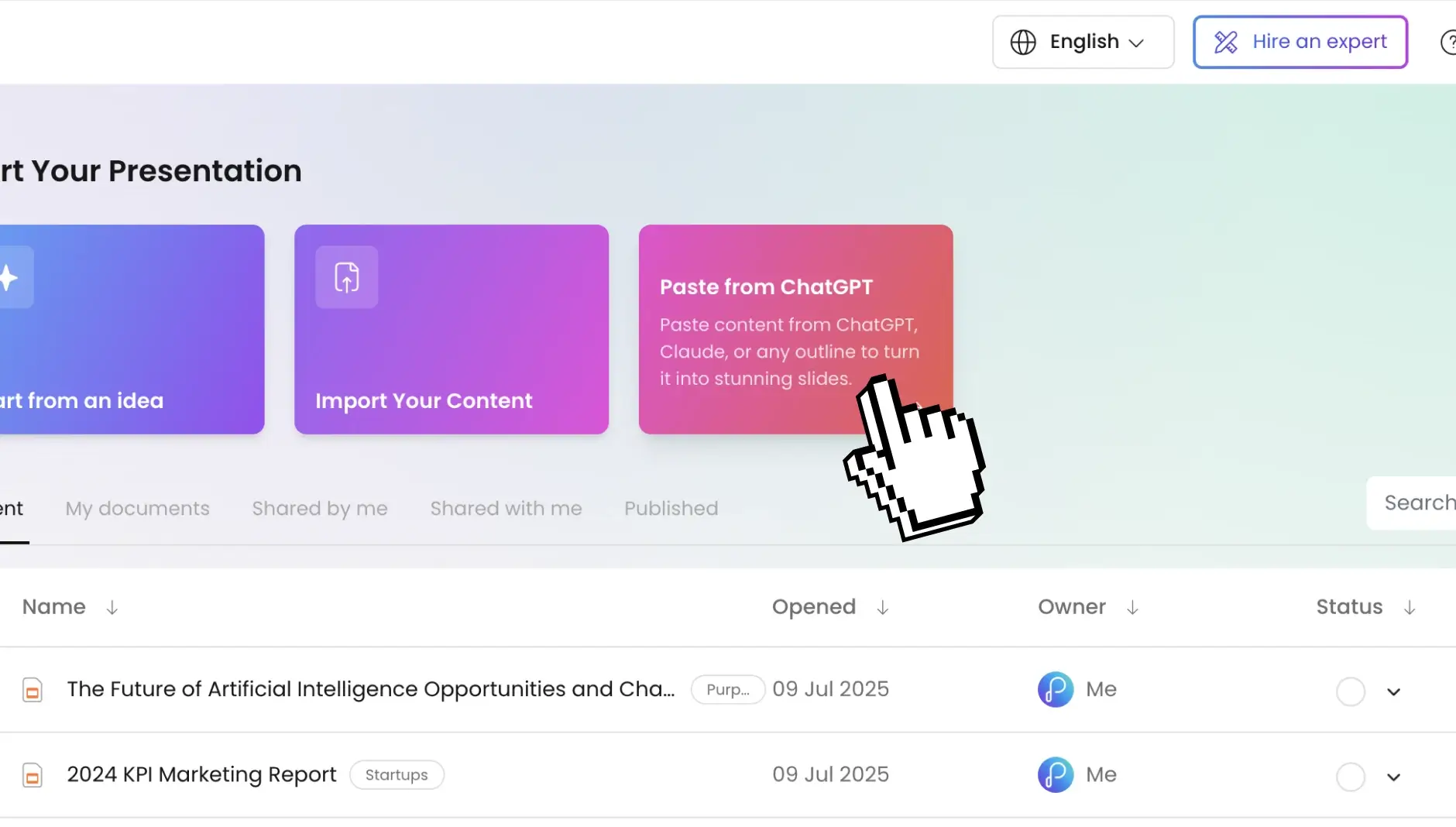
Already have it written up in a document? You can convert word to ppt in just a couple of clicks.
Step 2: Configure your presentation settings
Choose your slide count, language, and target audience. The AI adapts tone, complexity, and visual style around your specifications.
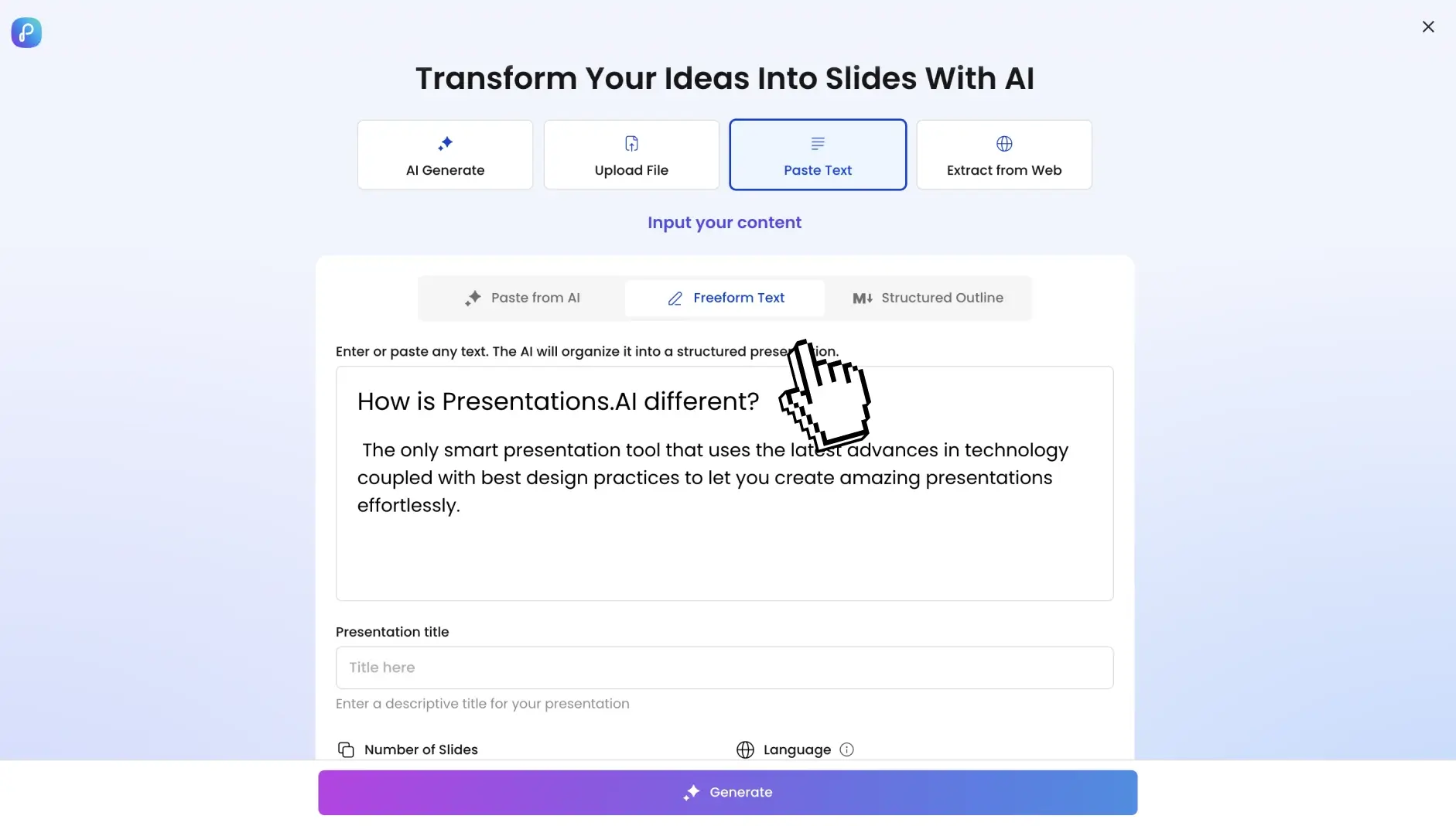
Step 3: Generate your PowerPoint with one click
Hit convert. Our ai presentation maker identifies key themes, logical flow, and information hierarchy, and delivers a complete PowerPoint presentation in 30 seconds.
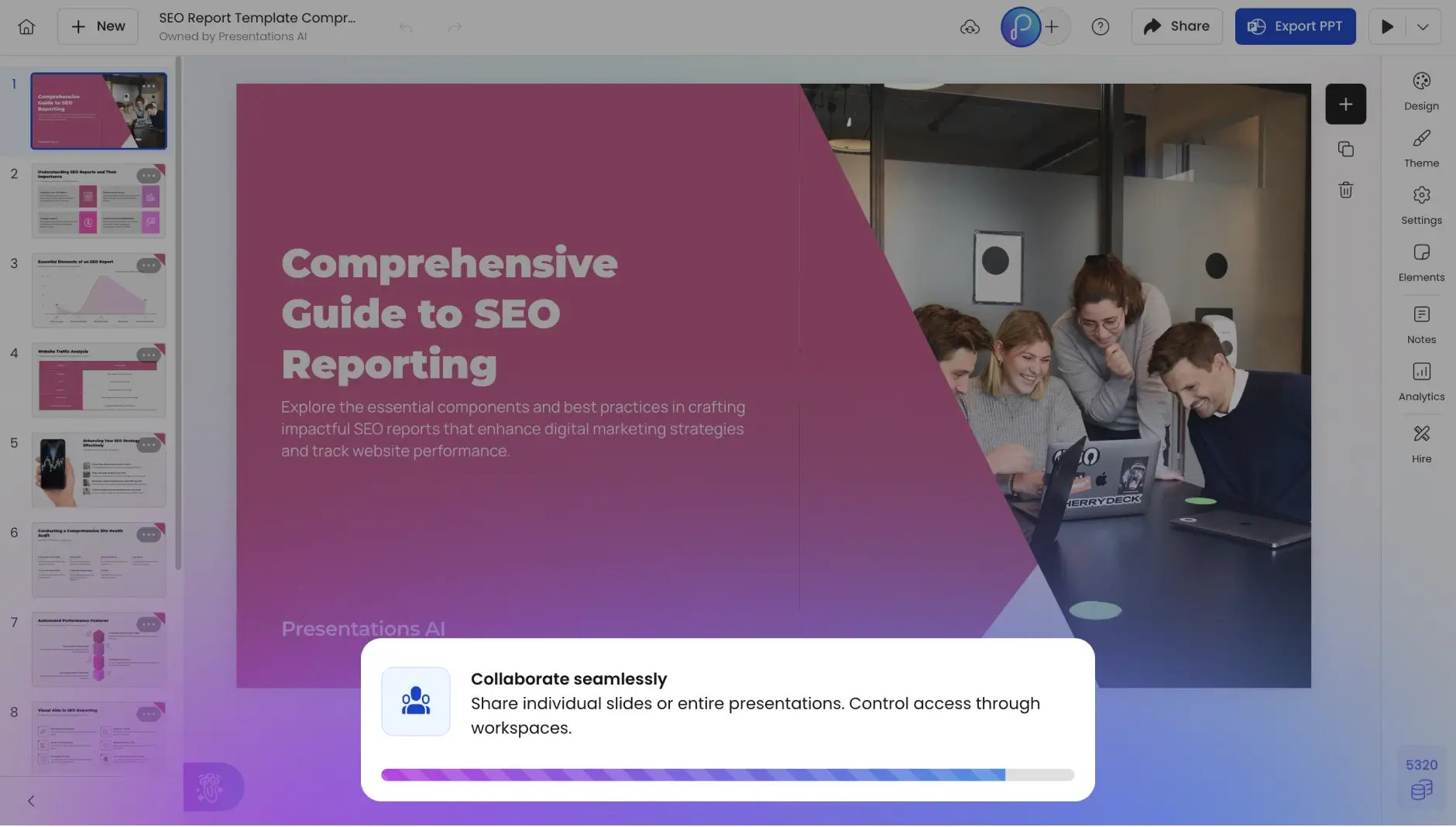
Step 4: Preview your deck
Jump straight into slideshow mode. You'll find fully editable slides, professional transitions, preserved formatting, speaker notes, and clickable hyperlinks, not paragraphs stacked on a canvas.
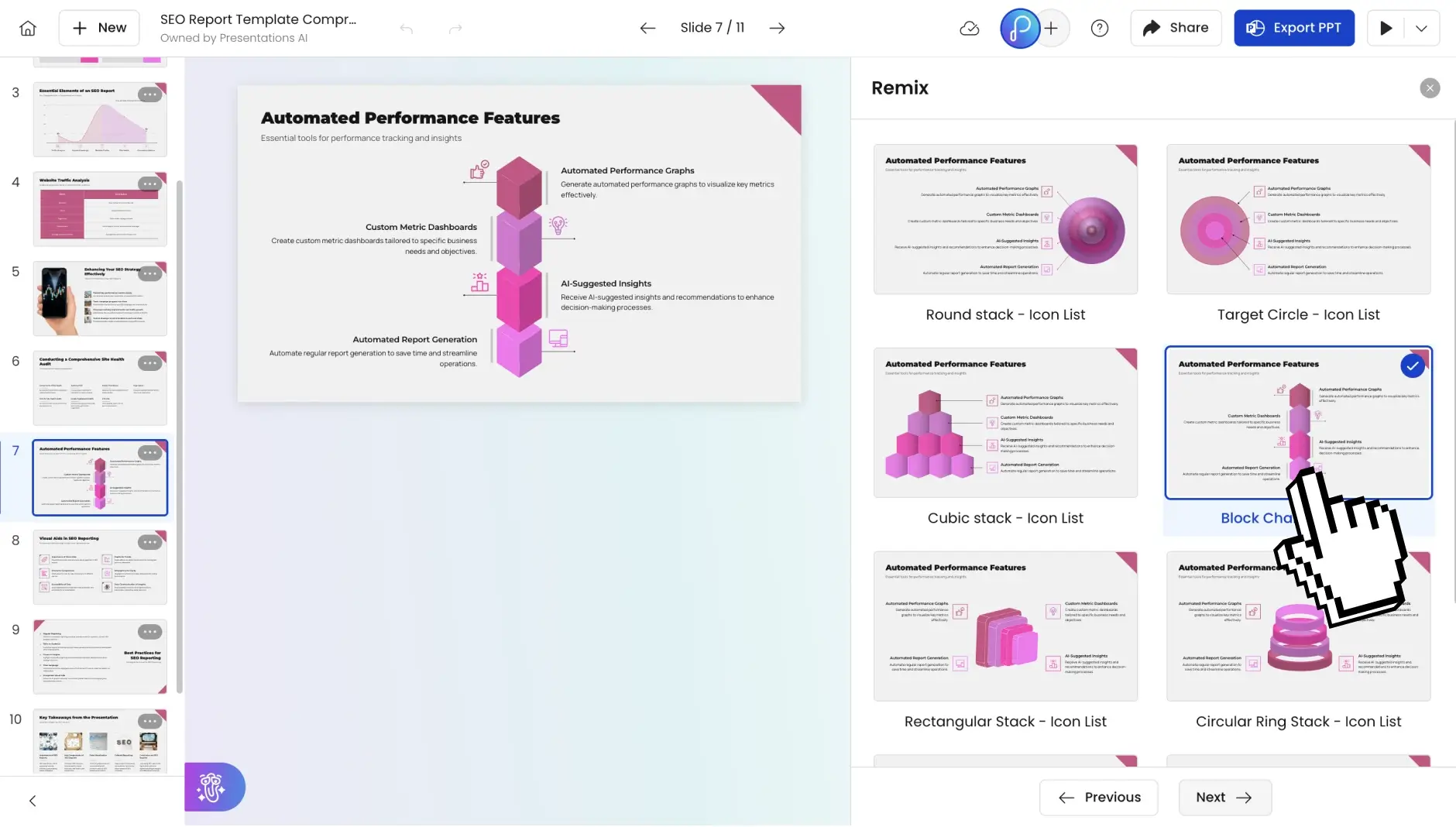
Step 5: Make any changes you deem fit
Adjust text, swap images, change layouts, add slides, or rework anything directly in the built-in editor. The AI gives you a strong starting point — the final call is always yours.
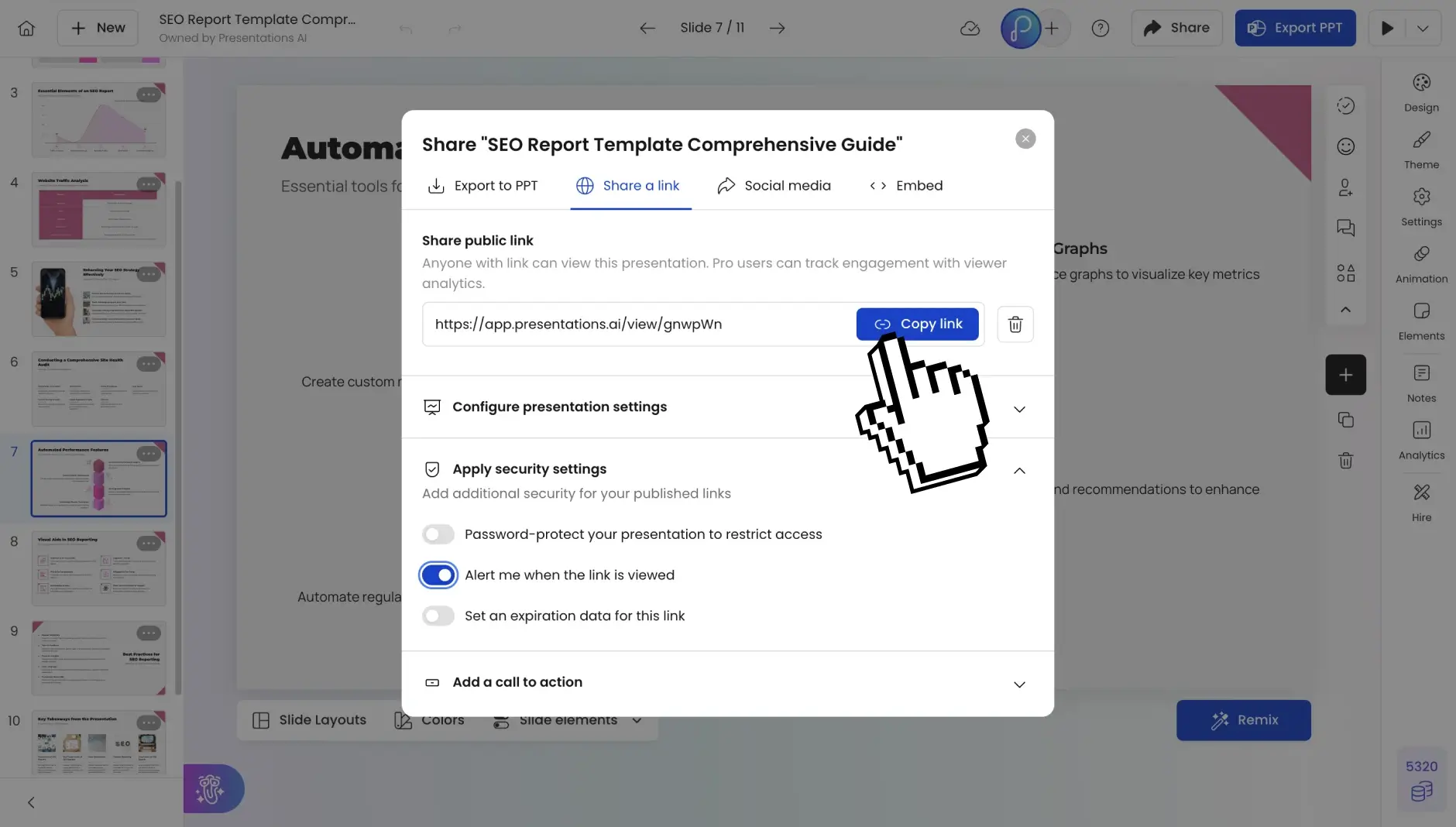
Step 6: Share anywhere
Publish as a shareable link, invite teammates to co-edit, or export as a fully editable PowerPoint or PDF. Ready for any room, any audience, any format.