文字转PPT

文本 PowerPoint 转换器 它做对了

在 30 秒内将任何文本转换为专业演示文稿。我们以人为本的文本到 PPT 转换器可以分析、构造和重构您的幻灯片,使其成为 PPT 精美的幻灯片,而不仅仅是格式化的文本转存储。

Thank you! Your submission has been received!
Oops! Something went wrong while submitting the form.

免费文本转换 PowerPoint

开始 200 个 AI 积分

适用于任何文本

导出为可编辑的 .pptx

成为 “你注定要成为” 的演讲巨星

使用人工智能创建 PPT、信息图表、图表、时间表、项目计划、报告、产品路线图等。毫不费力,引人入胜,可免费试用。

免费试用文稿转PPT

为什么手动将文本转换为PowerPoint不行

需要为利益相关者更新新的会议记录。应该准备就绪的项目简介。研究结果隐身藏藏在值得的幻灯片的段落落中。问题不在于内容,而将是将可读的文本变更值得展出显示的内容所花费的时间。

手动将文本转换为 PPT 很痛苦
将基本文本转换为 PPT 工具会让情况变得更快。他们将分段落转到幻想灯片上,将所有设计的决策留给你,然后交叉付款开始看来像文档案中的内容。两个小时后,你然看到一张空白的幻灯片,想知道我从哪个里开始。

我们的 AI 文本 PowerPoint 转换器
演示文稿人工智能的文本到 PowerPoint 转换器的工作方程式不一样粘贴你的文本(任何格格式,任何长度),人工智能就会理解意图,组织结构,并生成一个完整的、专业设计的卡组。30 秒后。


我们的 AI 文本到 PowerPoint 转换器的性能如何超越

内容智能,而不仅仅是格式化
一身份 2,000 字节的报告不会变幻灯片上的 2,000 个字。它变了集成的15张幻灯片片的内容,关键见解浮出水面,支持数据可视化,结构适用于现场观看,而且不是个人读者。

演示原创设计
文字是可用来阅读的。演示文稿是吸引人。人工智能会自动应用视觉层次结构、战略空白空间和受众优化的布局局——每张幻灯片都是为真实而设计的,而不仅仅是信息传输。

智能内容层次结构
主要主题成章节标题。支点变量为幻想灯片内容。细节成演讲者备注。转换过程中不会丢失任何东西——它会被放置在其所属的地点。

任何文本格格式,精度相反
纯文本、项目符号列表、格式化文文档、混合内容——人工智能以相似的智能处理每种输入类型。粘贴前无须特殊格式。

如何转换 文字转PPT 演讲

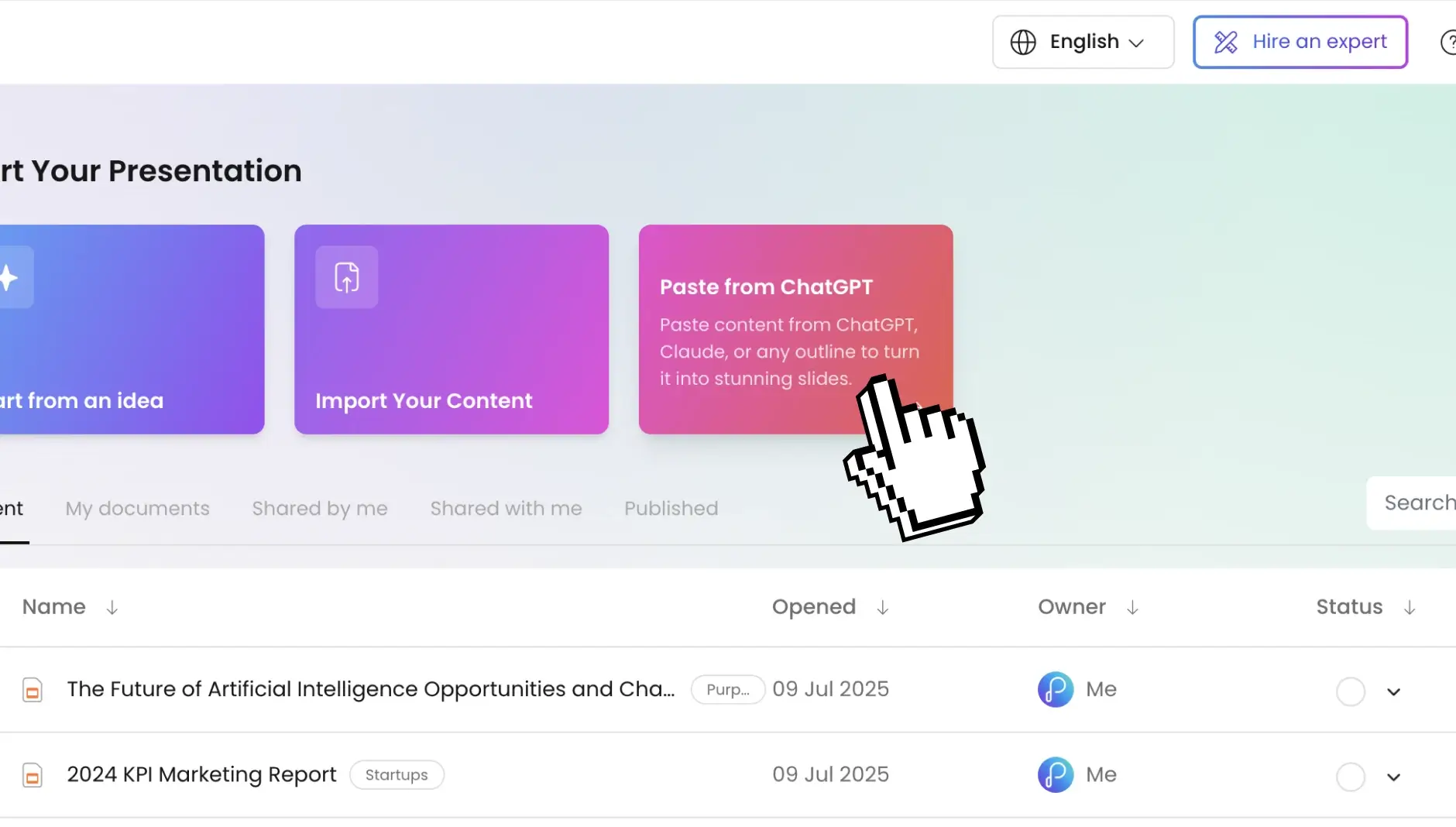
第 1 步:导航到您的仪表板并输入您的文本内容

前往仪表板粘贴你的容量——会议记录、项目简介、研究摘要、文章草稿、培训大全。任何文体都有效。

texttodeck_1

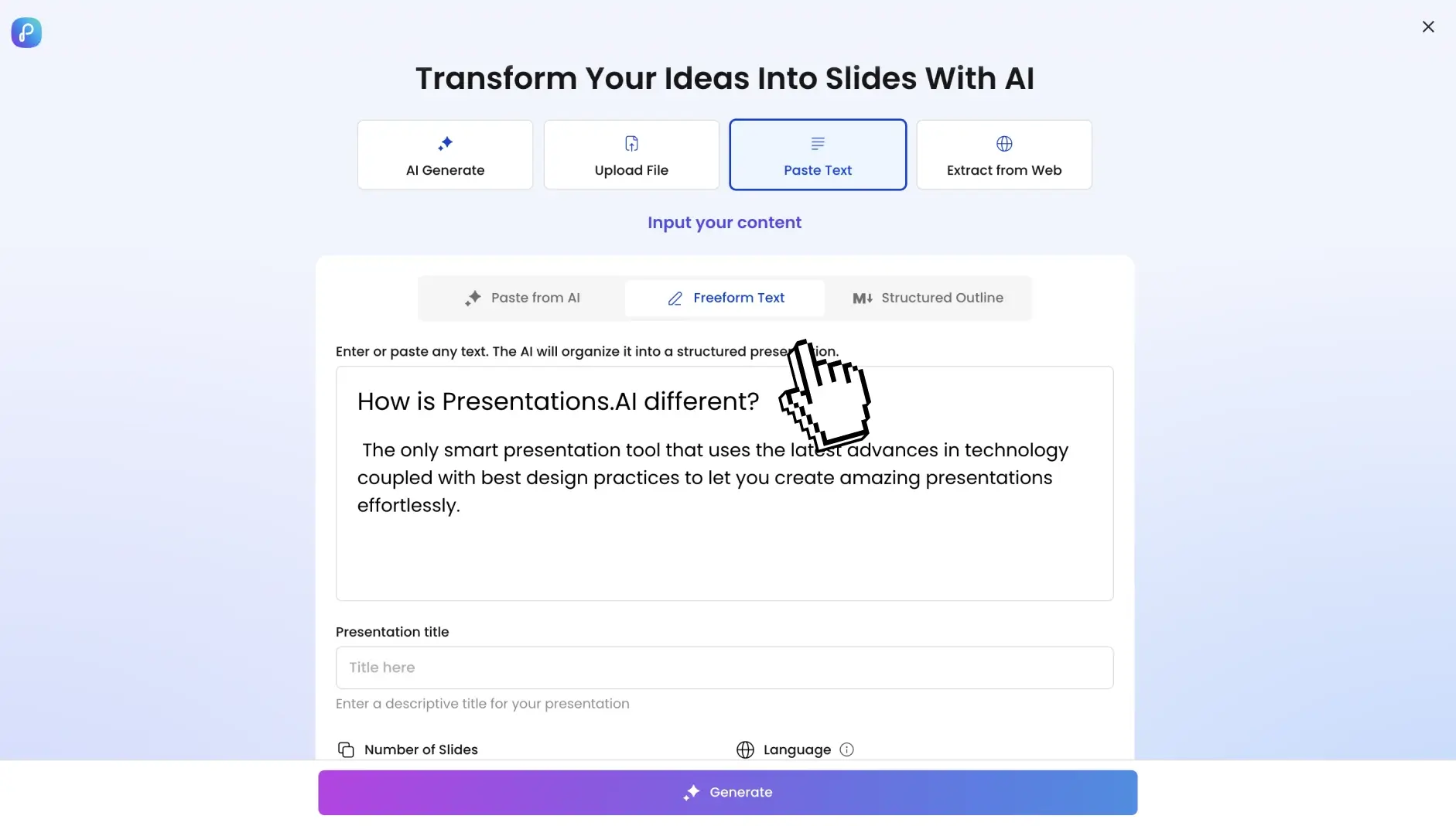
第 2 步:配置您的演示设置

选择您的幻灯片数量、语言和目标标记受众。AI 会根据你的意思调整语气、复杂性和视觉风格。

texttodeck_2

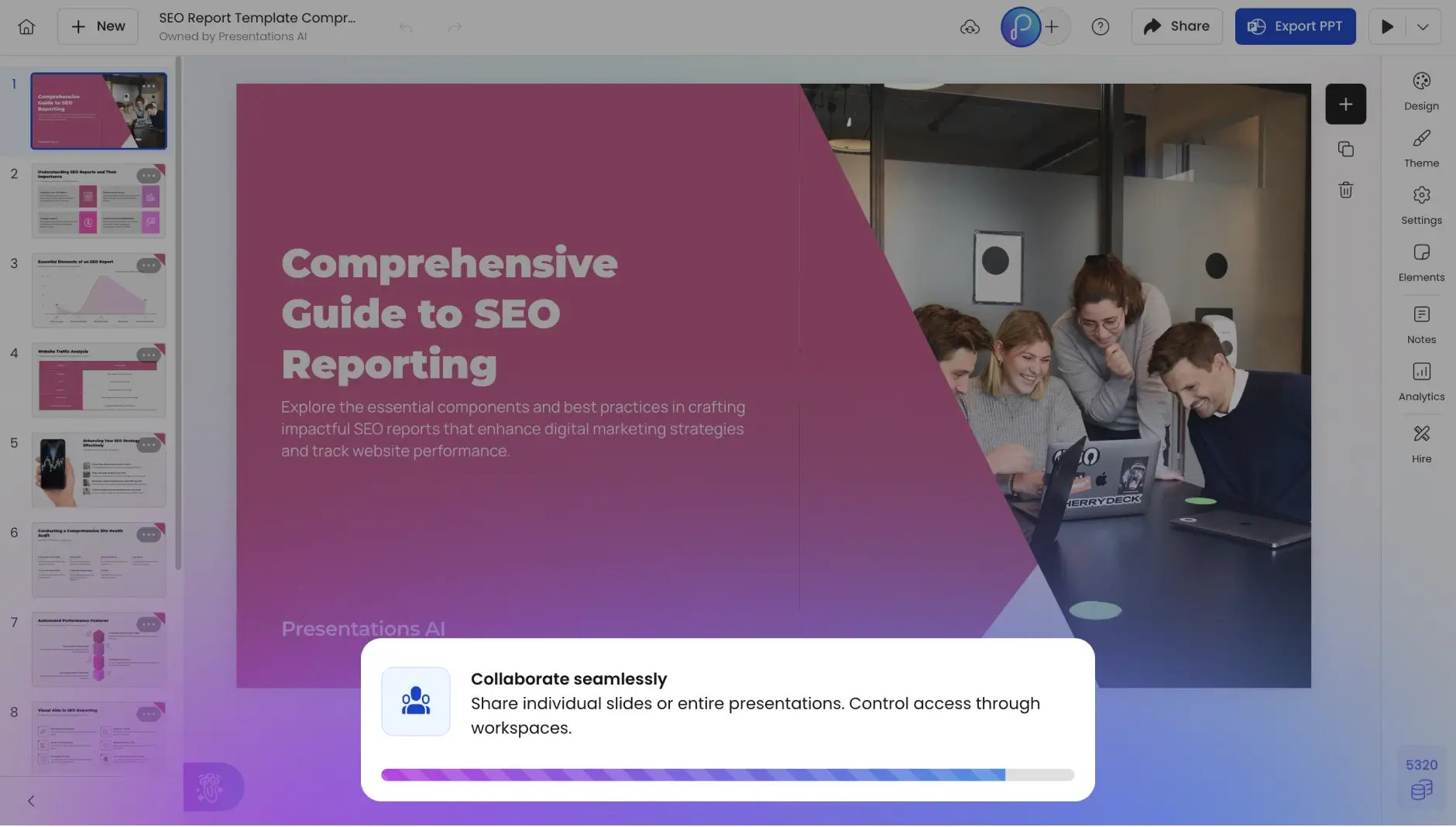
第 3 步:一键生成 PowerPoint

点击转换。人工智能识别关键主题、逻辑流水线和信息层次结构,并在 30 秒内提供完整的 PowerPoint 演示文稿。

texttodeck_3

第 4 步:预览你的品牌组

直接接入幻想灯片模式模式。你会发现完全可编辑的幻灯片、专业的过去 “效果”、“保留” 的格格式、演讲者备注和可点击的超级链接,而在画布上面的段落不是。

texttodeck_4

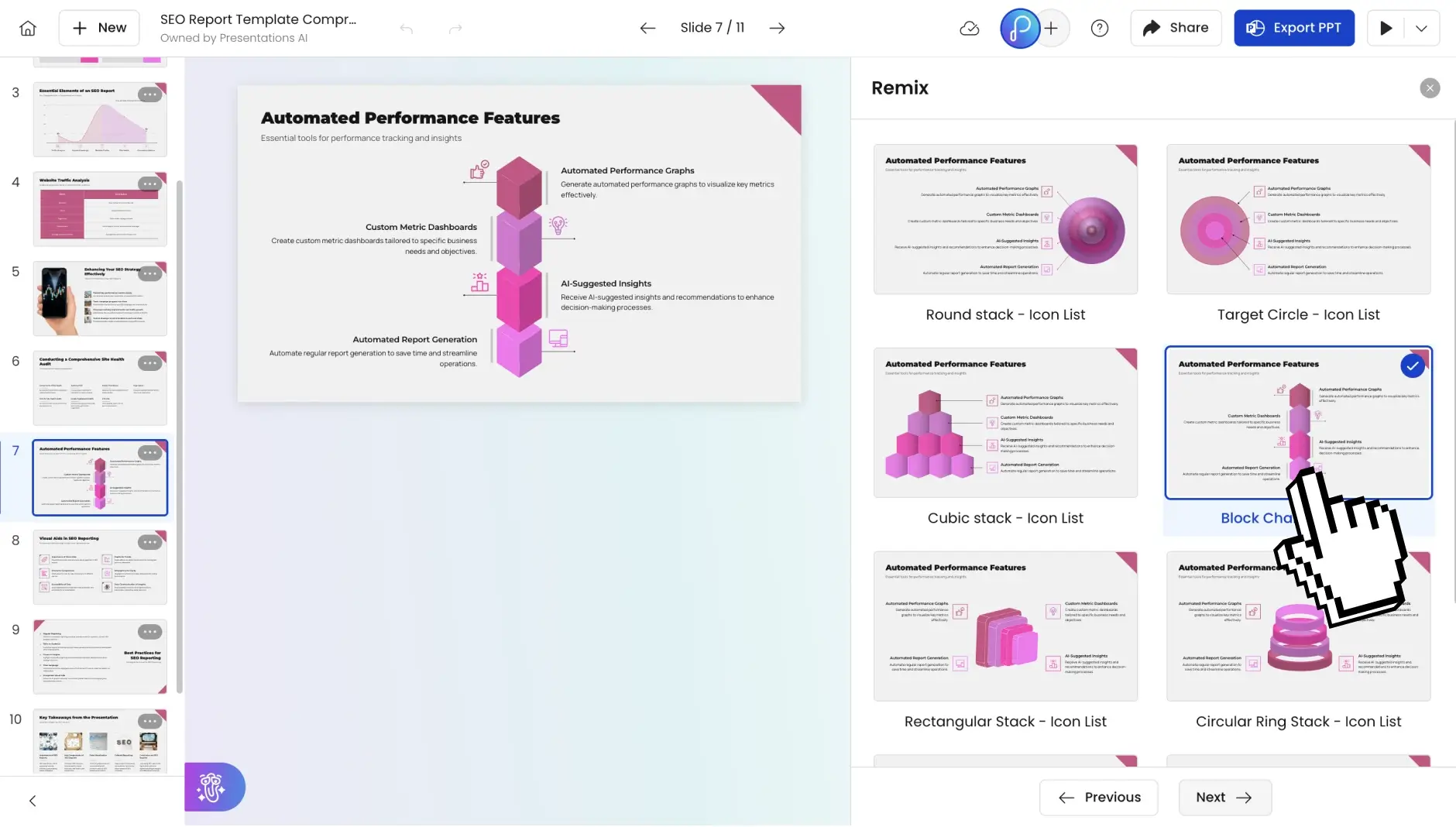
第 5 步:做任何你认可的更合适

直接接入内置编辑器中调整整文本、交换图像、更新改布局、添加幻想灯片或修改任何内容。人工智能为你提供了一个坚实的起点 —— 最后的定永远是你的。

第 6 步:随机随机分享分享

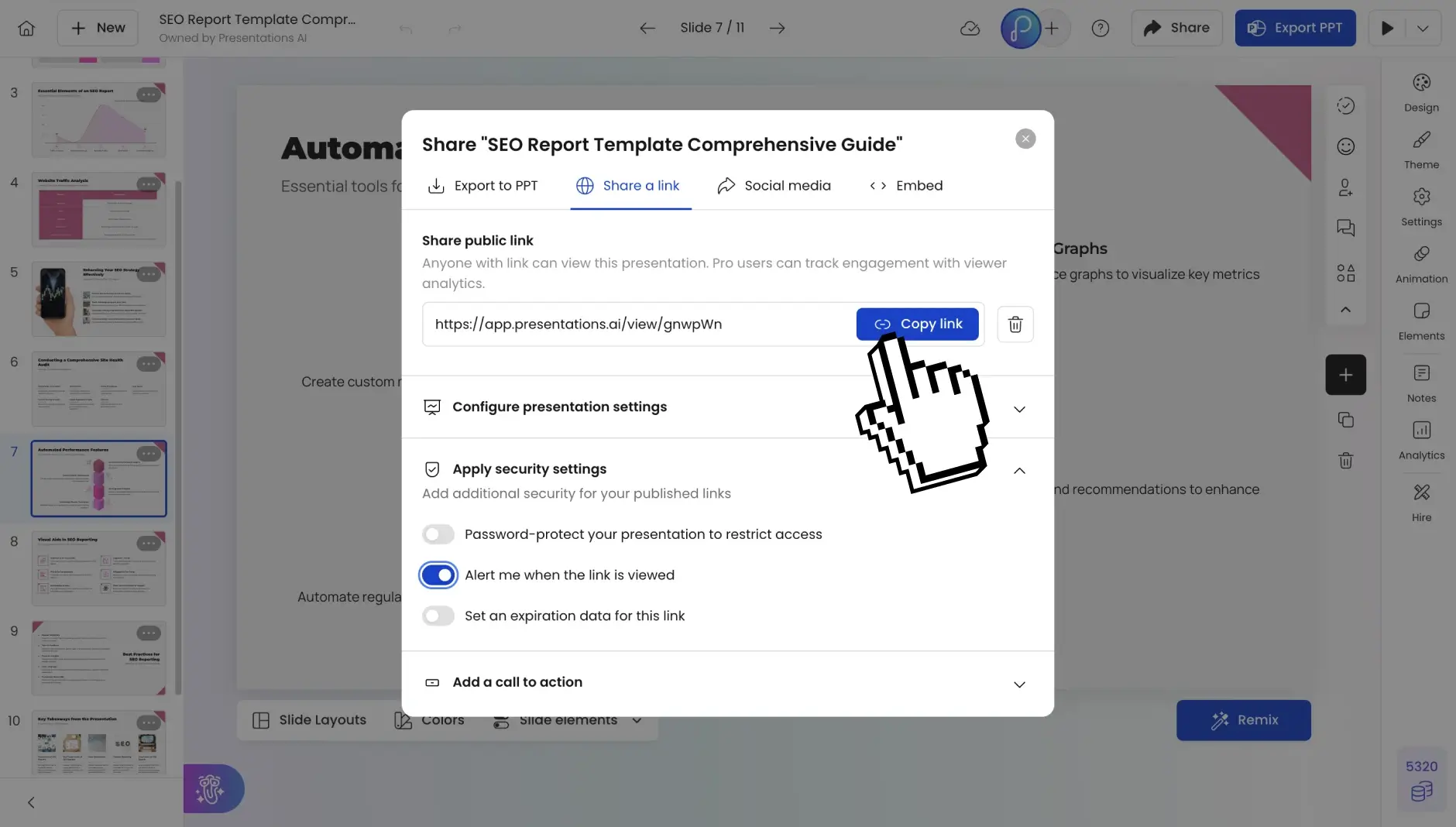
以可共享的链接我发布了,邀请队友共享同志编辑,或者导出为完全可编辑的 PowerPoint 或 PDF。为房任何间、任何观众、任何格式做好准备。

texttodeck_5

Divider Lines

经常问的问题

我可以将哪些类别的文本转换为 PowerPoint?

Down IconUp Icon

我们的文本到 PPT 转换器适用于任何文本格式——纯文本、格式化文文档、项目符号列表、会议记录、文章草稿或混合内容内容。从一段简短的段落到一万字节的报告,所有内容都可以转换。

How does the AI understand my text structure?

Down IconUp Icon

The AI performs semantic analysis to identify main themes, supporting arguments, examples, and conclusions. It recognizes natural section breaks, hierarchies, and relationships between ideas to create logical slide groupings.

What happens if my text is unstructured?

Down IconUp Icon

That's where our AI excels. Even scattered notes or stream-of-consciousness writing gets organized into coherent slides. The AI extracts key ideas, groups related concepts, and builds a narrative flow.

Can I control how many slides are generated?

Down IconUp Icon

Absolutely. Specify your desired slide count during setup. The AI adjusts content density accordingly—more slides for detailed depth, fewer slides for executive summaries.

Does it work with non-English text?

Down IconUp Icon

Yes. Supporting 40+ languages with automatic detection. You can even convert text in one language to a PowerPoint in another language, or maintain the original language throughout.

How does the AI add visuals to text-only input?

Down IconUp Icon

The AI analyzes your content themes and automatically sources relevant, high-quality images from our integrated stock libraries. Icons illustrate concepts, and data references become charts.

Can I use this for technical or specialized content?

Down IconUp Icon

Absolutely. The AI handles technical terminology, maintains accuracy, and preserves specialized language. Medical presentations, financial analyses, engineering reports—all convert with precision.

What about my brand consistency?

Down IconUp Icon

Include your company information in the text, and Brand Sync automatically applies your colors, fonts, and logo. Every slide maintains your visual identity without manual formatting.

Is my text content secure and private?

Down IconUp Icon

SOC 2 Type II certified with encrypted processing. We don't store your text after conversion. Your proprietary content, competitive analysis, and confidential data stay private.

How is this better than creating slides manually?

Down IconUp Icon

Manual creation takes hours. We give you presentation-ready slides in 30 seconds. Our AI handles structure, design, visual selection, and formatting while you focus on delivering your message.