PPT 大纲

从大纲到演示 30 秒

有大纲吗?我们会把它变成一副套牌。当你喝咖啡时,我们的 AI 演示生成器可以将你的要点转换成精美的幻灯片。

Thank you! Your submission has been received!
Oops! Something went wrong while submitting the form.

200 个免费 AI 积分

无需信用卡

导出到 PowerP

成为你注定要成为的演讲巨星

使用 AI 创建 PPT、信息图表、图表、时间表、项目计划、报告、产品路线图等。毫不费力,引人入胜,可免费试用。

免费试用 Outline to PPT

为什么 “幻灯片大纲” 通常不起作用

你有大纲。这些想法很扎实。但是将该大纲转换为演示文稿呢?对于大多数人来说,这就是事情分崩离析的地方。

手动大纲到套牌的转换至少需要 3-4 个小时
大纲捕捉的是想法,而不是流程。当你手动转换时,叙事往往会变得不连贯——幻灯片感觉像片段,而不是一个有凝聚力的故事。本应是 30 分钟的任务变成了 3 小时的校准、间距和设计修正练习。最后,信息往往会变得不清晰。

我们的 AI 大纲到 PPT 转换器颠覆了脚本
粘贴您的大纲。单击 “生成”。不到一分钟即可获得一副完整的套牌。不是使用 lorem ipsum 的模板——你的实际内容,经过专业设计,随时可以呈现。无论您是需要将大纲转换为演示资料、培训课程还是董事会会议的幻灯片,我们的 AI 演示制作器都能为您处理。


我们的 PowerPoint AI 大纲的运作方式

理解你的结构,而不仅仅是你的文本
人工智能可以读取层次结构、意图和各点之间的关系,将原始要点转换为清晰的叙事曲线,而不仅仅是幻灯片。

动态调整布局
布局不是强行将内容转换为严格的模板,而是根据你写的内容来演变——比较变成表格,流程变成流程,数据变成视觉效果。

智能地增强内容
轮廓稀疏吗?人工智能对其进行了扩展。太详细了?它将它压缩并重组为摘要和支持幻灯片。

专为真实演示环境而构建
经过数百万次成功演示的培训,我们向演示制作者提供的人工智能大纲了解销售平台和董事会报告的区别,并相应地调整设计、语气和布局。

如何转换 演示大纲

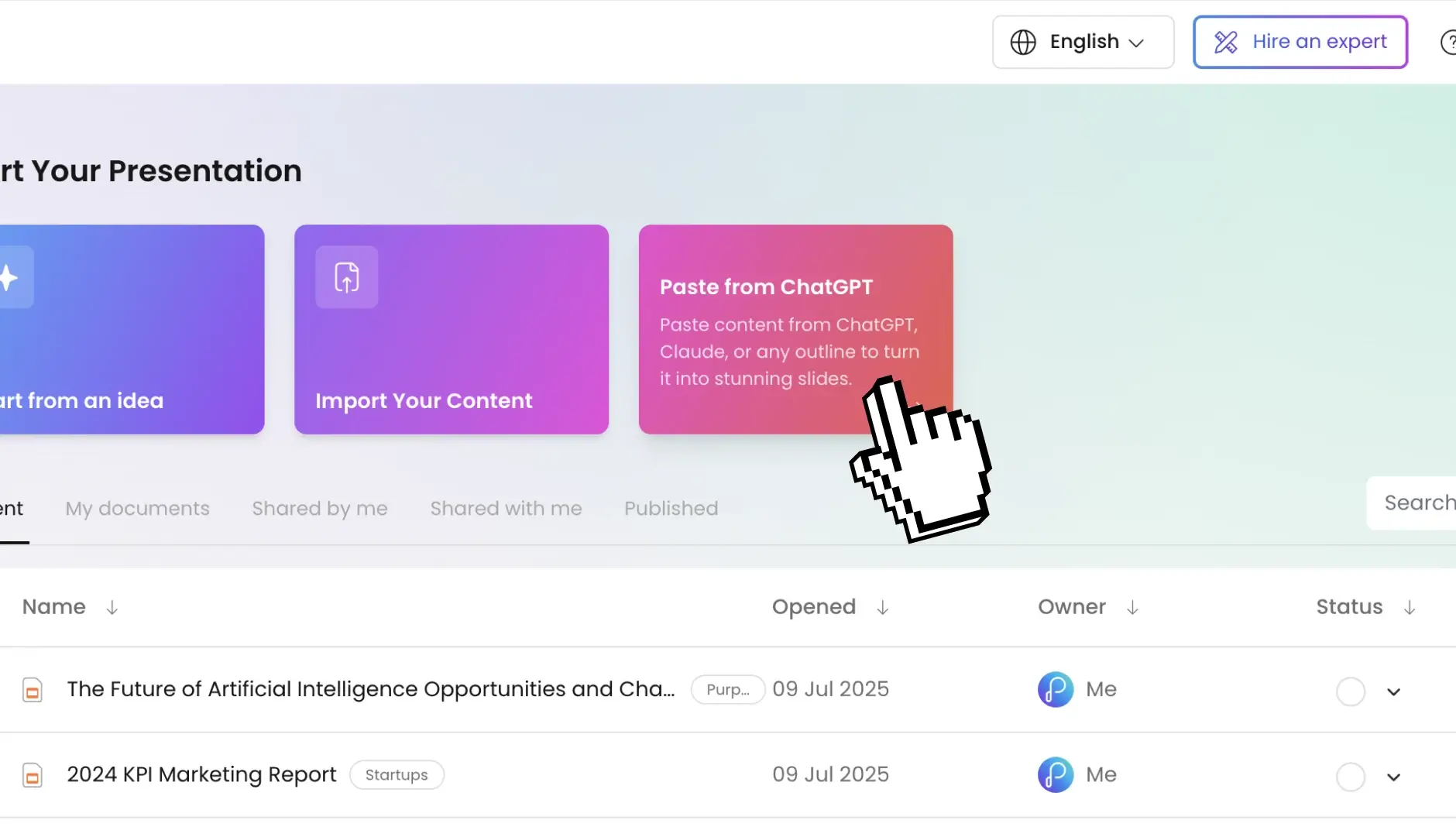
第 1 步:粘贴大纲

随时随地添加文本;文字文档、电子邮件、会议记录、大脑库。我们的人工智能可以处理乱七八糟的格式、嵌套的项目符号,甚至是意识流写作。
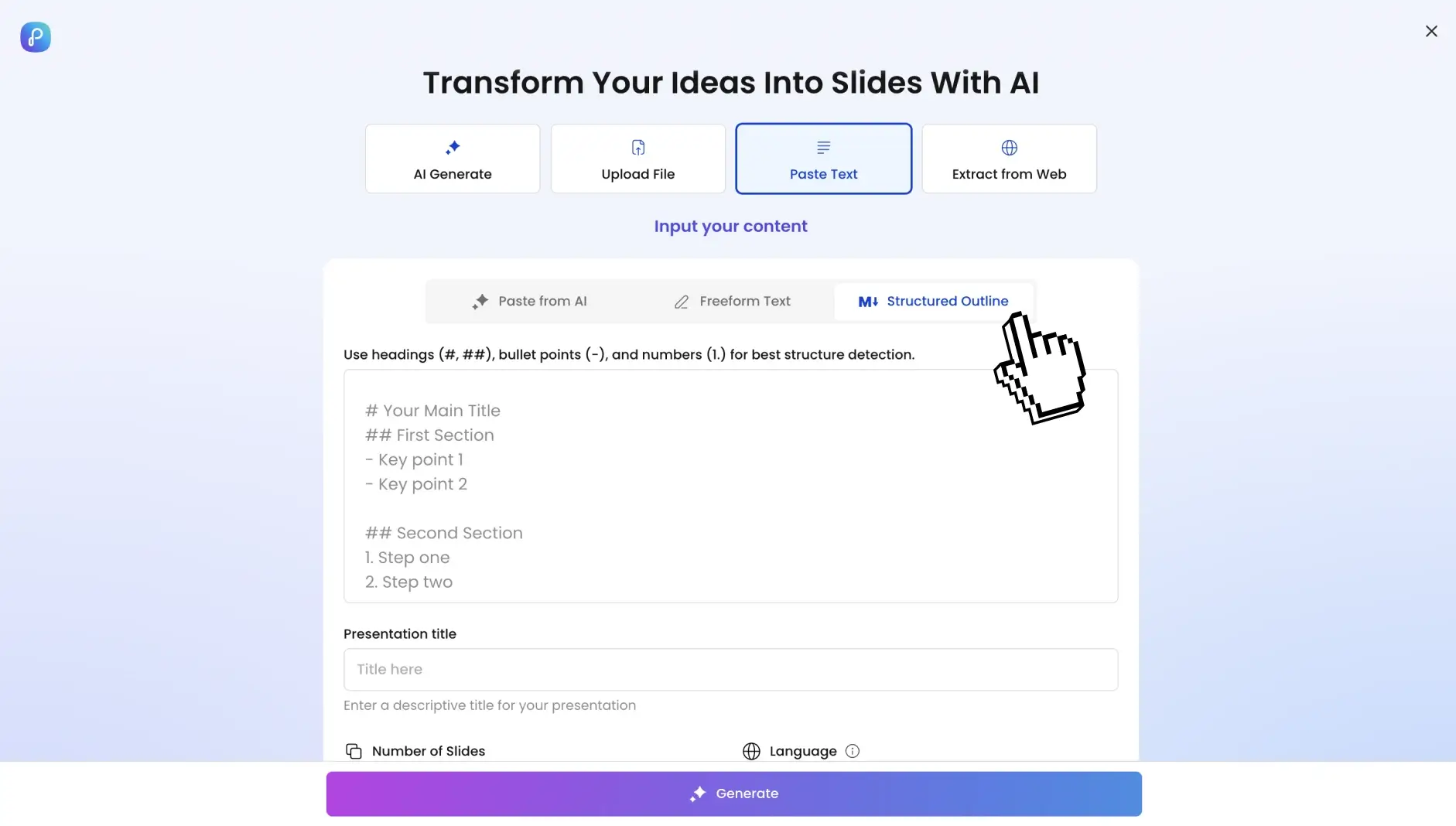
第 2 步:设置参数(可选)

控制各个方面,或者让人工智能来决定。设置幻灯片数量(5-50 张以上),选择语言(支持 40 多种),定义语气(技术性、休闲性、会议室就绪),并指定受众。
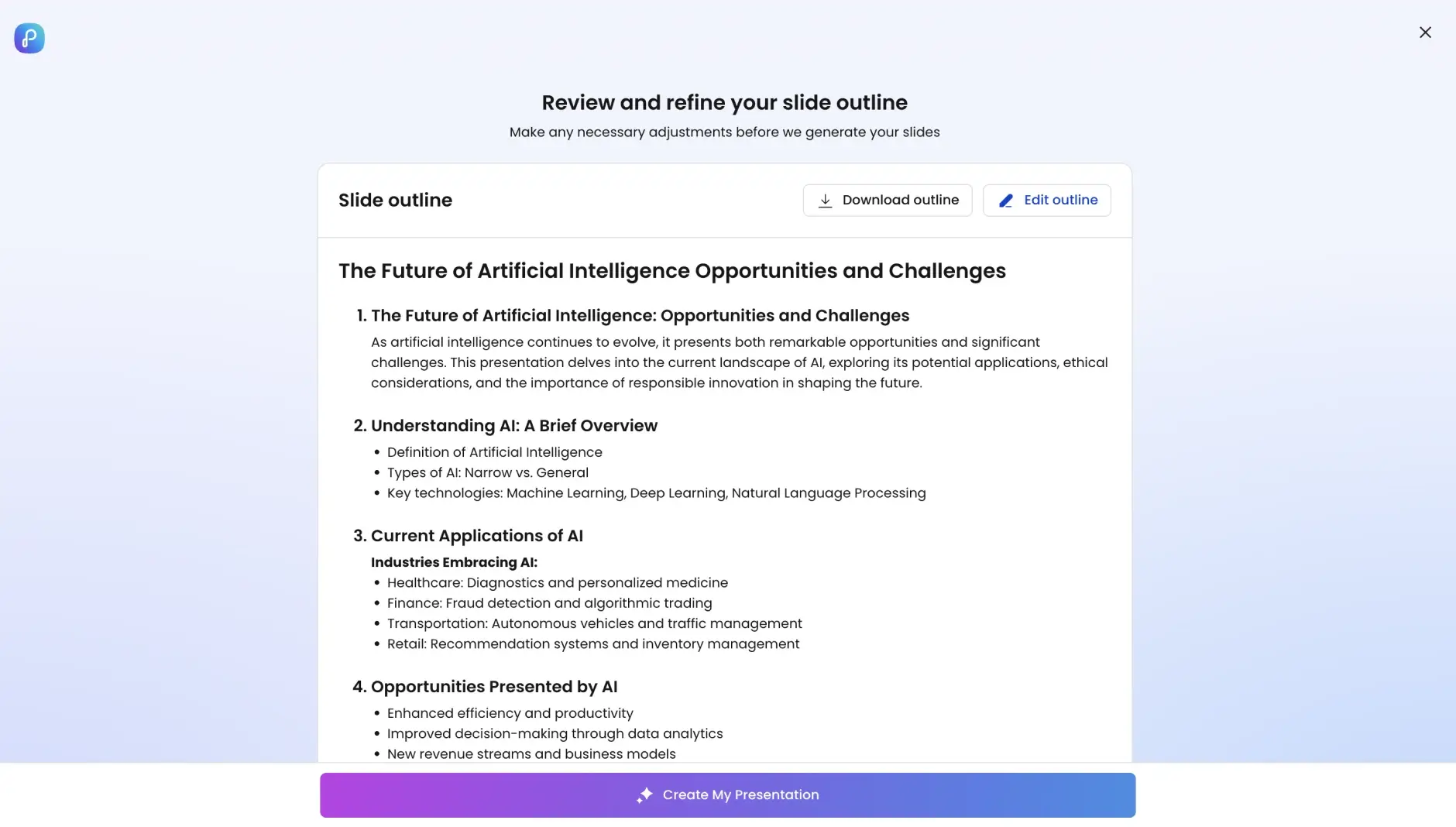
第 3 步:AI 搭建你的套牌

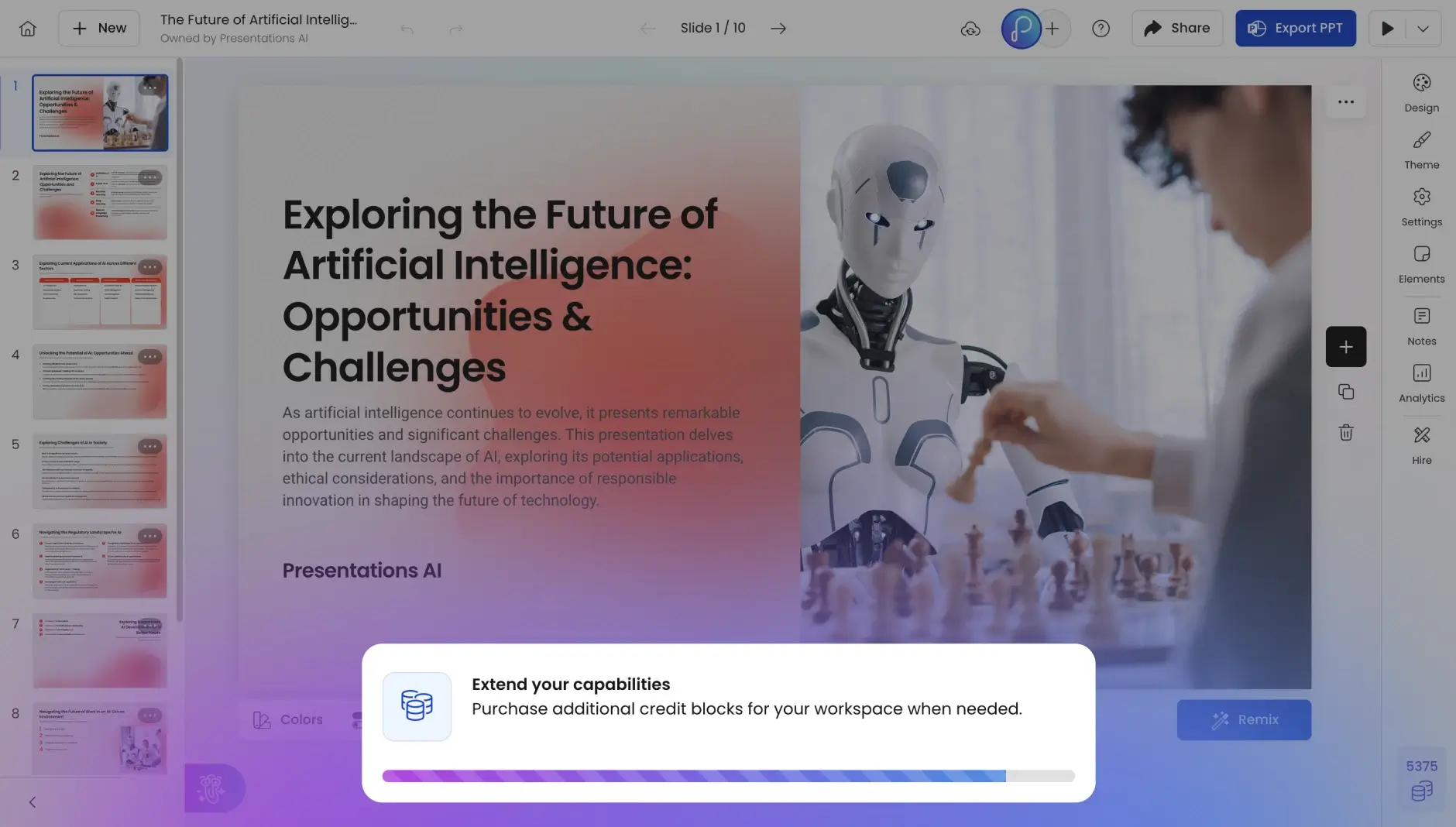
只需单击一下即可将您的主题或想法转换为卡组!观看您的大纲转变为结构化的叙事流程、专业的幻灯片布局、相关图像、自动动画和一致的排版。
第 4 步:查看您的作品

以幻灯片形式预览您的牌组——这是一款经过全面设计的产品,而不是草稿或占位符版本。
第 5 步:利用 AI 协助进行改进

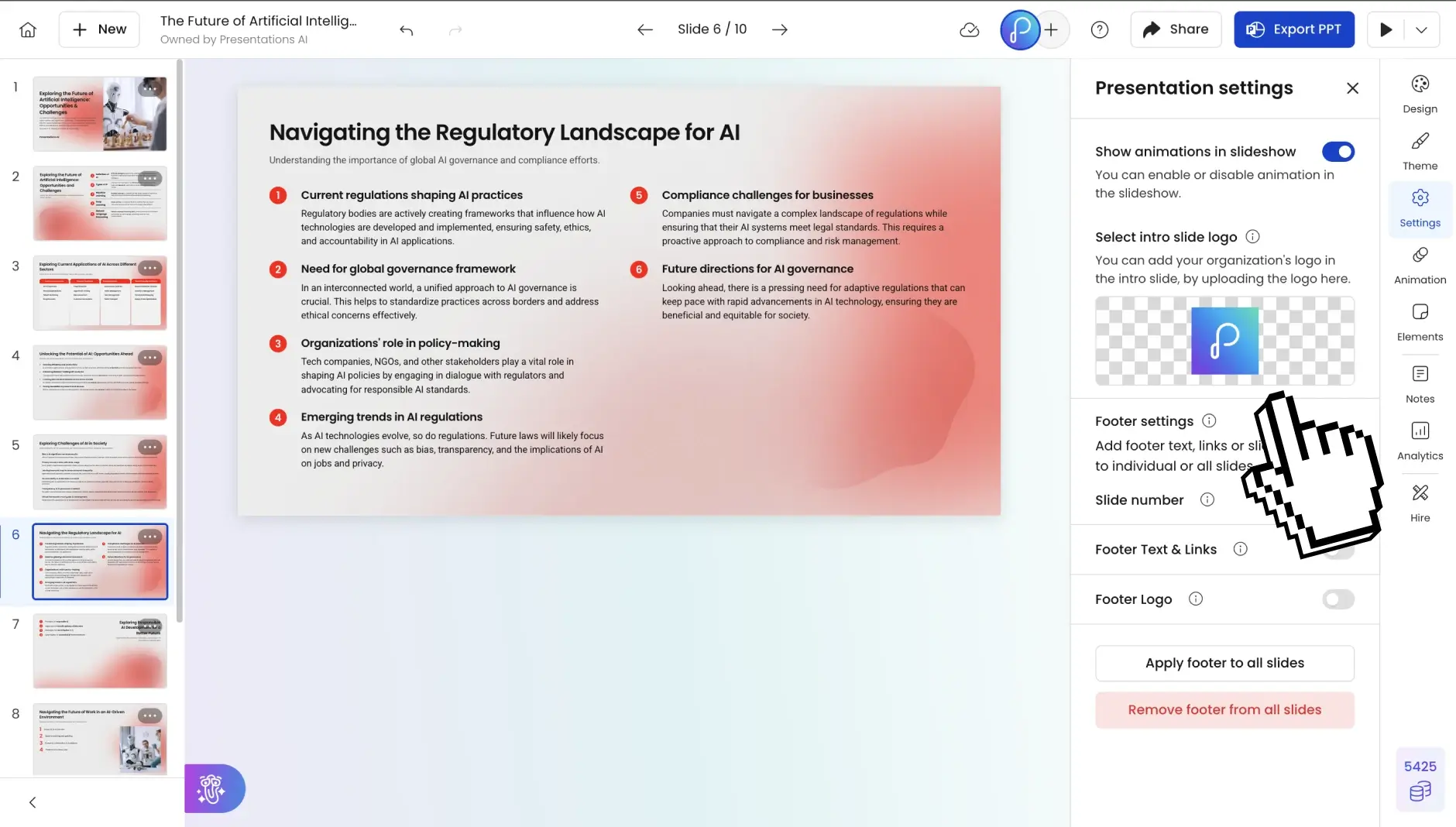
使用自然提示编辑、扩展或简化幻灯片,无需手动重新设计。
第 6 步:导出或共享

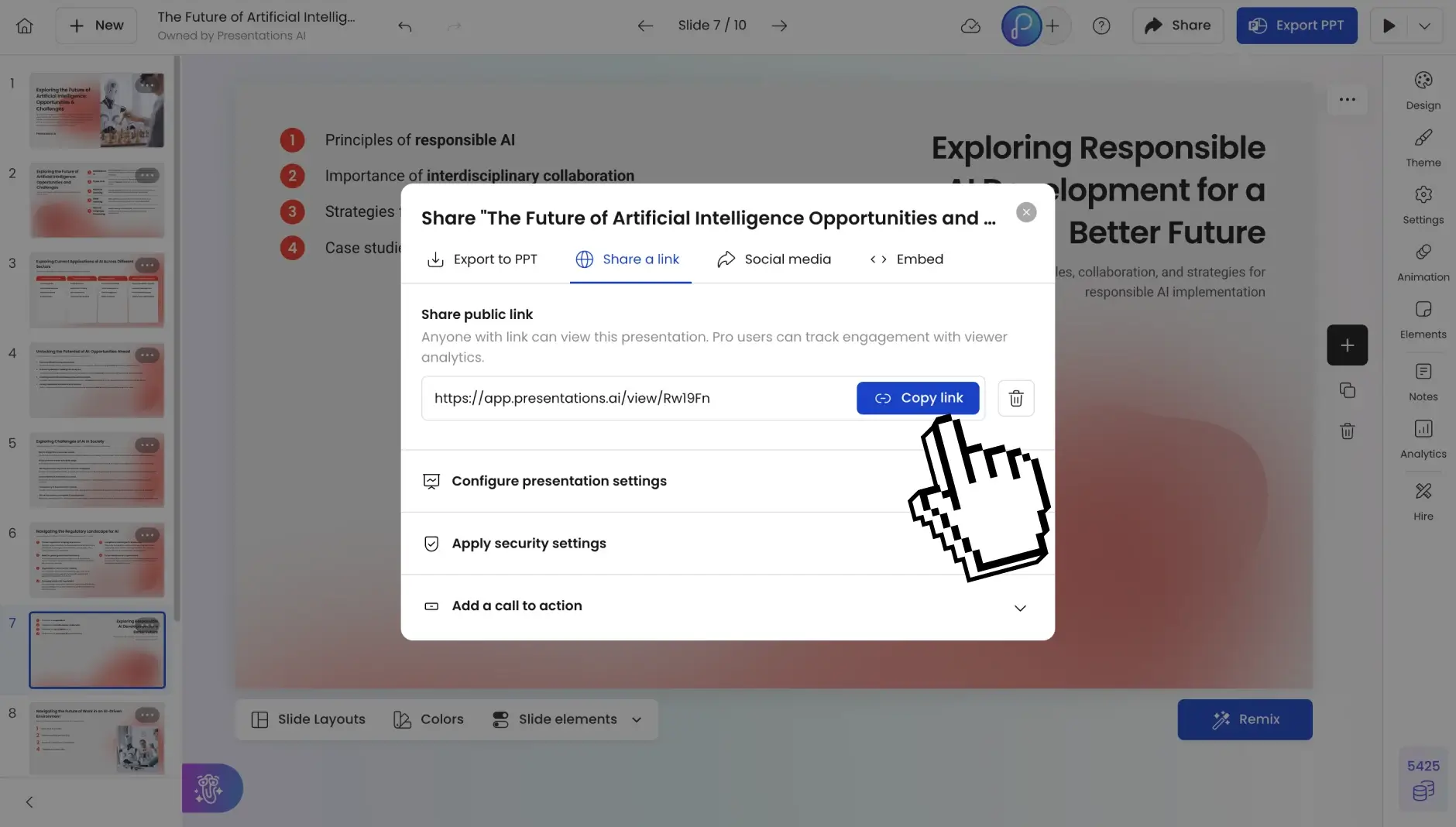
以 PowerPoint 格式下载,通过链接共享,或与您的团队实时协作。
Divider Lines

经常问的问题

Can I convert a messy, unformatted outline?

Down IconUp Icon

Absolutely. Our AI handles everything from perfectly structured bullets to stream-of-consciousness brain dumps. It identifies hierarchy, groups related concepts, and creates logical flow even from chaotic input.

What file formats can I import for outline conversion?

Down IconUp Icon

Currently, you can paste text directly or upload Word docs and PDFs. We're adding Google Docs, Notion, and Markdown file imports next quarter. The AI processes any text-based outline regardless of original formatting.

How long should my outline be for best results?

Down IconUp Icon

Sweet spot: 200-2000 words for a 10-20 slide presentation. Too short? The AI can expand topics. Too long? It'll create a main deck plus appendix slides. There's no hard limit—we've processed 50-page documents successfully.

Does the AI add images and graphics automatically?

Down IconUp Icon

Yes. The AI selects relevant images from our library of millions of stock photos and icons. For data in your outline, it creates appropriate charts and graphs. You can swap any image with one click if needed.

Can I maintain my company's brand guidelines?

Down IconUp Icon

Pro accounts get Brand Sync: enter your website URL and our AI extracts your exact colors, fonts, and logos, applying them consistently across all slides. Enterprise accounts can lock brand templates company-wide.

How is this different from ChatGPT or Claude for presentations?

Down IconUp Icon

Those tools generate text. We generate complete, designed presentations. Our AI understands slide psychology, visual hierarchy, and presentation flow. Plus, you get immediate PowerPoint export—not just text you still need to design.

Can multiple people work on the converted presentation?

Down IconUp Icon

Pro and Enterprise plans include real-time collaboration. Your team can edit simultaneously, leave comments, and track changes. The AI assistant remains available to all editors for continued refinement.

Is my outline data secure?

Down IconUp Icon

Yes. We're SOC 2 Type II certified with end-to-end encryption. Your outlines and presentations are never used to train AI models. Enterprise accounts get additional security features including SSO and audit logs.