Why Outline to Slides Usually Doesn't Work
You've got the outline. The ideas are solid. But converting that outline into a presentation? That's where things fall apart for most people.
Manual outline to deck conversion takes 3-4 hours minimum
An outline captures ideas, not flow. When you convert it manually, the narrative often becomes disjointed—slides feel like fragments instead of a cohesive story. What should be a 30-minute task becomes a 3-hour exercise in alignment, spacing, and design fixes. And by the end, the message often loses clarity.
Our AI outline to PPT converter flips the script
Paste your outline. Click generate. Get a complete deck in under a minute. Not a template with lorem ipsum — your actual content, professionally designed, ready to present. Whether you need to convert an outline to slides for a pitch deck, a training session, or a board meeting, our AI presentation generator handles it all.
How Our AI Outline to PowerPoint Works Differently
Understands your structure, not just your text
The AI reads hierarchy, intent, and relationships between points—converting raw bullets into a clear narrative arc, not just slides.
Adapts layouts dynamically
Instead of forcing your content into rigid templates, layouts evolve based on what you write—comparisons become tables, processes become flows, and data becomes visuals.
Enhances content intelligently
Sparse outline? The AI expands it. Too detailed? It condenses and restructures it into summaries and supporting slides.
Builds for real presentation contexts
Trained on millions of successful presentations, our AI outline to presentation maker knows the difference between a sales deck and a board report, adjusting design, tone, and layout accordingly.
How to Convert Outlines to Presentations
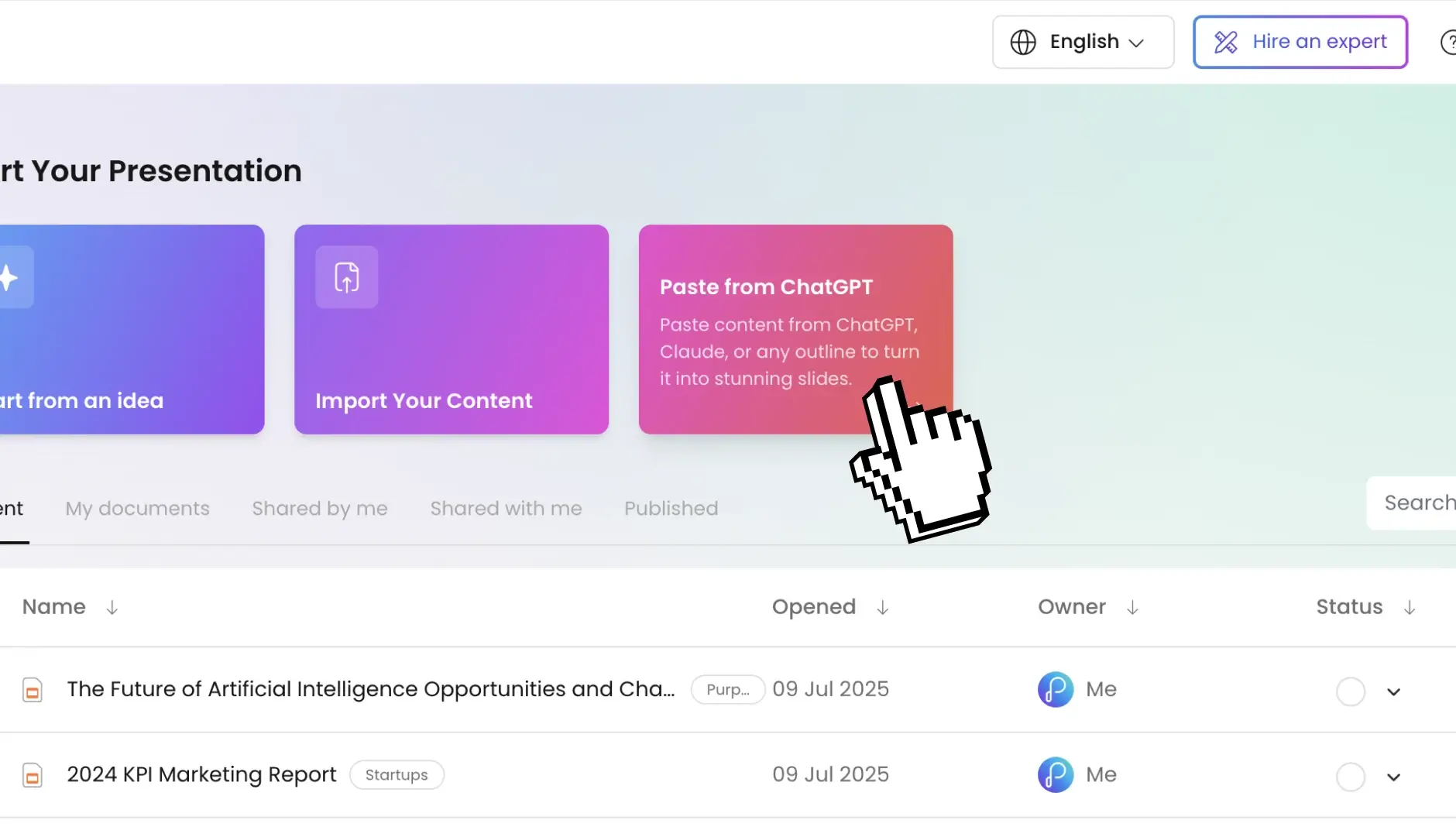
Step 1: Paste your outline
Drop in text from anywhere; word docs, emails, meeting notes, brain dumps. Our AI handles messy formatting, nested bullets, even stream-of-consciousness writing.
It works just like our text to ppt tool — any block of text becomes a structured deck, no clean formatting required.
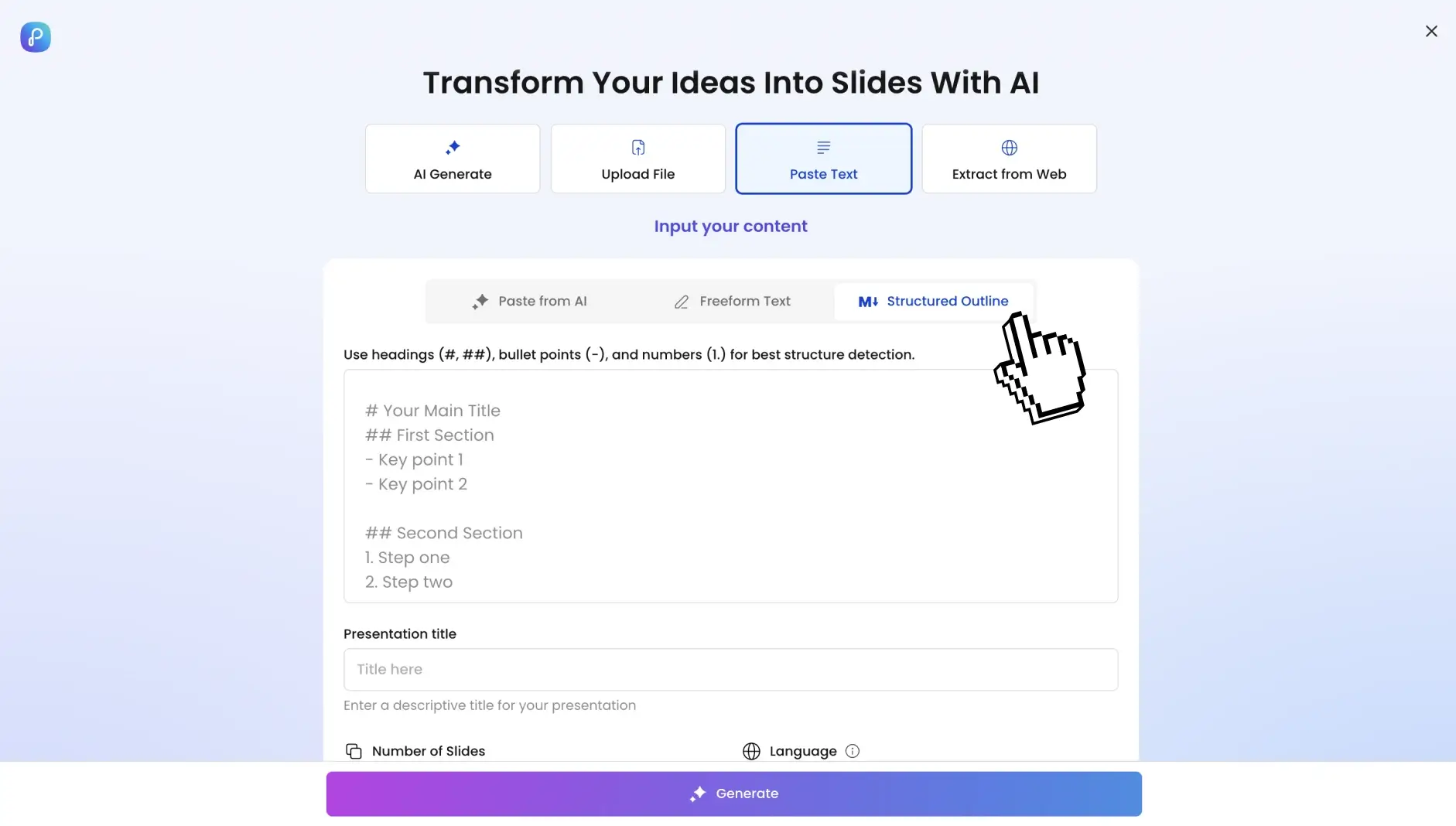
Step 2: Set your parameters (optional)
Control every aspect or let AI decide. Set your slide count (5-50+), pick your language (40+ supported), define the tone (technical, casual, boardroom-ready), and specify your audience.
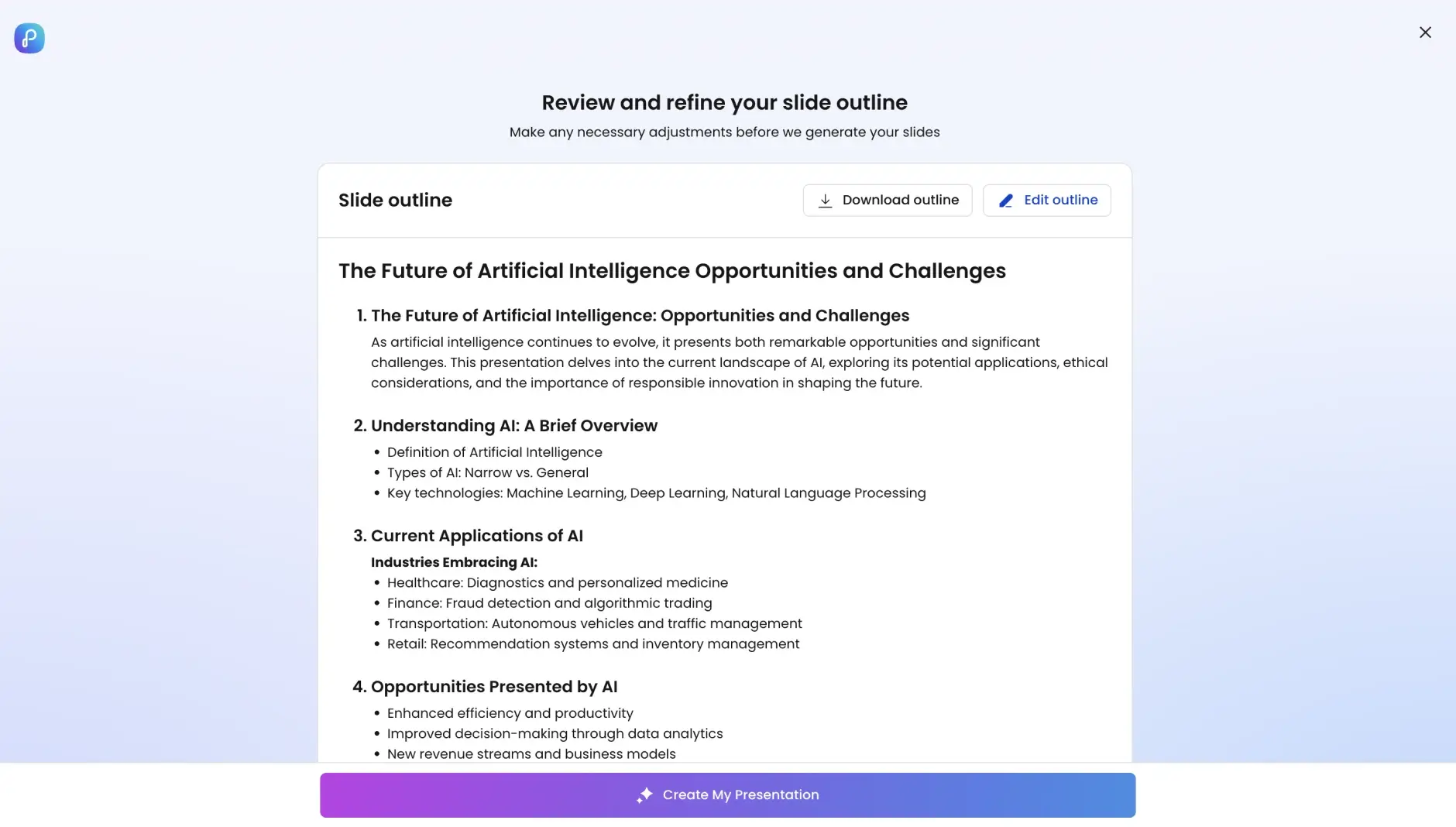
Step 3: AI builds your deck
Convert your topic or idea into a deck with a single click! Watch as your outline transforms into structured narrative flow, professional slide layouts, relevant imagery, automatic animations, and consistent typography. Behind it is an ai slide creator that designs every slide for you — layout, imagery, and typography handled automatically.
Step 4: Review your work
Preview your deck as a slideshow — a fully designed product, not a draft or placeholder version.
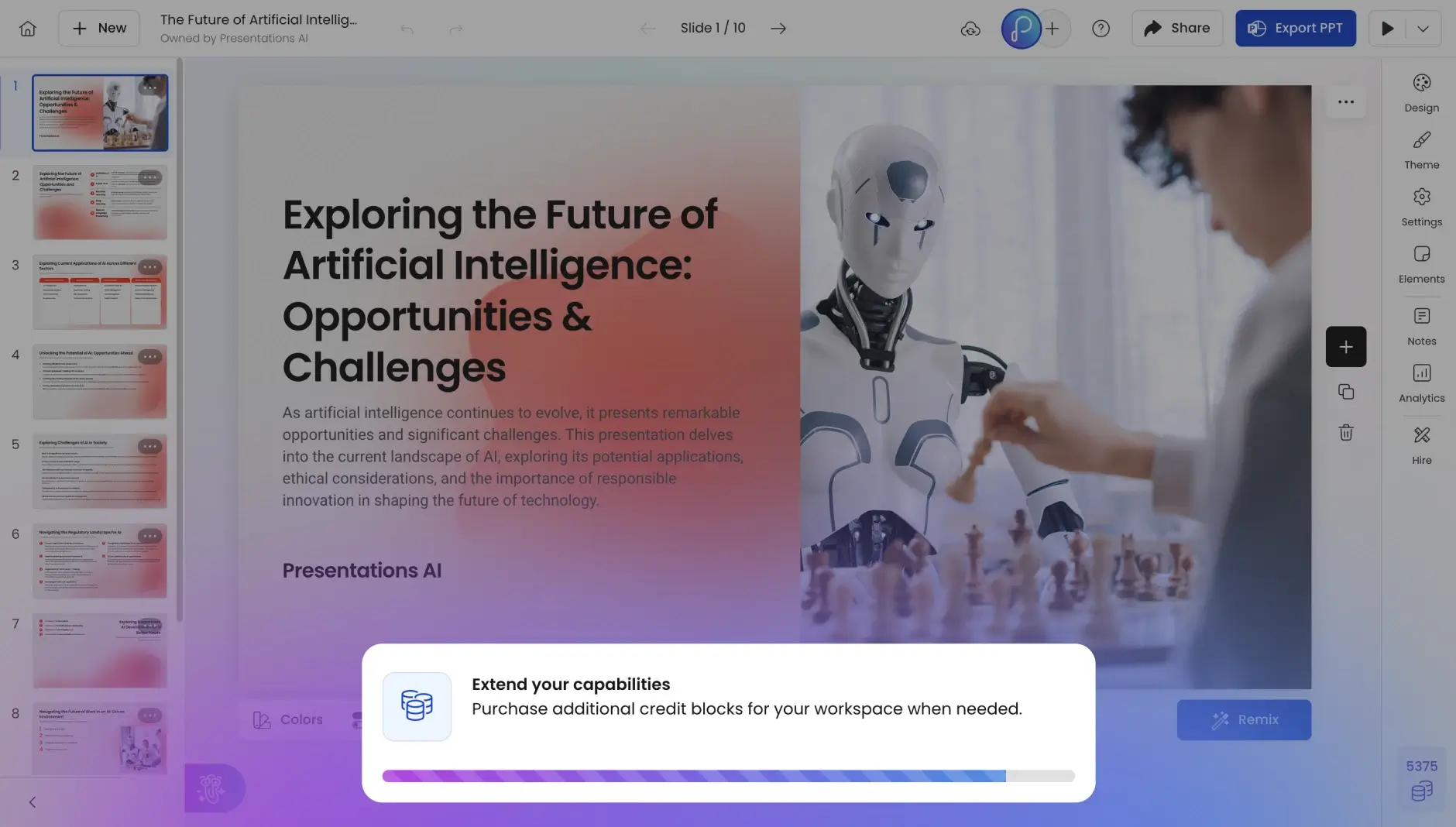
Step 5: Refine with AI Assistance
Edit, expand, or simplify slides using natural prompts — no manual redesign needed.
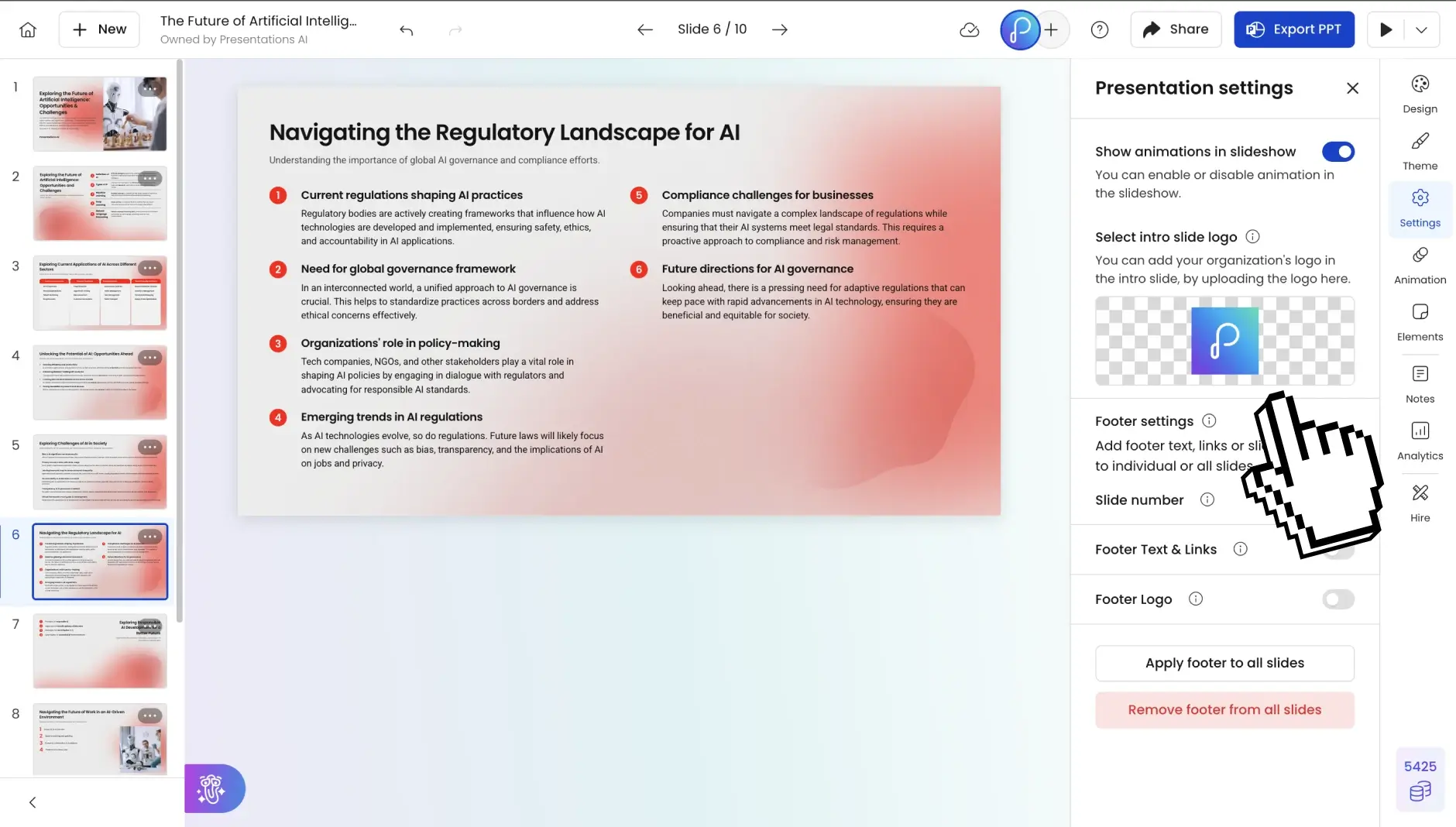
Step 6: Export or share
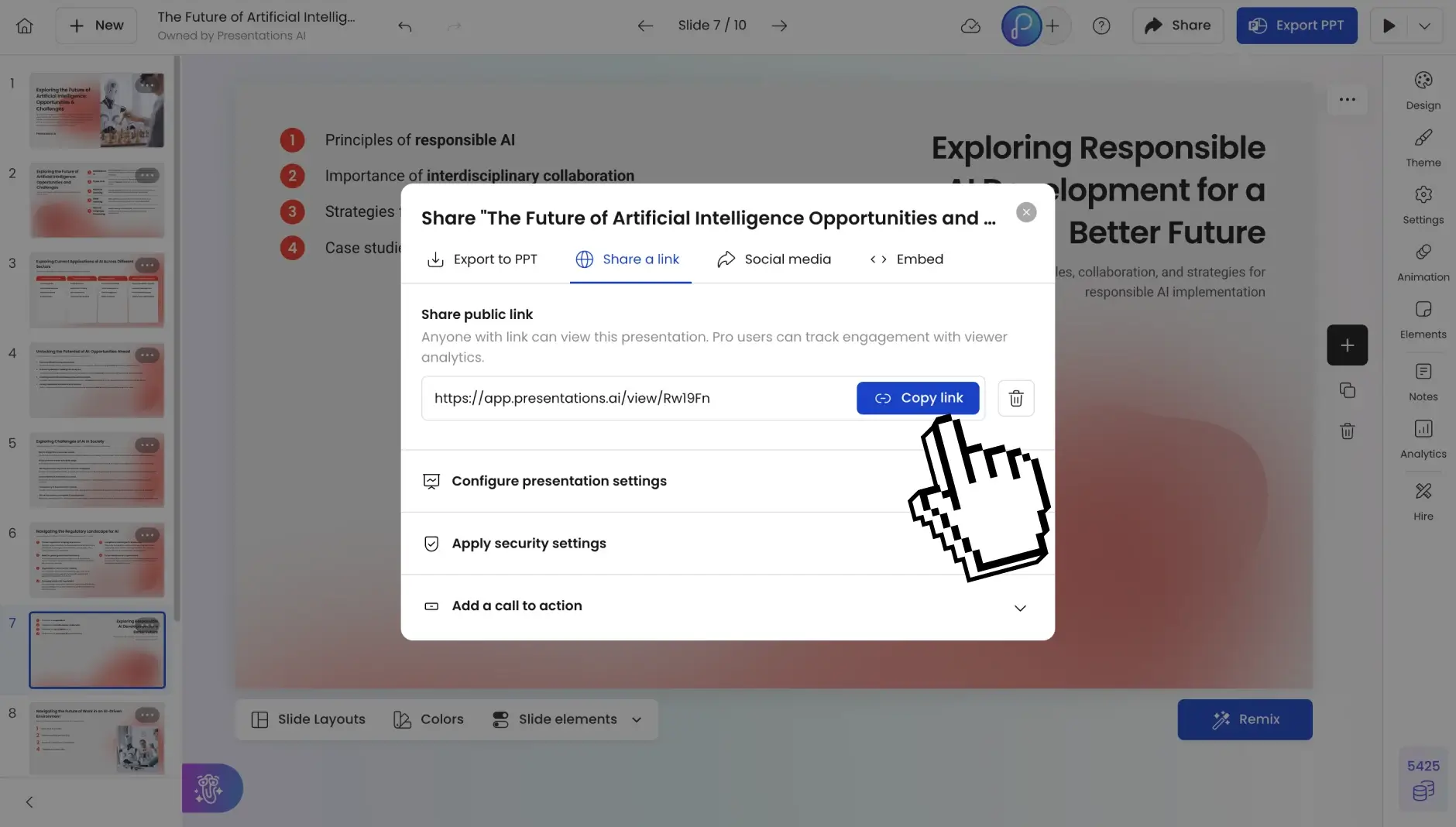
Download as PowerPoint, share via link, or collaborate with your team in real time.