





Everything you need to create impactful presentations in minutes
One-click Conversion
Hit the extension button on any webpage and the AI reads, structures, and designs your presentation automatically
Context-aware AI
The extension understands page structure and content, not just raw text — so slides are organized intelligently from the start
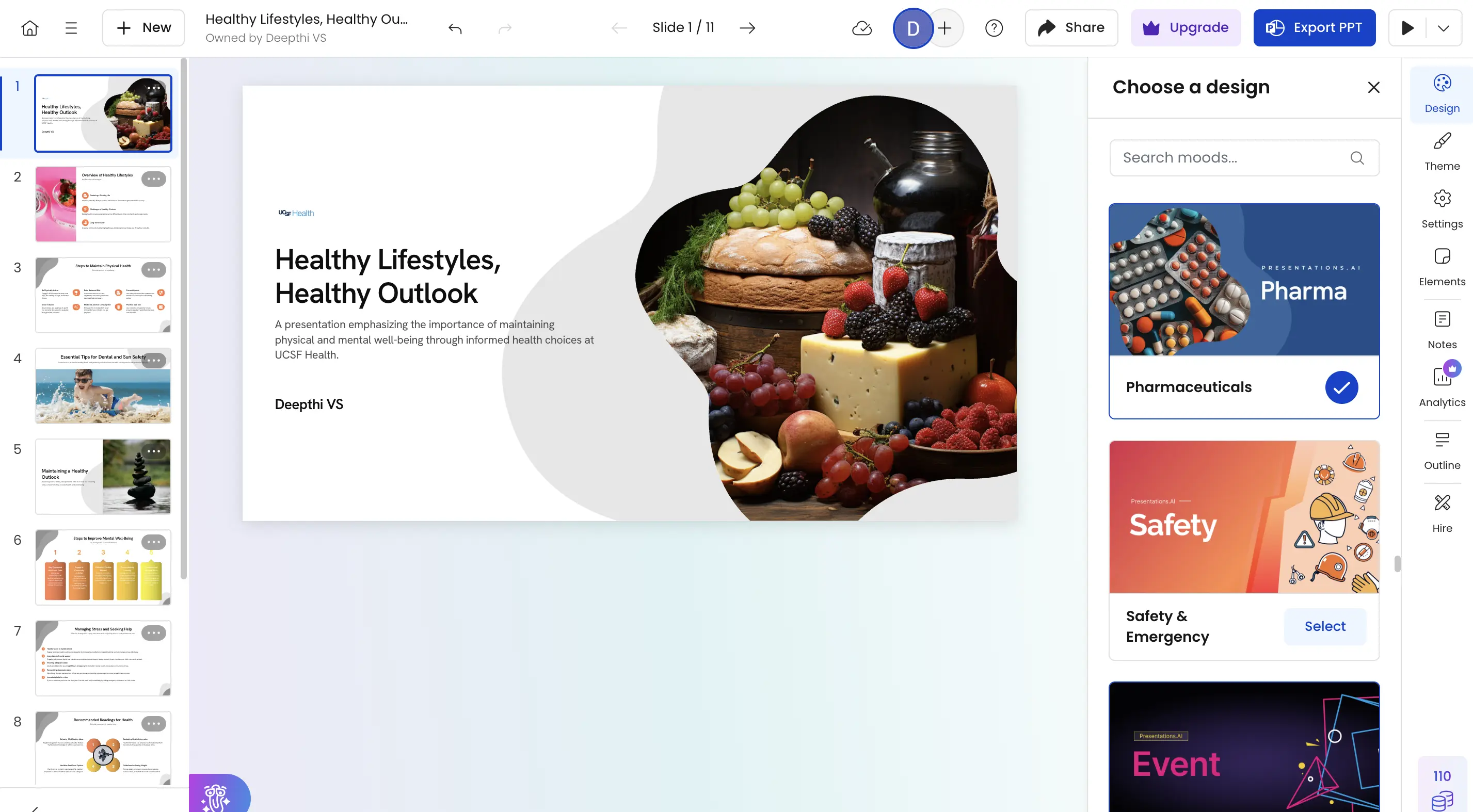
Professional Design Included
Every deck comes out with clean layouts, matched typography, and visuals ready for any audience
Real-time Collaboration
Work seamlessly with your team in real-time. Share, edit, comment, and present together from anywhere in the world with full version control.
How does it work?
Step 1: Install the Chrome Extension
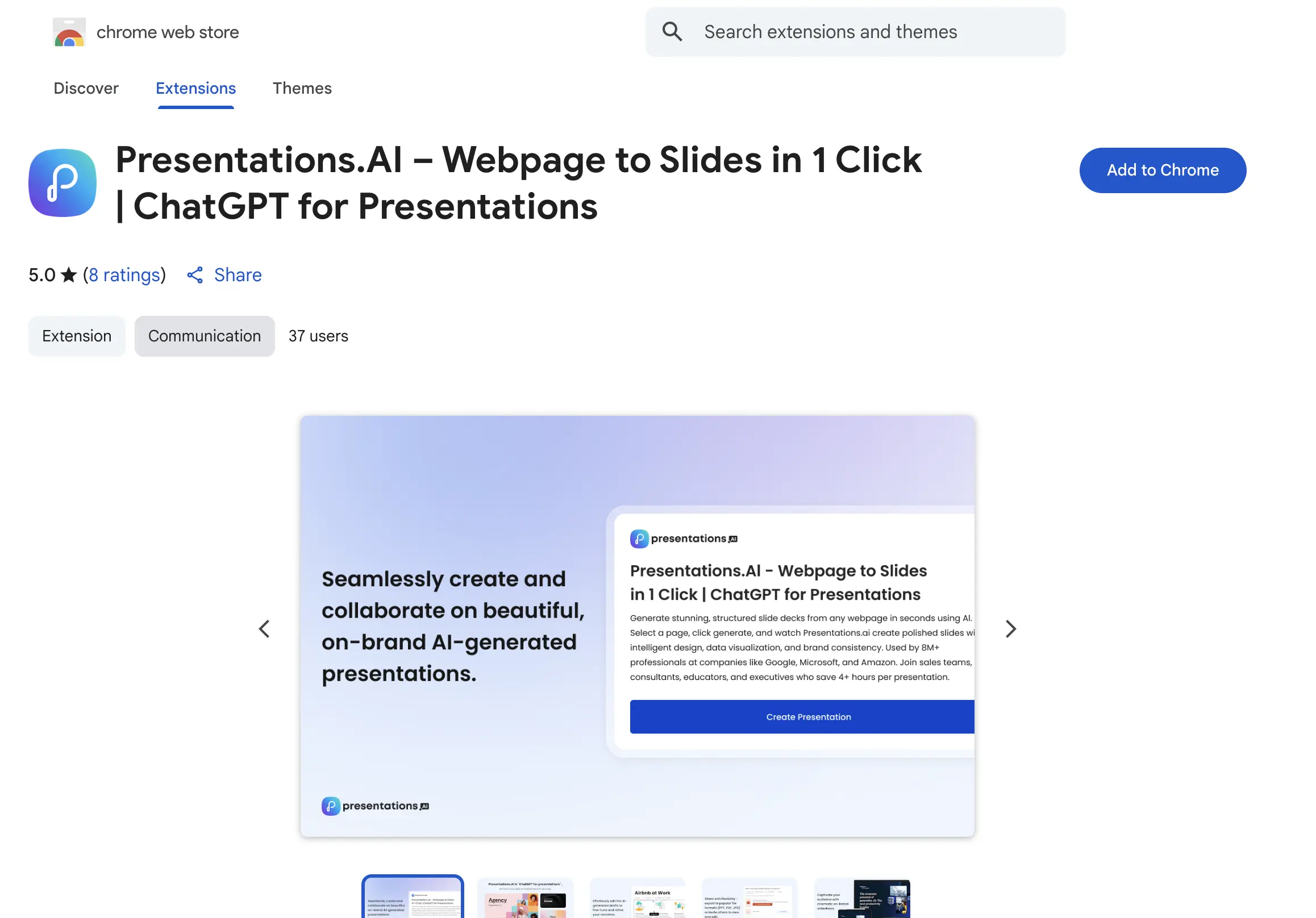
Add the Presentations AI Chrome Extension to your browser by clicking here or Search "Presentations AI" in the Chrome Web Store and click Add to Chrome. Takes under a minute.
Step 2: Browse to any webpage
Navigate to the article, report, or page you want to turn into a presentation.

Step 3: Click the extension
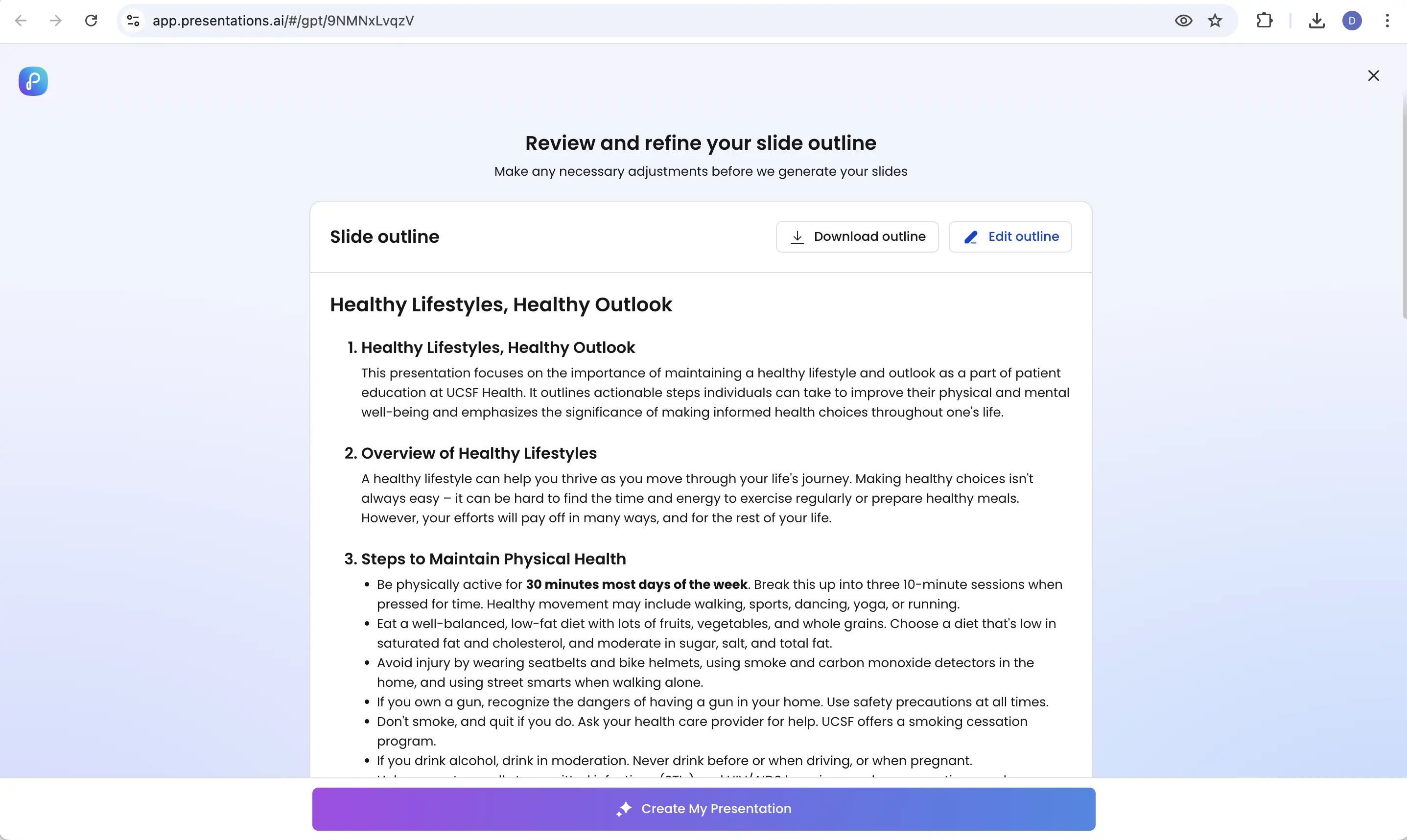
Hit the Presentations AI button in your browser toolbar. The AI captures the page content and generates a structured slide outline automatically.
Step 4: Get your deck
Receive a beautifully designed, presentation-ready deck in seconds, ready to download, share, or present immediately.