


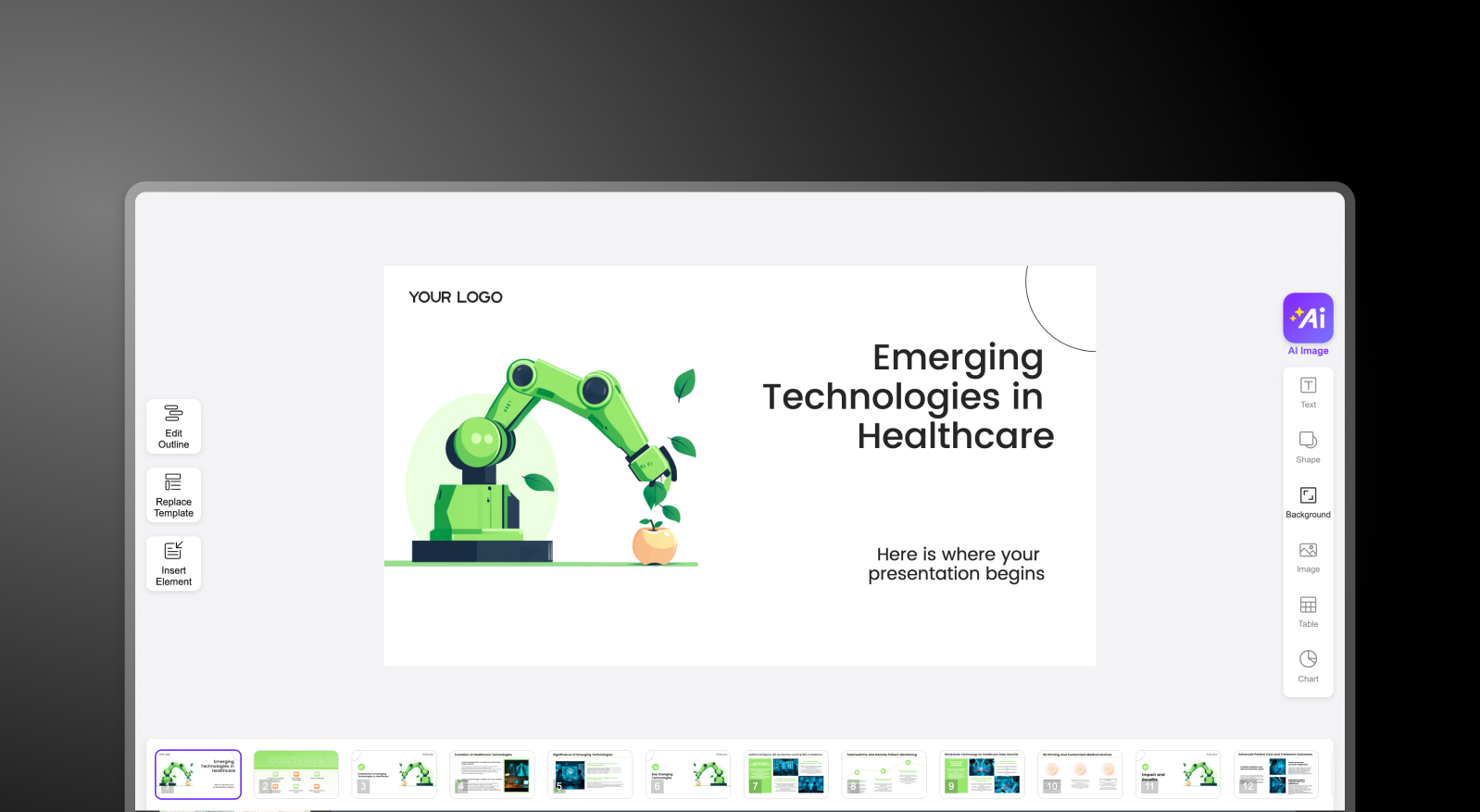

Summary: AI PPT vs Presentations AI
AI PPT.com is designed for speed—helping users quickly turn text prompts into PowerPoint slides, making it a convenient starting point for anyone who needs a quick rough deck. However, the output is often bare-bones, requiring manual effort to refine layouts, apply branding, and add visuals or animations. It’s useful for drafting content, but not for delivering presentation-ready decks.
Presentations AI takes a fundamentally different approach. Instead of generating just slide content, it builds complete presentations—structuring the narrative, applying brand guidelines, designing layouts, and adding animations automatically. As a full ai presentation maker, it produces a finished, designed deck in one pass — not just slide text you still have to format. What would take hours of manual formatting in AI PPT is handled in minutes.
For business professionals, the difference is clear: AI PPT creates a starting point; Presentations AI delivers a finished, polished presentation ready to share.
How AI PPT Works
Step 1: Input Prompt – Enter a topic, outline, or text prompt describing your presentation.
Step 2: Generate Slides – AI PPT quickly converts your input into a basic PowerPoint file with text distributed across slides.

Step 3: Open in PowerPoint – Download and open the file in PowerPoint or Google Slides to begin editing.
Step 4: Manual Refinement – Adjust layouts, fix formatting issues, apply brand colors/fonts, and add visuals or animations manually.
How Presentations AI Works
Step 1: Input Content – Upload a document (PDF/Word), paste an outline, or enter a simple prompt.
Step 2: AI Generates Full Deck – The platform structures your narrative, writes slide content, and applies layouts, visuals, and animations automatically.
Step 3: Brand Sync & Design – Your brand colors, fonts, and logo are applied instantly across every slide—no manual formatting needed.

Step 4: Collaborate & Export – Work with your team in real time, make quick refinements, and export a high-fidelity .pptx file ready for use.
Why Presentations AI is the Best Alternative to AI PPT
From Draft to Done: AI PPT generates basic slides. Presentations.AI delivers complete, presentation-ready decks with design, structure, and polish built in.
AI Beyond Text: While AI PPT focuses on content generation, Presentations.AI handles storytelling, layout, visuals, and animations — end to end.
Automatic Brand Consistency: No manual formatting. Every slide is instantly aligned to your brand guidelines.
Built for Teams: Real-time collaboration, feedback, and version control—no need to juggle files or tools.
High-Fidelity Output: Export PowerPoint files that work perfectly, without broken layouts or missing elements.
The Business Reality
Speed alone doesn’t create impact—finished, high-quality presentations do. Tools like AI PPT help you get slides quickly, but the real work begins afterward: fixing layouts, aligning branding, and making the deck presentable.
Presentations AI shifts that equation. Instead of generating something you still need to complete, it delivers a presentation that’s already structured, designed, and on-brand—so your team spends time on ideas and decisions, not slide cleanup. If you're weighing options, our roundup of the Best AI Presentation Makers shows how the leading tools compare on exactly these points.