テキストから PPT へ

テキストからパワーポイントへのコンバーターそれ 正しく理解できる

あらゆるテキストを30秒でプロフェッショナルなプレゼンテーションに変換します。当社のAI搭載テキスト-PPTコンバーターは、コンテンツを単なるフォーマット済みのテキストダンプではなく、洗練されたスライドとして分析、構造化、再構築します。

Thank you! Your submission has been received!
Oops! Something went wrong while submitting the form.

フリーテキストからパワーポイントへの変換

開始するには 200 AI クレジット

どんなテキスト入力でも動作

編集可能な.pptx にエクスポートします

本来あるべきプレゼンテーションのスーパースターになりましょう

AI を使用して PPT、インフォグラフィック、チャート、タイムライン、プロジェクト計画、レポート、製品ロードマップなどを作成します。手間がかからず、魅力的で、無料で試すことができます。

テキストからPPTへの無料トライアル

テキストを PowerPoint に手動で変換するには不十分な理由

ステークホルダーに最新情報として伝える必要があるミーティングメモすぐに売り込めるはずのプロジェクトブリーフ。スライドに値するパラグラフに埋もれた研究結果。問題は内容ではなく、読みやすいテキストを提示する価値のあるものに変えるのにかかる時間です。

手動のテキストからPPTへの変換は面倒です
PPTツールへの基本的なテキストはそれをさらに悪化させます。スライドに段落を捨て、デザインの決定はすべてユーザーに任せて、それでもドキュメントのように見えるものを提供します。2 時間経った今でも、空白のスライドをじっと見つめて、どこから始めたらいいのか迷っています。

当社の AI テキストから PowerPoint へのコンバーターが実現します
プレゼンテーション AI のテキストから PowerPoint へのコンバーターの動作は異なります。テキストを任意の形式、任意の長さで貼り付けると、AI が意図を理解し、構造を整理して、プロがデザインした完全なデッキを生成します。30 秒で完了します。


当社のAIテキストからPowerPointへのコンバーターがいかに優れているか

フォーマットだけではない、コンテンツインテリジェンス
2,000 語のレポートはスライドの 2,000 語にはなりません。重要なインサイトが浮かび上がり、裏付けとなるデータが視覚化され、読者が1人で読むのではなく、実際の読者に役立つ構造を備えた、焦点を絞った15枚のスライド形式のナラティブになります。

プレゼンテーションネイティブデザイン
テキストは読むためのものです。プレゼンテーションは人を引き付けるためのものです。AIは、視覚的な階層、戦略的なホワイトスペース、オーディエンスに最適化されたレイアウトを自動的に適用します。すべてのスライドは、単なる情報伝達ではなく、インパクトを重視して作成されています。

スマートコンテンツ階層
メインテーマはセクションヘッダーになります。サポートポイントはスライドのコンテンツになります。詳細はスピーカーノートになります。変換時に失われるものは何もなく、必要な場所に配置されます。

任意のテキスト形式、同等の精度
プレーンテキスト、箇条書き、フォーマットされた文書、混合コンテンツなど、AIはすべての入力タイプを同じインテリジェンスで処理します。貼り付ける前に特別な書式を設定する必要はありません。

変換方法 テキストをパワーポイントに プレゼンテーション

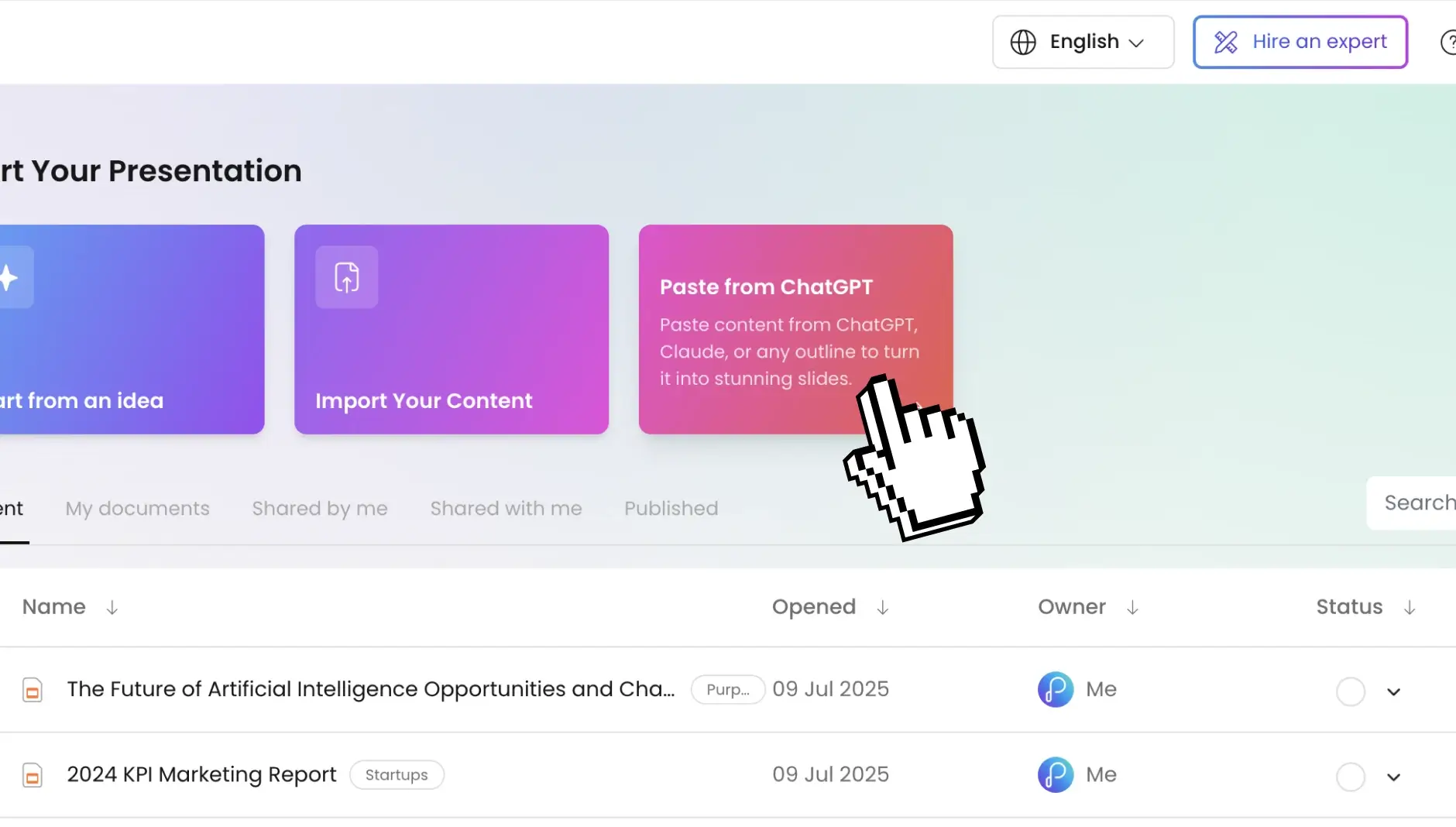
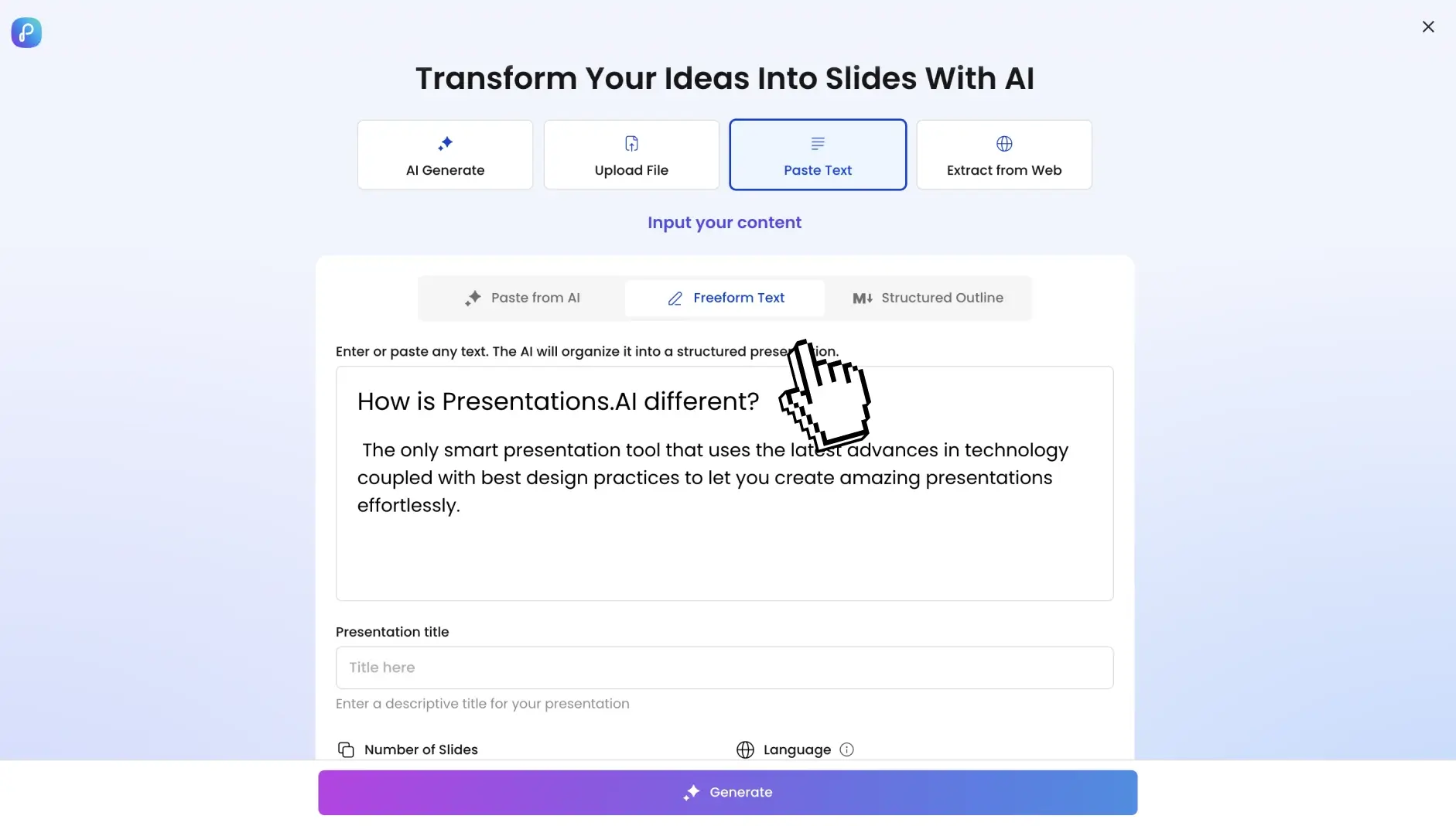
ステップ 1: ダッシュボードに移動してテキストコンテンツを入力する

ダッシュボードにアクセスして、議事録、プロジェクトの要約、調査の要約、記事の下書き、トレーニングの概要などのコンテンツを貼り付けます。どんなテキストでも使えます。

texttodeck_1

ステップ 2: プレゼンテーション設定を行う

スライド数、言語、ターゲットオーディエンスを選択してください。AI は、お客様の仕様に合わせてトーン、複雑さ、ビジュアルスタイルを調整します。

ステップ 3: ワンクリックでパワーポイントを生成

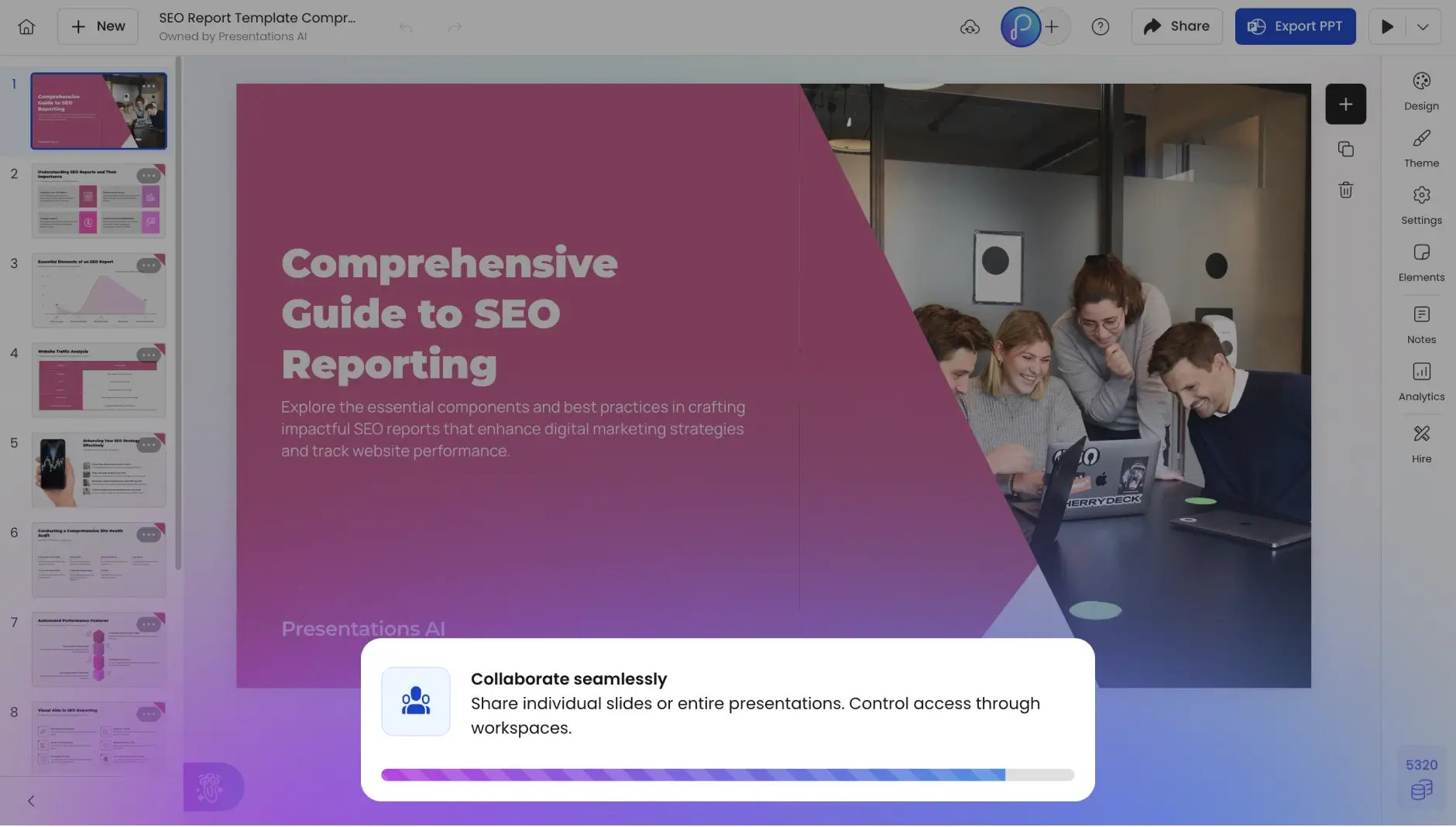
「変換」を押します。AI は主要なテーマ、論理フロー、情報階層を識別し、30 秒で完全な PowerPoint プレゼンテーションを作成します。

ステップ 4: デッキをプレビューする

スライドショーモードに直接ジャンプします。完全に編集可能なスライド、プロ仕様の画面切り替え、保存された書式、スピーカーノート、クリック可能なハイパーリンクがあり、キャンバスに段落が積み重なっているわけではありません。

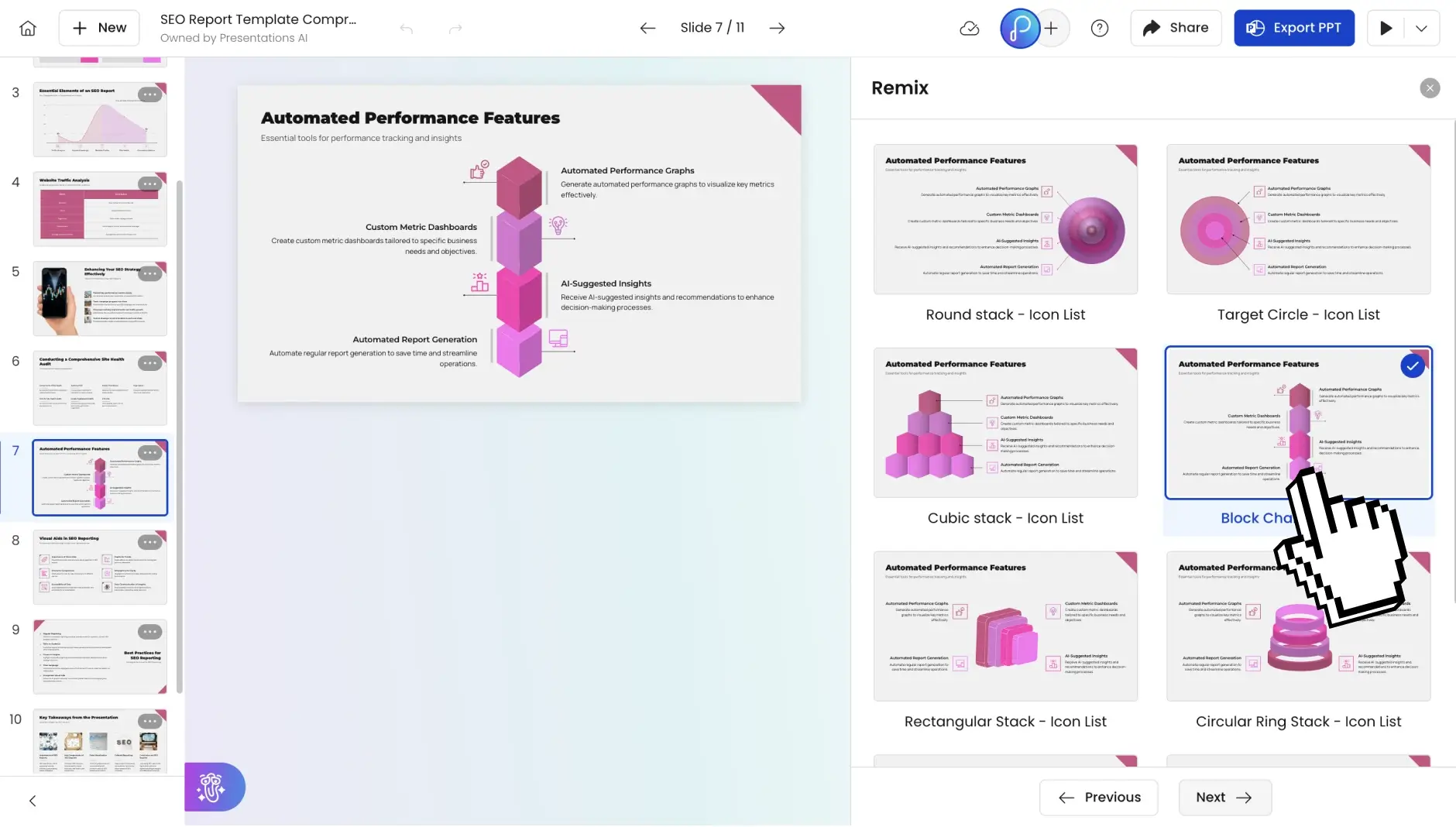
ステップ 5: 適切と思われる変更を加える

テキストの調整、画像の入れ替え、レイアウトの変更、スライドの追加、その他何でも組み込みエディターで直接行えます。AIはあなたに強力な出発点を与えてくれます。最終決定は常にあなた次第です。

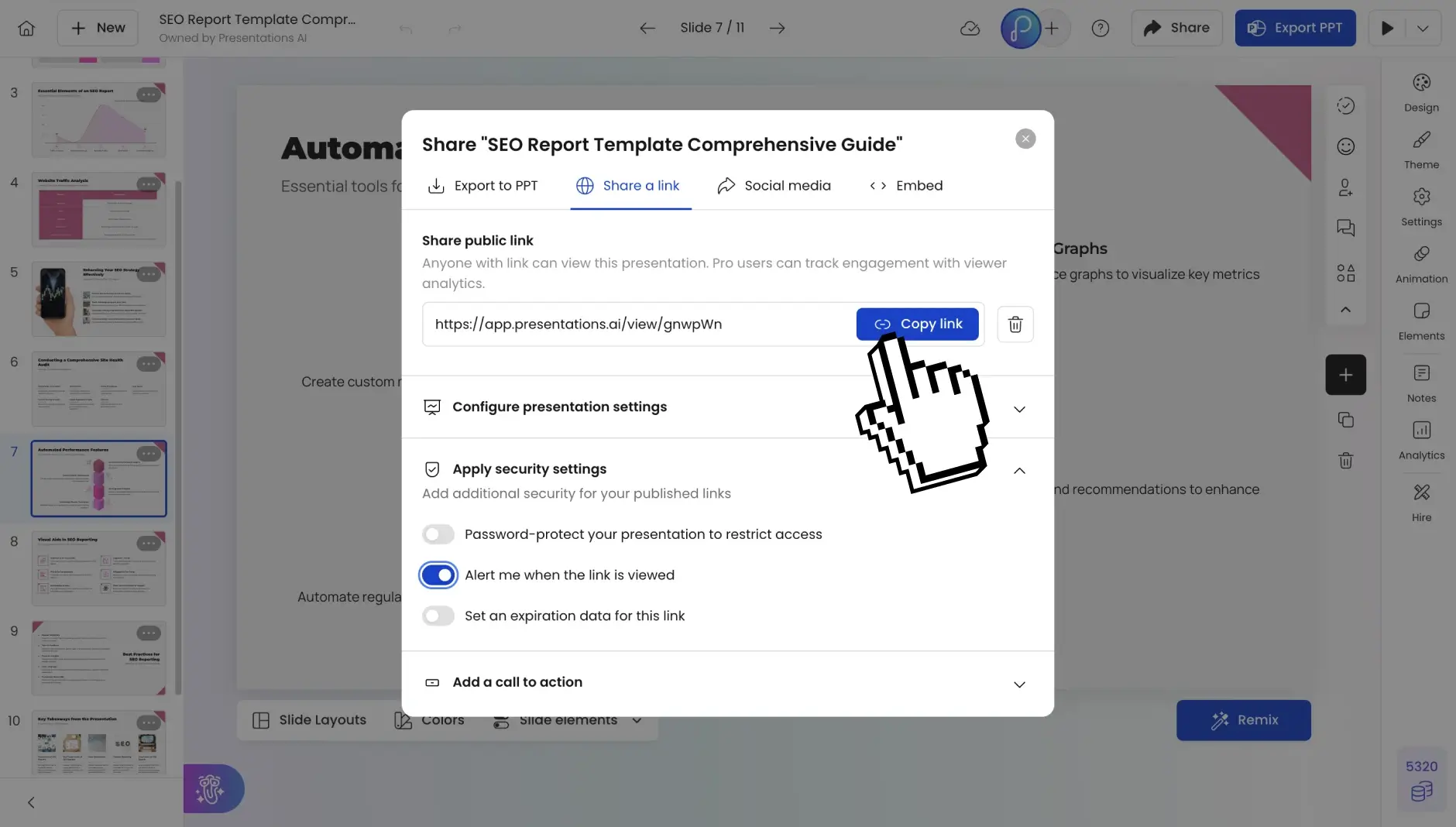
ステップ 6: どこでも共有する

共有可能なリンクとして公開したり、チームメイトを招待して共同編集したり、完全に編集可能な PowerPoint や PDF としてエクスポートしたりできます。どんな部屋、どんな聴衆、どんなフォーマットにも対応できます。

Divider Lines

よくあるご質問

What types of text can I convert to PowerPoint?

Down IconUp Icon

Our text to PPT converter works with any text format—plain text, formatted documents, bullet lists, meeting notes, article drafts, or mixed content. From a quick paragraph to a 10,000-word report, it all converts.

How does the AI understand my text structure?

Down IconUp Icon

The AI performs semantic analysis to identify main themes, supporting arguments, examples, and conclusions. It recognizes natural section breaks, hierarchies, and relationships between ideas to create logical slide groupings.

What happens if my text is unstructured?

Down IconUp Icon

That's where our AI excels. Even scattered notes or stream-of-consciousness writing gets organized into coherent slides. The AI extracts key ideas, groups related concepts, and builds a narrative flow.

Can I control how many slides are generated?

Down IconUp Icon

Absolutely. Specify your desired slide count during setup. The AI adjusts content density accordingly—more slides for detailed depth, fewer slides for executive summaries.

Does it work with non-English text?

Down IconUp Icon

Yes. Supporting 40+ languages with automatic detection. You can even convert text in one language to a PowerPoint in another language, or maintain the original language throughout.

How does the AI add visuals to text-only input?

Down IconUp Icon

The AI analyzes your content themes and automatically sources relevant, high-quality images from our integrated stock libraries. Icons illustrate concepts, and data references become charts.

Can I use this for technical or specialized content?

Down IconUp Icon

Absolutely. The AI handles technical terminology, maintains accuracy, and preserves specialized language. Medical presentations, financial analyses, engineering reports—all convert with precision.

What about my brand consistency?

Down IconUp Icon

Include your company information in the text, and Brand Sync automatically applies your colors, fonts, and logo. Every slide maintains your visual identity without manual formatting.

Is my text content secure and private?

Down IconUp Icon

SOC 2 Type II certified with encrypted processing. We don't store your text after conversion. Your proprietary content, competitive analysis, and confidential data stay private.

How is this better than creating slides manually?

Down IconUp Icon

Manual creation takes hours. We give you presentation-ready slides in 30 seconds. Our AI handles structure, design, visual selection, and formatting while you focus on delivering your message.