The Word to PPT Problem We Solved
Here's what you're dealing with: A comprehensive report that needs to wow the executive team. A proposal document that must impress potential clients. A Word file full of valuable insights trapped in dense text.
Doing it manually is painful
Endless copy-pasting. Wrestling with slide layouts. Watching your document's logic fall apart during conversion. Hours disappear while you create slides packed with text that audiences will ignore.
Our Word to PowerPoint converter changes everything
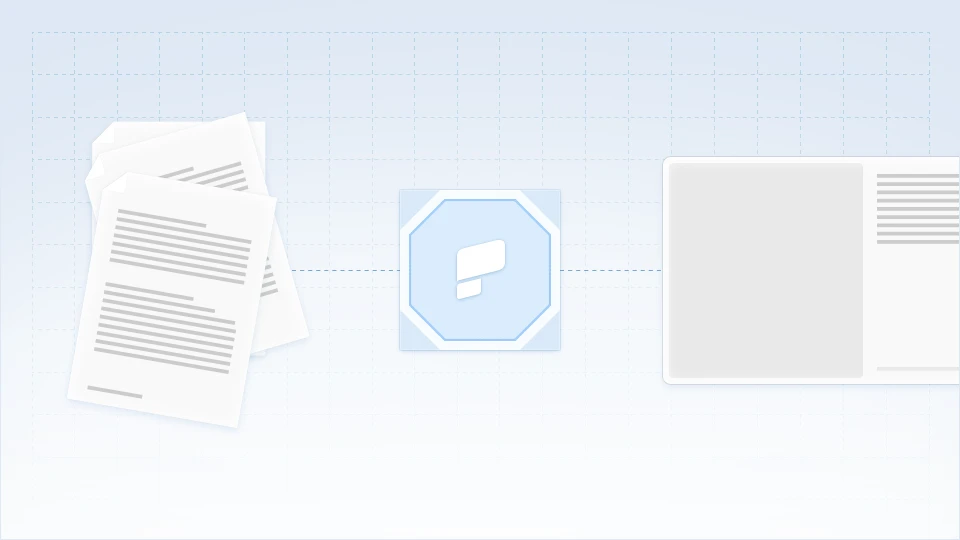
Drop in any Word file. Our AI reads through your content, grasps the document flow, and builds presentation-quality slides. Includes compelling visuals, smooth animations, and automatic brand styling.
How to Transform Word Documents into PowerPoint Presentations
Step 1: Access your dashboard and import your Word file
Head to your dashboard and choose the document import option. Drag in your Word file; business reports, client proposals, technical documentation, research papers, training materials; our Word to PPT converter processes them all.
Word documents we handle:
- Business reports and executive summaries
- Client proposals and pitch documents
- Research papers and academic content
- Training manuals and instructional guides
- Standard operating procedures
- Case studies and market analyses

Step 2: Set your presentation preferences
Tailor the conversion to your needs. Pick how many slides you want, select your preferred language, and define who'll be viewing this. The AI shapes everything—from content depth to visual style—around your specifications.

Step 3: Click once to generate your PowerPoint
Hit convert and watch the magic happen! This isn't simple reformatting—it's intelligent transformation. The AI dissects your document structure, pulls out core messages, highlights supporting data, and maps everything into presentation logic. Thirty seconds later, your Word document is now a polished PowerPoint deck.
PRO TIP: Got your company logo or brand colors in the Word doc? Brand Sync picks them up automatically and applies your visual identity across every single slide.

Step 4: Check out your new presentation
Jump straight into slideshow mode to see what you've got. Unlike those basic converters that just stack paragraphs on slides, you'll find:
- Clean, editable PowerPoint components
- Your document outline transformed into logical sections
- Smooth transitions and eye-catching animations
- Critical points pulled out and emphasized
- Data tables converted into presentation-friendly formats

Step 5: Polish and personalize as needed
Dive into the AI-generated deck and tweak anything you want—swap out text, change images, adjust layouts, or rework design elements right in our built-in editor. Toss in extra slides, shuffle content around, or fine-tune whatever needs adjusting.
AI enhancement shortcuts:
- "Trim this to 10 slides" - Quick executive version
- "Turn tables into charts" - Better data visualization
- "Add section breaks" - Clear chapter divisions
- "Punch up the conclusions" - Stronger closing impact

Step 6: Share Anywhere
Happy with how it looks? Share it with everyone by creating a presentation link, or loop in specific team members to collaborate on edits. You can also download it as a PDF or grab the fully-editable PowerPoint file.
- PowerPoint (.pptx): Full fidelity, editable elements
- PDF: Professional documents with working links
- Share Link: Present from any browser
- Image Files: PNG/JPG for individual slides
What Makes Our Word to PowerPoint Converter Superior
Document Comprehension, Not Just Conversion
Run-of-the-mill Word to PPT tools just slap document text onto slides. We actually understand what your document is saying. A 20-page analysis becomes a tight 15-slide story. Wall-of-text paragraphs become punchy bullet points. Complicated arguments become clear visual sequences.
Content Rebuilt for Live Audiences
Word docs work for solo reading. Presentations need to captivate rooms full of people. Our AI reimagines written material for maximum audience impact—executive summaries kick off your deck, detailed content flows into logical arguments, final thoughts become memorable conclusions.
Intelligent Component Recognition
The AI figures out the best move for every part of your document. Section headers turn into slide titles. Bulleted lists stay crisp and organized. Data tables morph into sleek visualizations. Photos and graphics find their ideal placement. Footnotes shift into speaker notes.
Advanced Document Navigation
Multi-chapter documents? Embedded spreadsheets and graphs? Inconsistent formatting throughout? Tracked edits and margin comments? Our Word to PPT converter handles document complications that make other converters crash.