The URL to PPT Challenge We Sorted
Your reality right now: A brilliant article that needs to become tomorrow's team presentation. A competitor's webpage that needs analysis slides. A YouTube transcript that should be training material.
Manual conversion is torture
Copy-paste gymnastics. Screenshot quality that embarrasses you. Formatting that fights back. Three hours later, you've built mediocre slides and lost your enthusiasm.
Our URL to PowerPoint converter delivers
Paste any link. Watch our AI extract content, understand structure, and generate presentation-ready slides. Complete with visuals, animations, and your brand identity. No URL? The AI PPT maker can also build a full deck from just a topic or a few lines of text.
How to Convert URL to PowerPoint Presentations
Step 1: Navigate to your dashboard and select "Import docs or links"
Visit your dashboard and select the option to import either using webpages, blogs post and articles into the system. Drop in any webpage link. Blog posts, news articles, documentation pages, YouTube videos, company websites—our URL to PPT converter handles them all.
Supported URL sources:
- Blog posts and articles
- News sites and magazines
- YouTube videos (with transcripts)
- Documentation and wikis
- Company landing pages
- Research publications online

Step 2: Use Import from URL
Extract content from web page or articles link, and convert it to a stunning deck

Step 3: Generate the deck
Convert the given link with a single click! Our converter doesn't just scrape; it comprehends. The AI identifies main points, supporting details, media elements, and information hierarchy. In 30 seconds, your URL transforms into a complete PowerPoint presentation.Convert the given link with a single click! Our powerful AI will customize the presentation to showcase your idea and ensure that other instructions such as language and tone are complied with.
PRO TIP: Add your company URL during conversion. Brand Sync automatically applies your exact colors, fonts, and logo to every slide.

Step 4: Review Your Converted Presentation
Preview immediately as a slideshow. Unlike basic PDF to PPT tools that create static images, you get:
- Fully editable PowerPoint elements
- Preserved formatting and structure
- Professional transitions
- Speaker notes from PDF annotations
- Clickable hyperlinks maintained

Step 5: Make any changes you deem fit
You can expand on the AI-generated draft and effortlessly make any changes you wish to the text, images or layouts from right within the editor. You can also add more slides if you wish to do so.
- "Summarize to 10 slides" - Executive summary creation
- "Add speaker notes" - Generate presentation talking points
- "Modernize design" - Update dated PDF layouts
- "Create sections" - Add logical chapter breaks
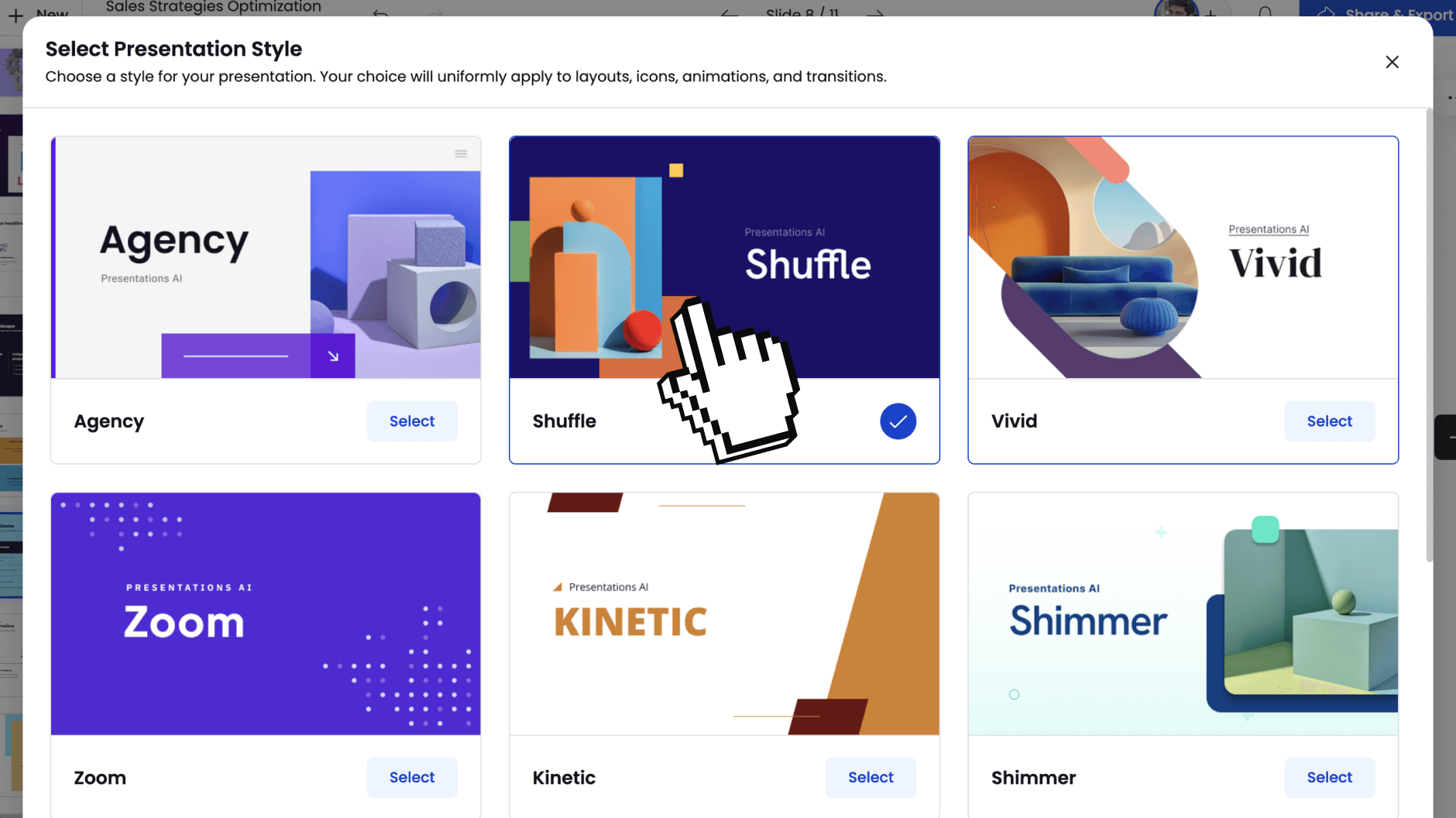
Step 6: Share Anywhere
Once you are satisfied with the output, you can share your deck with the world by publishing it as a link or you can invite selected team mates to view and edit it with you. You can also export it to PDF or a fully-editable PowerPoint if you wish to do so.
- PowerPoint (.pptx): Full fidelity, editable elements
- PDF: Professional documents with working links
- Share Link: Present from any browser
- Image Files: PNG/JPG for individual slides

Why Our URL to PowerPoint Converter Dominates
Content Intelligence Beyond Scraping
Basic URL to PPT tools copy text. We understand context. A 5,000-word article becomes a focused 12-slide story. A product page becomes a competitive analysis. A video becomes training material. That same intelligence runs across every tool in Presentations.AI.
Web-Aware Presentation Design
Webpages are for browsing. Presentations are for communicating. Our AI restructures web content for audience impact; long paragraphs become bullets, embedded data becomes charts, screenshots become slide backgrounds.
Real-Time Web Extraction
Fresh content, every time. Our URL to presentation converter pulls live data, ensuring you always work with current information. No cached, outdated content.
Complex Page Handling
JavaScript-heavy sites? Paywalled content you can access? Multi-media pages? Our converter navigates modern web complexity that breaks other tools.